Виртуальная карта: что такое и как оформить онлайн
#обзоры
Чтобы оплатить почти любой сервис в интернете, нужна международная банковская карта — без нее дальше экрана оплаты не пройти. У части пользователей карта есть, а платеж все провести не получается, и причины у каждого свои.
Для пользователя без карты международного банка проблема в том, что карта российского банка не проходит на большинстве иностранных сайтов, а другой карты под рукой нет.
У виртуальной карты в обоих случаях те же реквизиты, что у обычной, — номер, срок действия только без физического пластика, который можно подержать в руках. Дальше рассмотрим как она устроена изнутри, чем на самом деле отличается от пластиковой и как выпустить свою за несколько минут.
Как работает виртуальная карта
Первые шесть-восемь цифр номера карты — это BIN, и именно по нему сайт на другом конце платежа понимает, какой банк ее выпустил и в какой стране. Дальше запрос идет одним и тем же путем для любой карты — через платежную систему к банку, который либо пропускает списание, либо нет.
Запрос по этой цепочке идет одинаково для любой карты. Через платежную систему к банку, который одобряет списание или блокирует его, — так что для проверки виртуальная карта ничем не отличается от обычной. Расходится только скорость готовности к работе: пластик нужно напечатать и переслать, а цифровую карту достаточно один раз выпустить в системе банка, и она сразу активна. Если карта поддерживает Apple Pay или Google Pay, тем же номером получится расплатиться и офлайн, поднеся телефон к терминалу вместо ввода данных на сайте.
Как проходит обычная оплата виртуальной картой
На кассе любого сайта виртуальная карта ведет себя как обычная — вводятся номер из 16 цифр, срок действия и трехзначный код с виртуальной «обратной стороны», после чего сервис отправляет запрос в банк на подтверждение платежа. Дальше почти всегда подключается 3-D Secure — проверка кодом из смс или push-уведомления в приложении банка, без которой крупный интернет-магазин просто не пропустит платеж. Как только банк подтверждает код и наличие денег на балансе, средства списываются, а продавец получает уведомление об оплате — вся цепочка занимает несколько секунд и ничем не отличается от оплаты картой, вставленной в терминал.
Чем виртуальная карта отличается от пластиковой
Главное отличие не в возможностях карты, а в формате выпуска и сценариях, для которых она создана — виртуальная карта сделана под цифровые платежи, а пластик рассчитан на смешанное использование, от кассы в магазине до интернета.
| Параметр | Виртуальная карта | Пластиковая карта | |
|---|---|---|---|
| Срок выпуска | Виртуальная картаМинуты, сразу в личном кабинете | Пластиковая картаОт нескольких дней до пары недель | |
| Где работает | Виртуальная картаОнлайн-платежи, иногда + Apple Pay и Google Pay | Пластиковая картаВезде — касса, банкомат, интернет | |
| Риск потери | Виртуальная картаФизически потерять нельзя, только данные | Пластиковая картаМожно потерять как саму карту, так и данные |
Какие бывают виртуальные карты
Виртуальные карты различаются сразу по нескольким параметрам, и от этого набора зависит, для какой задачи подойдет конкретная карта.
| Критерий | Варианты | |
|---|---|---|
| Назначение | ВариантыРазовая покупка (важна низкая цена выпуска) или регулярные списания вроде подписок (важен срок действия и поддержка автоплатежей) | |
| Валюта баланса | ВариантыРубли, доллары, евро или мультивалютный баланс | |
| Идентификация | ВариантыПо телефону или почте без документов, либо полная — с паспортом и селфи | |
| Комиссии | ВариантыЗа выпуск, обслуживание, пополнение и за каждую операцию — набор у всех разный | |
| Способ оплаты | ВариантыТолько на сайтах, либо на сайтах и офлайн через Apple Pay или Google Pay |
Общее правило простое — чем выше лимиты и разнообразнее возможности карты, тем строже требования к идентификации ее держателя, а «бесплатный выпуск» в рекламе почти никогда не означает, что бесплатна карта целиком, — обслуживание, пополнение и операции чаще всего оплачиваются отдельно.
Для чего нужна виртуальная карта
Указатель тут простой — годится ли оплата в принципе без похода к кассе или банкомату. Там, где ответ да, виртуальная карта решает задачу быстрее пластиковой и без лишних шагов.
У пользователя без карты международного банка вопрос стоит иначе — подойдет ли карта вообще, а не как быстро ее получится оформить. Карта российского банка для многих иностранных сервисов не подходит, и виртуальная карта решает именно эту проблему, без открытия счета в другой стране.
Помимо подписок виртуальную карту заводят под тестовую оплату сервиса, которому не хочется сразу доверять данные основной карты, под разовую покупку там, где своя карта попросту не проходит, и как отдельный кошелек под одну статью расходов — такой проще закрыть или перевыпустить, не трогая остальные счета.
Особенности оформления виртуальной карты онлайн
Прежде, чем выбрать конкретный сервис, нужно проверить две вещи, которые редко бросаются в глаза сразу. Для начала — срок действия карты, ведь после его истечения реквизиты меняются и их придется заново вписывать во все подключенные подписки, а не только один раз при оформлении. Вторая — суммарная стоимость владения, а не только цена выпуска, потому что при частых небольших платежах даже разница в один-два процента по комиссии за операцию заметнее, чем экономия на самом выпуске. Сама процедура после выбора сервиса везде примерно одинаковая — регистрация в личном кабинете, выбор тарифа и получение реквизитов, без курьера и похода в отделение.
Как выпустить виртуальную карту Mirocard
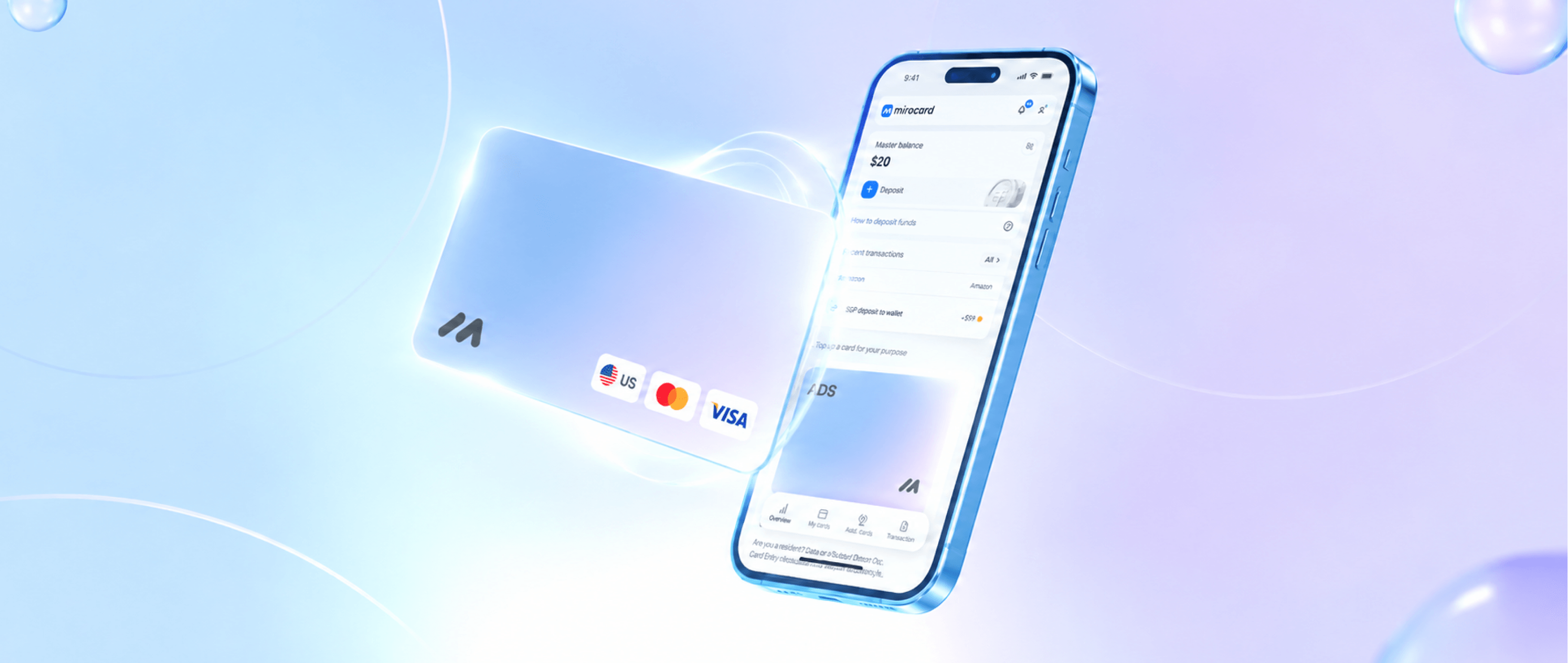
Mirocard подходит под эти же критерии — 5 долларов за выпуск карты для подписок, весь процесс в личном кабинете за несколько минут, понадобиться только создать аккаунт.
СБП — рубли списываются с карты российского банка и в течение секунд оказываются на балансе Mirocard. Ни конвертации, ни счета за пределами страны это не требует.
Здесь можете посмотреть пошаговую инструкцию по выпуску виртуальной карт. Прежде чем подключать карту к автосписанию, стоит провести один небольшой платеж и убедиться, что данные приняты верно. Дальше карта работает как обычная — на любом сайте с Visa и Mastercard.
Как оплачивать покупки виртуальной картой
В интернете виртуальная карта используется так же, как обычная банковская — на экране оплаты вводятся номер, срок действия и код с обратной стороны, а затем при необходимости платеж подтверждается через 3-D Secure. Для разовой покупки этого достаточно, а для подписки с регулярным списанием сервис запоминает карту и списывает нужную сумму автоматически в дату продления, без повторного ввода данных. Если платеж не проходит с первого раза, не стоит нажимать «Оплатить» подряд несколько раз — система антифрода может расценить это как подозрительную активность, лучше сначала проверить остаток на балансе и совпадение страны сервиса со страной карты.
Безопасно ли пользоваться виртуальной картой
Цифровой формат сам по себе не делает карту ни более, ни менее безопасной — все решает то, как защищен аккаунт, на каких условиях работает сервис и насколько аккуратно ведет себя пользователь. У виртуальной карты нет риска физической кражи на улице, зато есть свой риск — реквизиты можно случайно передать третьим лицам, отправив их в переписке или введя на поддельном сайте, поэтому хранить их стоит только в личном кабинете сервиса или в отдельном менеджере паролей. Двухфакторная аутентификация при входе в кабинет снижает риск куда сильнее, чем сам выбор между виртуальной картой и пластиком, так что включать ее стоит сразу при регистрации.
Виртуальная карта или обычная — что выбрать
Практический ориентир — доля платежей, которая проходит через кассу, банкомат или терминал с чипом, а не общее ощущение, какой формат современнее. Если эта доля близка к нулю и все расходы — это подписки, сервисы и покупки в интернете, виртуальная карта закрывает задачу полностью, да еще и быстрее пластика. Как только в списке появляются снятие наличных или оплата там, где спрашивают физическую карту с чипом, без обычной карты не обойтись — виртуальная это не заменит. Поэтому чаще встречается не выбор одного формата, а комбинация — пластик для офлайна, виртуальная карта для интернета, и утечка одной из них не задевает вторую.
Заключение
Виртуальная карта решает узкую, но частую задачу — дает способ платить в интернете без ожидания пластика и без риска для основного счета, если что-то пойдет не так на стороне продавца. Разница между отдельными сервисами, которые ее выпускают, обычно не в самом принципе работы, а в деталях — сроке действия, валюте, лимитах и условиях пополнения, поэтому подбирать карту стоит под конкретную задачу, а не по первому попавшемуся предложению. Mirocard закрывает эту задачу для тех, кому нужна карта для оплаты сервисов и подписок без лишних посредников, — оформление занимает несколько минут, а первым платежом можно воспользоваться в тот же день.