Top up your balance with cryptocurrency
Quick top-ups, instant crediting — it's all simple.
CapCut allows you to edit videos on computers and mobile devices. The editor lets you work with clips, music, text, transitions, and visual effects.
CapCut Pro provides additional tools and features for more advanced editing. The service is suitable for social media videos, personal videos, advertising materials, and other formats.
You can use Mirocard to pay for a CapCut Pro subscription and have a separate card for video editing software expenses.
Edit videos in CapCut Pro and pay for advanced features with a Mirocard virtual card.
We carefully monitor payment security and are always available to assist you with any questions.

Pay for foreign services and subscriptions without limits or blocks. Top up your card with cryptocurrency and use it from anywhere in the world.
Last transactions
 Airbnb- $29.97
 Spotify Premium- $29.97
 Booking- $29.97
 ChatGPT- $29.97
Top up your card with cryptocurrency at minimal fees. All major coins are supported — fast, convenient, and profitable.

Cards work with all services that require two-factor authentication.


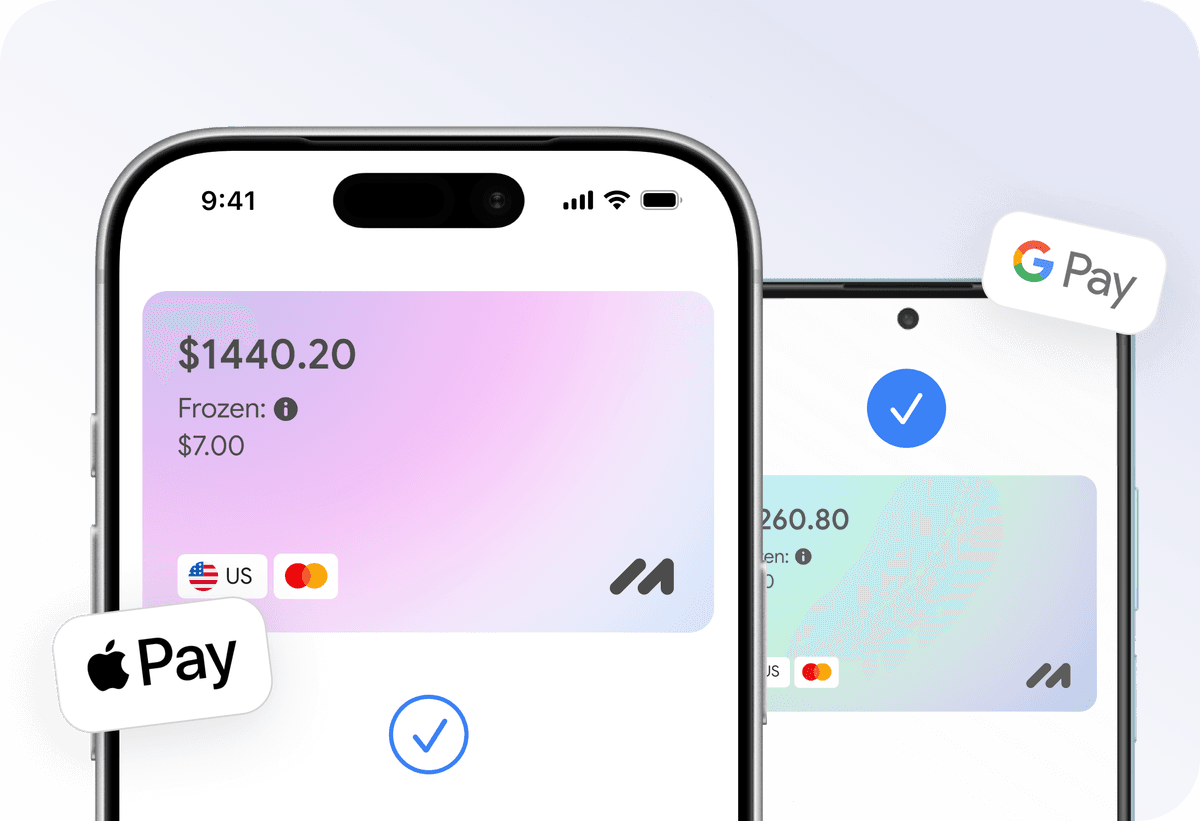
Add your card to Apple Pay or Google Pay and pay instantly — online, in apps, and offline.

Apply for a virtual card in just a few clicks from home. No trips to the bank or long waits.
Everything you need to know about Mirocard. Can't find the answer? Reach out to our support team.
What is a Mirocard virtual card?
Can I use Mirocard for CapCut on a computer and phone?
Can I get a refund for CapCut Pro paid for with Mirocard?
Will CapCut automatically charge Mirocard?
What features does a CapCut Pro subscription unlock?