
Top up your balance with cryptocurrency
Quick top-ups, instant crediting — it's all simple.
 Halloween at Mirocard5 days – 5 giftsGet your gift
There is one Riot account but several currencies, and they should not be confused. Purchased currency remains in its respective game: RP cannot be spent in Valorant, and vice versa. So before making a purchase, decide which game you want to spend it on.
In PC games, purchases are made directly in the client store: select a currency package, choose a payment method, and enter your card details. A Mirocard virtual card works for this step, and the currency is credited to your Riot account immediately after the payment is confirmed. Keep in mind that prices and available payment methods depend on the account region.
Quick top-ups, instant crediting — it's all simple.
Receive your details immediately after issuance — no long waits or unnecessary steps.
We carefully monitor payment security and are always available to assist you with any questions.

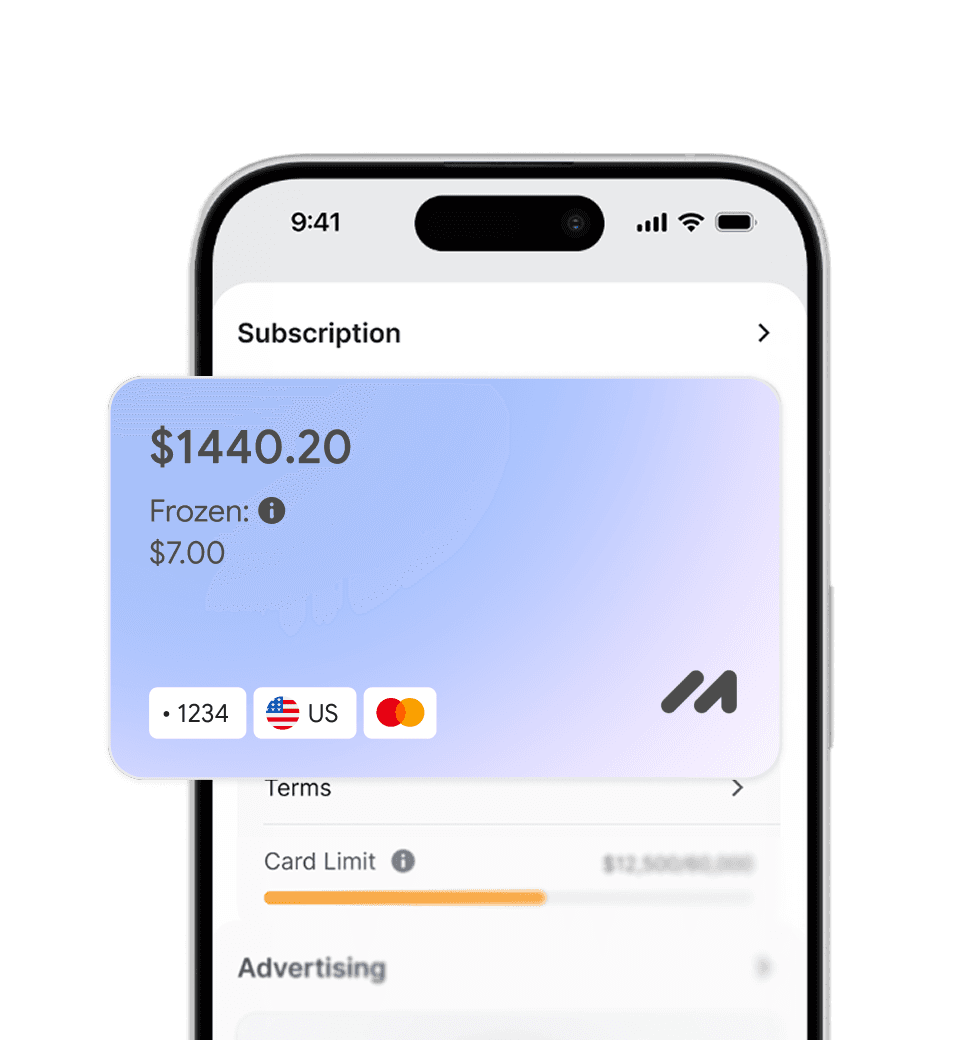
Pay for foreign services and subscriptions without limits or blocks. Top up your card with cryptocurrency and use it from anywhere in the world.
Last transactions
 Airbnb- $29.97
 Spotify Premium- $29.97
 Booking- $29.97
 ChatGPT- $29.97
Top up your card with cryptocurrency at minimal fees. All major coins are supported — fast, convenient, and profitable.

Cards work with all services that require two-factor authentication.


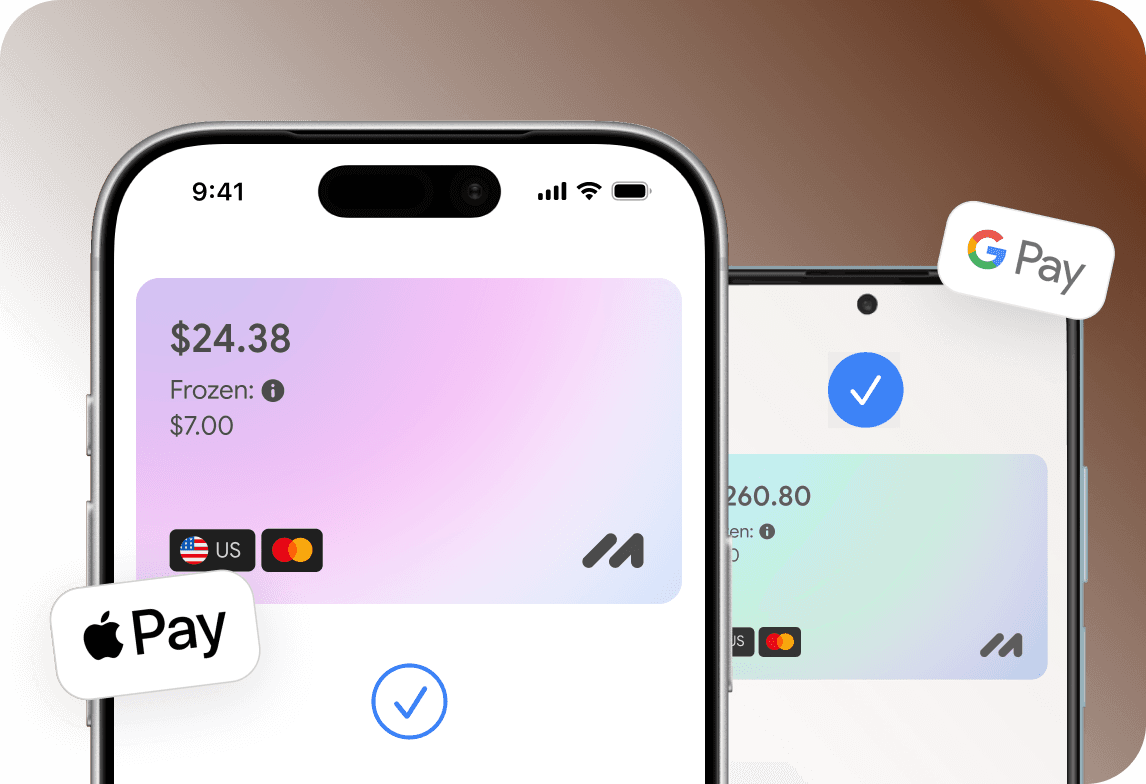
Add your card to Apple Pay or Google Pay and pay instantly — online, in apps, and offline.

Apply for a virtual card in just a few clicks from home. No trips to the bank or long waits.
Everything you need to know about Mirocard. Can't find the answer? Reach out to our support team.
Can I buy Riot Games currency with Mirocard?
Can I buy RP in League of Legends with Mirocard?
What are Riot Cash Codes?
Can I get a refund for a Riot Games purchase?
Can I use one Mirocard for multiple Riot Games?