Top up your balance with cryptocurrency
Quick top-ups, instant crediting — it's all simple.
With a Mirocard virtual card, you can pay for additional Google Photos storage and continue storing photos and videos in the cloud. Upload new files, keep an archive, and access it from your computer or smartphone.
Google Photos is suitable for storing and organizing your media library. Photo search helps you quickly find the images you need, while cloud storage means you do not have to rely on the storage capacity of a single device.
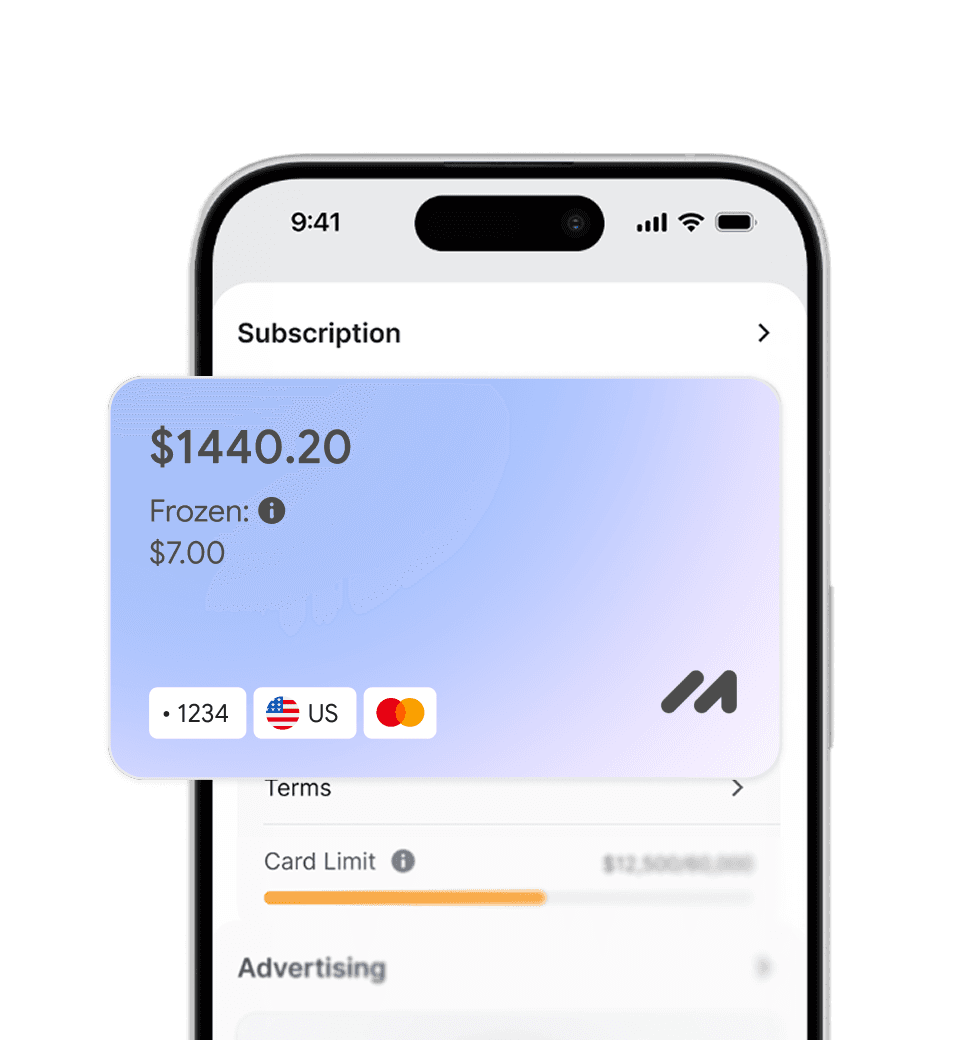
Use Mirocard to pay for additional Google storage. A separate virtual card is convenient for recurring payments for cloud services and subscriptions.
Store more photos and videos in Google Photos by paying for the required storage through Mirocard.
We carefully monitor payment security and are always available to assist you with any questions.

Pay for foreign services and subscriptions without limits or blocks. Top up your card with cryptocurrency and use it from anywhere in the world.
Last transactions
 Airbnb- $29.97
 Spotify Premium- $29.97
 Booking- $29.97
 ChatGPT- $29.97
Top up your card with cryptocurrency at minimal fees. All major coins are supported — fast, convenient, and profitable.

Cards work with all services that require two-factor authentication.


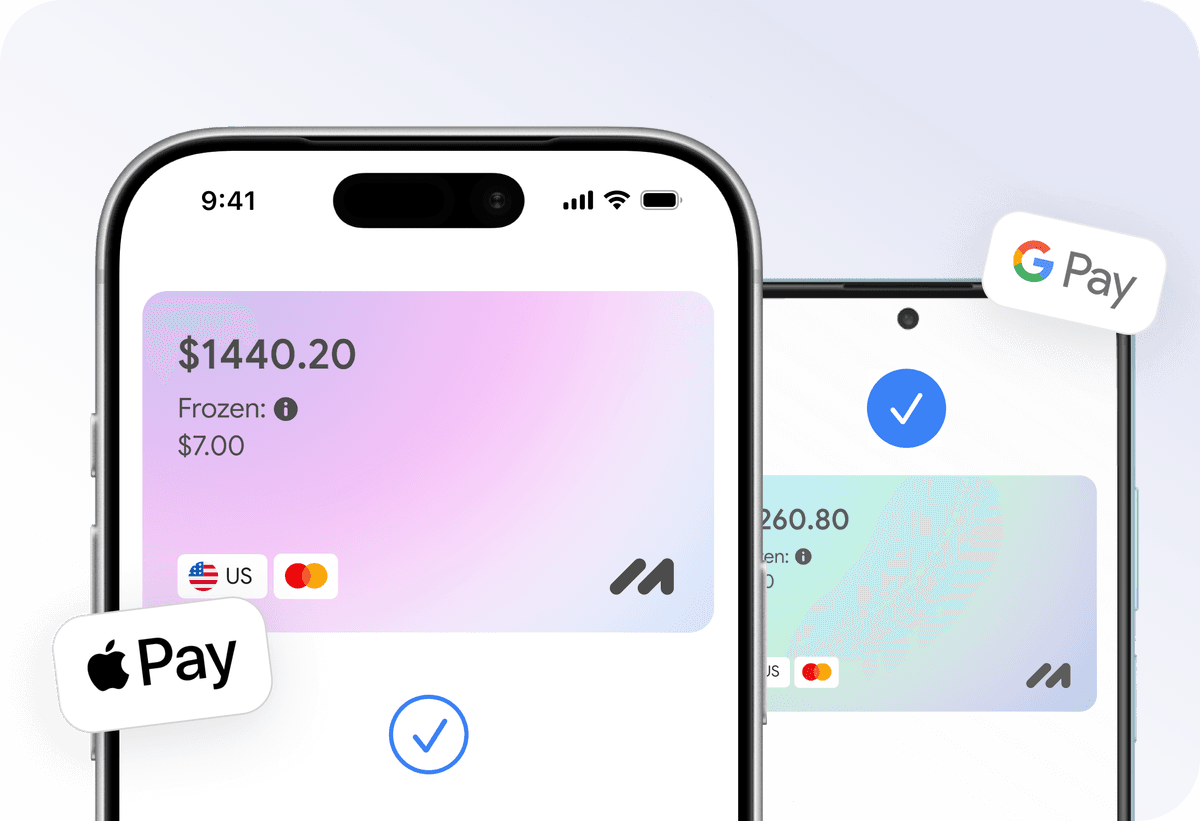
Add your card to Apple Pay or Google Pay and pay instantly — online, in apps, and offline.

Apply for a virtual card in just a few clicks from home. No trips to the bank or long waits.
Everything you need to know about Mirocard. Can't find the answer? Reach out to our support team.
Can I pay for Google Photos with a Mirocard card?
How much free storage is available in Google Photos?
Can I pay for Google One monthly with Mirocard?
What happens to my photos if I cancel Google One?
Can I share Google One storage with my family?
What should I do if Google does not accept my Mirocard card?