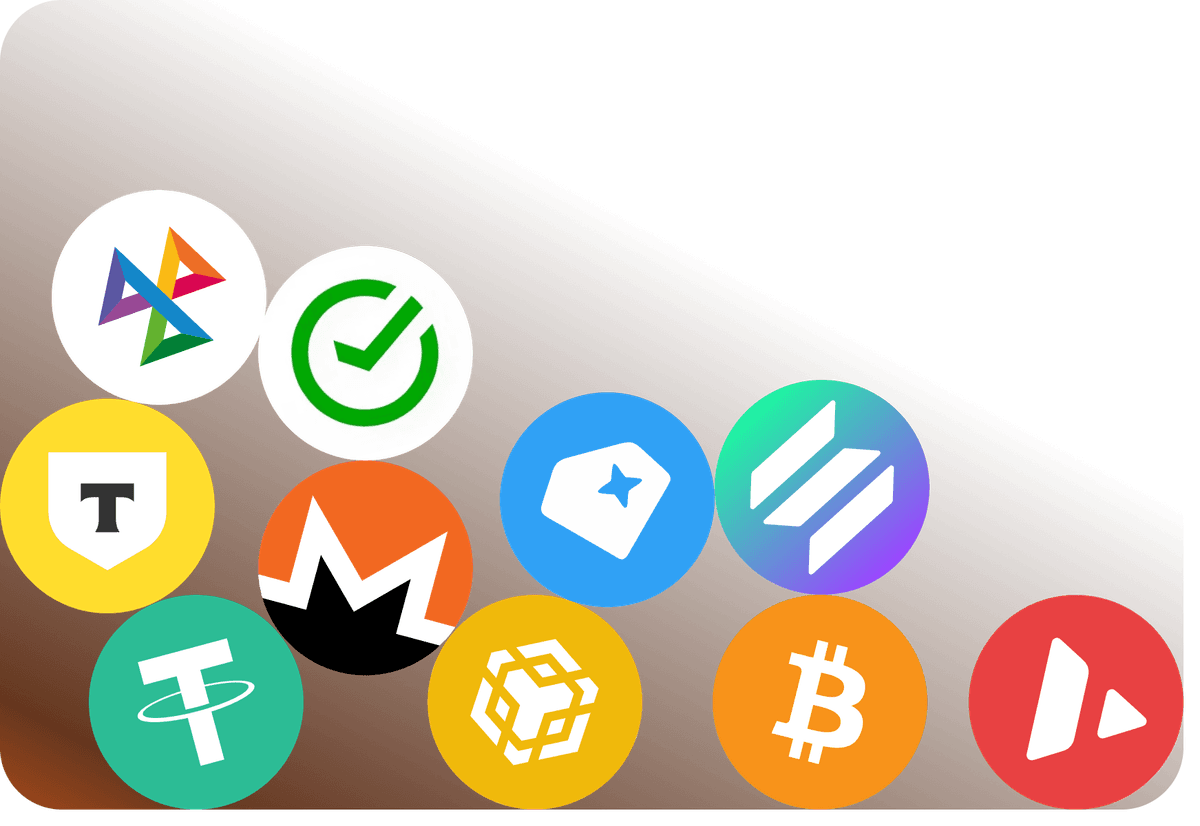
Top up your balance with cryptocurrency
Quick top-ups, instant crediting — it's all simple.
 Halloween at Mirocard5 days – 5 giftsGet your gift
All payments in Google Play on an Android smartphone, tablet, or Chromebook go through the payment profile of your Google account. A Mirocard virtual card is added there like a regular bank card: in the Google Play app, under "Payments & subscriptions." After that, you can select it for any purchase or set it as the primary method so that subscriptions renew automatically.
You can use it to pay for anything sold in the store: paid apps and games, in-app purchases, books, and subscriptions purchased through Google Play. In mobile games, this includes crystals, gems, battle passes, and seasonal bundles — each game has its own currency, but the payment always goes through the same profile. If you prefer not to link the card to every purchase, you can use it to top up your Google Play balance and spend money from there.
For those who play a lot, the store offers a Google Play Pass subscription. It provides access to hundreds of games and apps without ads or in-app purchases, and also provides bonuses through the Play Points program.
There are several things to consider before linking the card. The primary payment method in the payment profile must correspond to the profile's country, and you can only change your Google Play country once a year. In addition, your Google Play balance is tied to the country: after changing regions, accumulated funds remain in the old profile and cannot be spent in the new one.
Quick top-ups, instant crediting — it's all simple.
Receive your details immediately after issuance — no long waits or unnecessary steps.
We carefully monitor payment security and are always available to assist you with any questions.

Pay for foreign services and subscriptions without limits or blocks. Top up your card with cryptocurrency and use it from anywhere in the world.
Last transactions
 Airbnb- $29.97
 Spotify Premium- $29.97
 Booking- $29.97
 ChatGPT- $29.97
Top up your card with cryptocurrency at minimal fees. All major coins are supported — fast, convenient, and profitable.

Cards work with all services that require two-factor authentication.


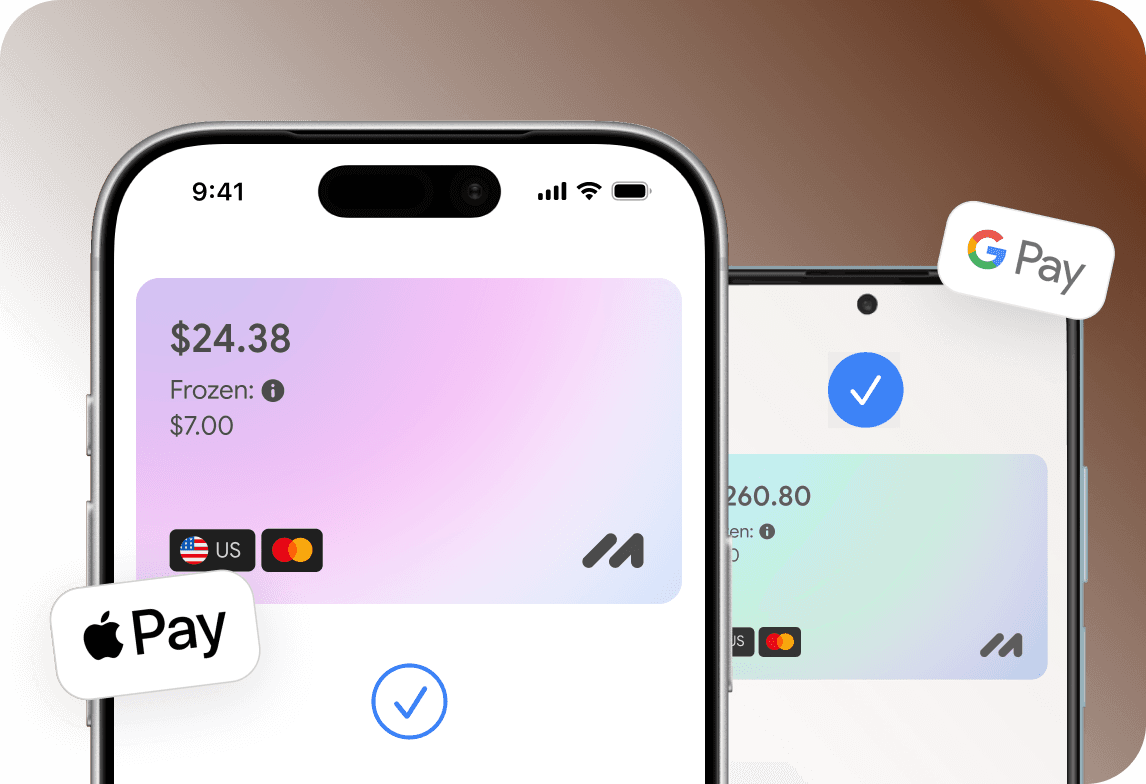
Add your card to Apple Pay or Google Pay and pay instantly — online, in apps, and offline.

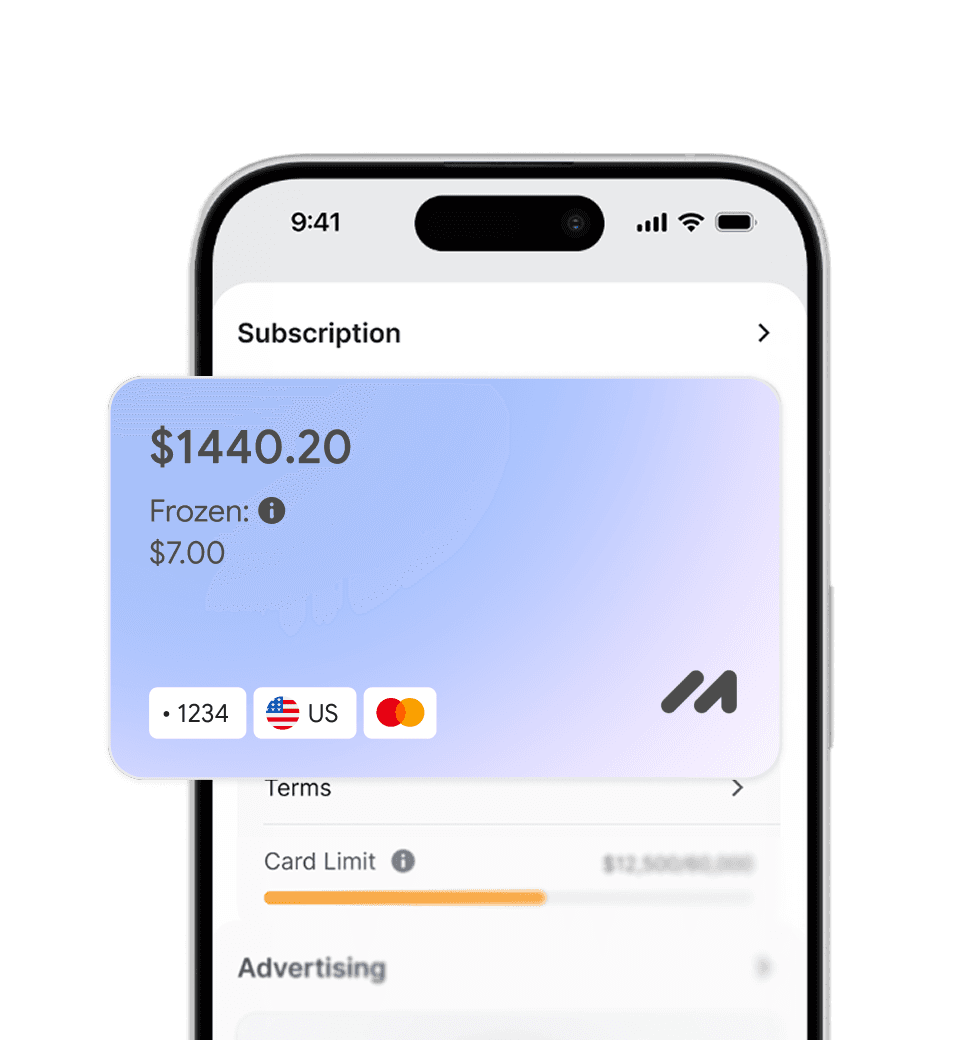
Apply for a virtual card in just a few clicks from home. No trips to the bank or long waits.
Everything you need to know about Mirocard. Can't find the answer? Reach out to our support team.
What can I buy on Google Play with Mirocard?
Can I use Mirocard to purchase multiple apps?
How do I change the payment method in Google Play?
What should I do if Google Play declines a payment with Mirocard?
Can I view my Google Play purchase history?