Top up your balance with cryptocurrency
Quick top-ups, instant crediting — it's all simple.
A photographer returns from a shoot with a thousand images. In Lightroom, they can select the best shots, sort them by rating, apply a single preset to adjust color and exposure across the entire series, and then fine-tune individual photos. The program works with RAW files without changing the originals: all edits are stored separately and can be undone at any time.
One of the strongest features in recent versions is AI-powered editing. Masks automatically select the sky, a person, a face, clothing, or the background, allowing each area to be edited separately. Generative Remove eliminates wires, passersby, and litter from a frame while reconstructing the background. Noise reduction rescues photos taken at high ISO, while Lens Blur adds depth of field after the shot has been taken.
Adobe offers two versions of the program: Lightroom, with cloud storage that syncs photos between computers, phones, and browsers, and Lightroom Classic, designed for working with local catalogs. The Photography plan includes both versions and Photoshop, while the separate Lightroom plan provides the cloud-based version with more storage.
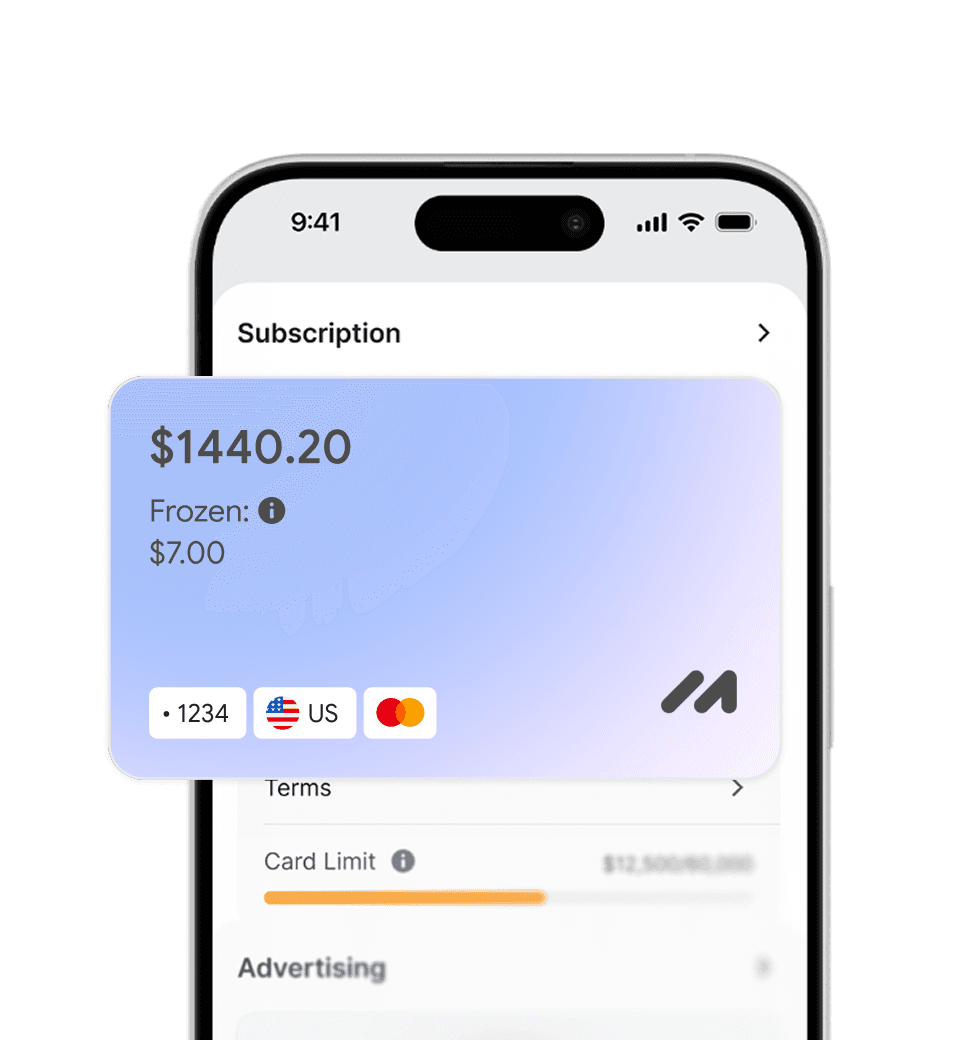
You can subscribe through your Adobe account or the mobile app. A Mirocard virtual card can be used for payment. Keep in mind that available payment methods depend on the country set in your Adobe account.
Quick top-ups, instant crediting — it's all simple.
Receive your details immediately after issuance — no long waits or unnecessary steps.
We carefully monitor payment security and are always available to assist you with any questions.

Pay for foreign services and subscriptions without limits or blocks. Top up your card with cryptocurrency and use it from anywhere in the world.
Last transactions
 Airbnb- $29.97
 Spotify Premium- $29.97
 Booking- $29.97
 ChatGPT- $29.97

Top up your card with cryptocurrency at minimal fees. All major coins are supported — fast, convenient, and profitable.

Cards work with all services that require two-factor authentication.


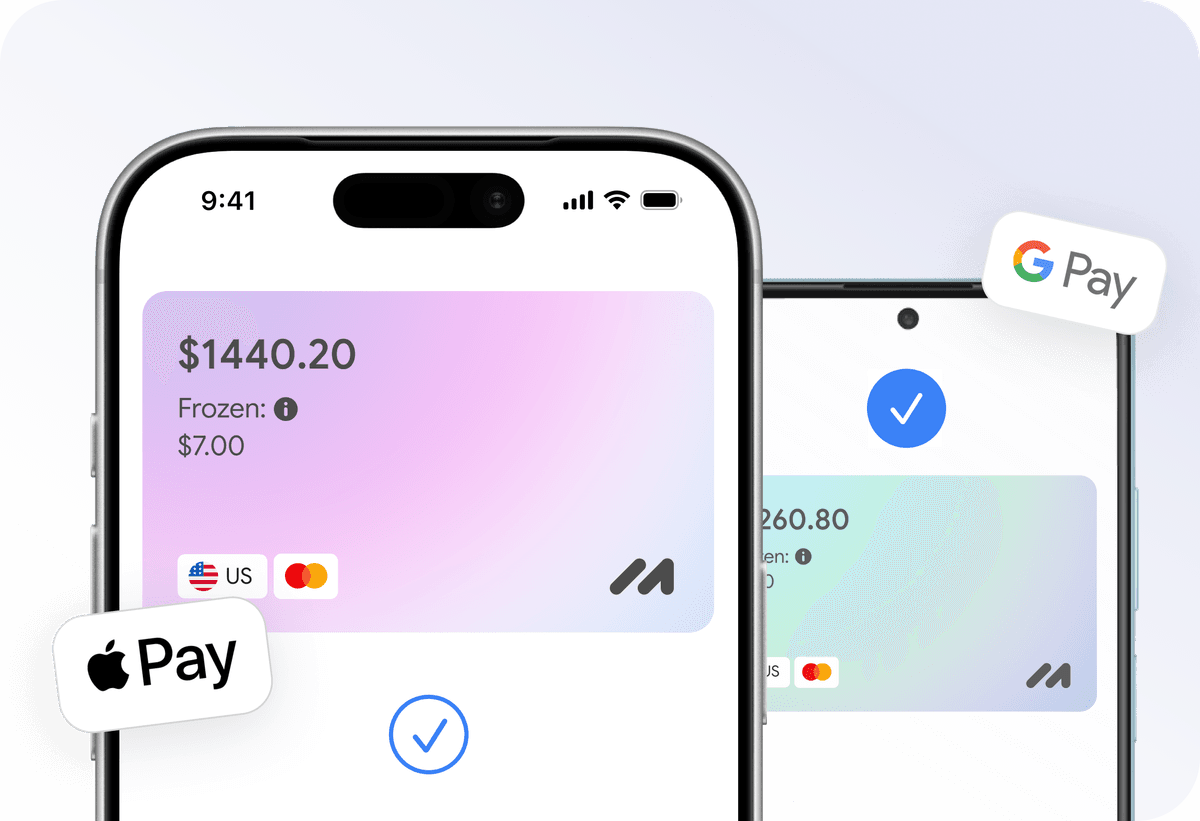
Add your card to Apple Pay or Google Pay and pay instantly — online, in apps, and offline.

Apply for a virtual card in just a few clicks from home. No trips to the bank or long waits.
Everything you need to know about Mirocard. Can't find the answer? Reach out to our support team.
Which plan should I choose?
How is Lightroom different from Lightroom Classic?
What happens if I don't pay for the renewal?
Can I pay monthly?