Top up your balance with cryptocurrency
Quick top-ups, instant crediting — it's all simple.
Every Samsung Galaxy smartphone has a second store besides Google Play — Galaxy Store. And some content is sold only there: One UI themes, icon packs, wallpapers and fonts, watch faces for Galaxy Watch, and exclusive in-game bonuses for Samsung owners.
Personalization is the main reason people visit Galaxy Store. Themes change the entire phone interface — from the lock screen to the keyboard — and watch faces from third-party designers turn your watch into a classic chronograph, a sports display or a minimalist screen. The store also sells apps, games and in-game purchases, and Samsung regularly runs promotions with extra rewards for some games.
Galaxy Store purchases are tied to your Samsung Account and available on all your Samsung devices. Your payment details are stored in the account, so you don't need to enter your card again.
Payment is made with a bank card saved in your Samsung Account. A Mirocard virtual card works for purchases: add it at your first purchase or in Galaxy Store's payment method settings.
Quick top-ups, instant crediting — it's all simple.
Receive your details immediately after issuance — no long waits or unnecessary steps.
We carefully monitor payment security and are always available to assist you with any questions.

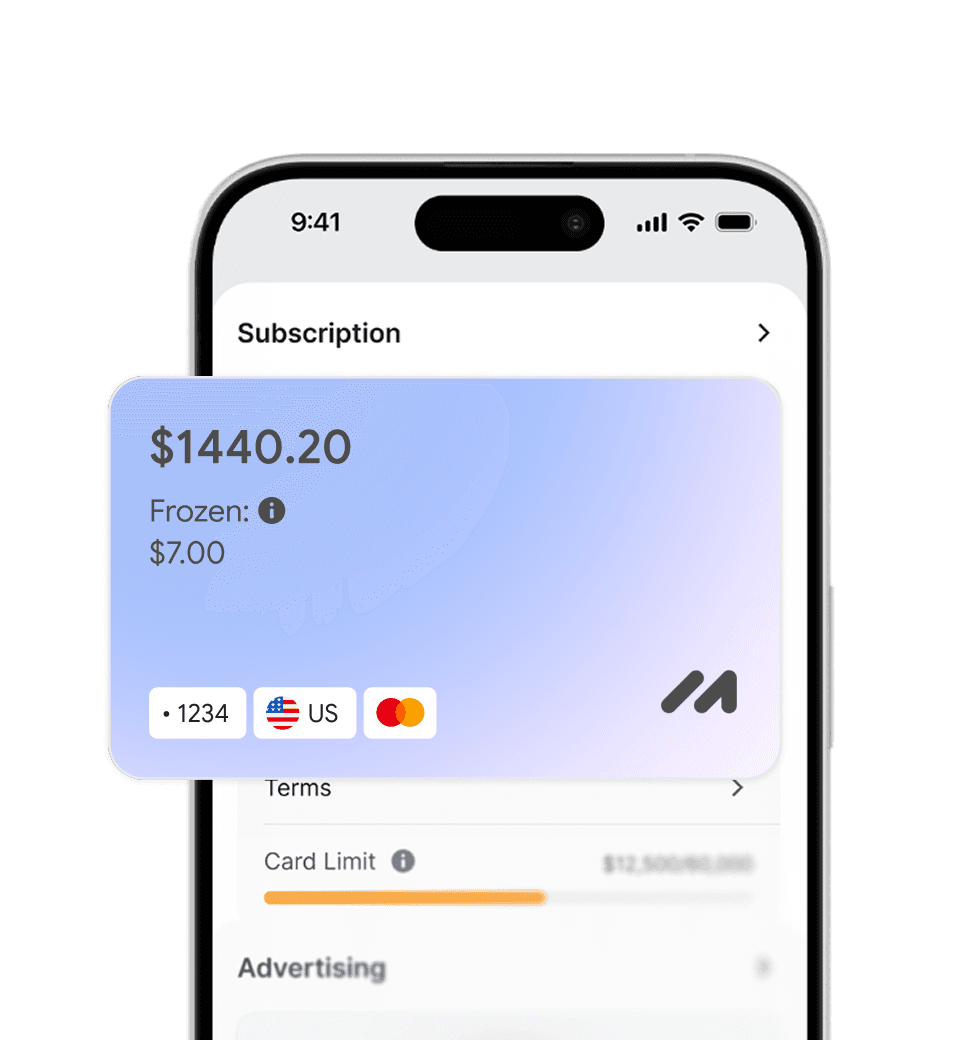
Pay for foreign services and subscriptions without limits or blocks. Top up your card with cryptocurrency and use it from anywhere in the world.
Last transactions
 Airbnb- $29.97
 Spotify Premium- $29.97
 Booking- $29.97
 ChatGPT- $29.97

Top up your card with cryptocurrency at minimal fees. All major coins are supported — fast, convenient, and profitable.

Cards work with all services that require two-factor authentication.


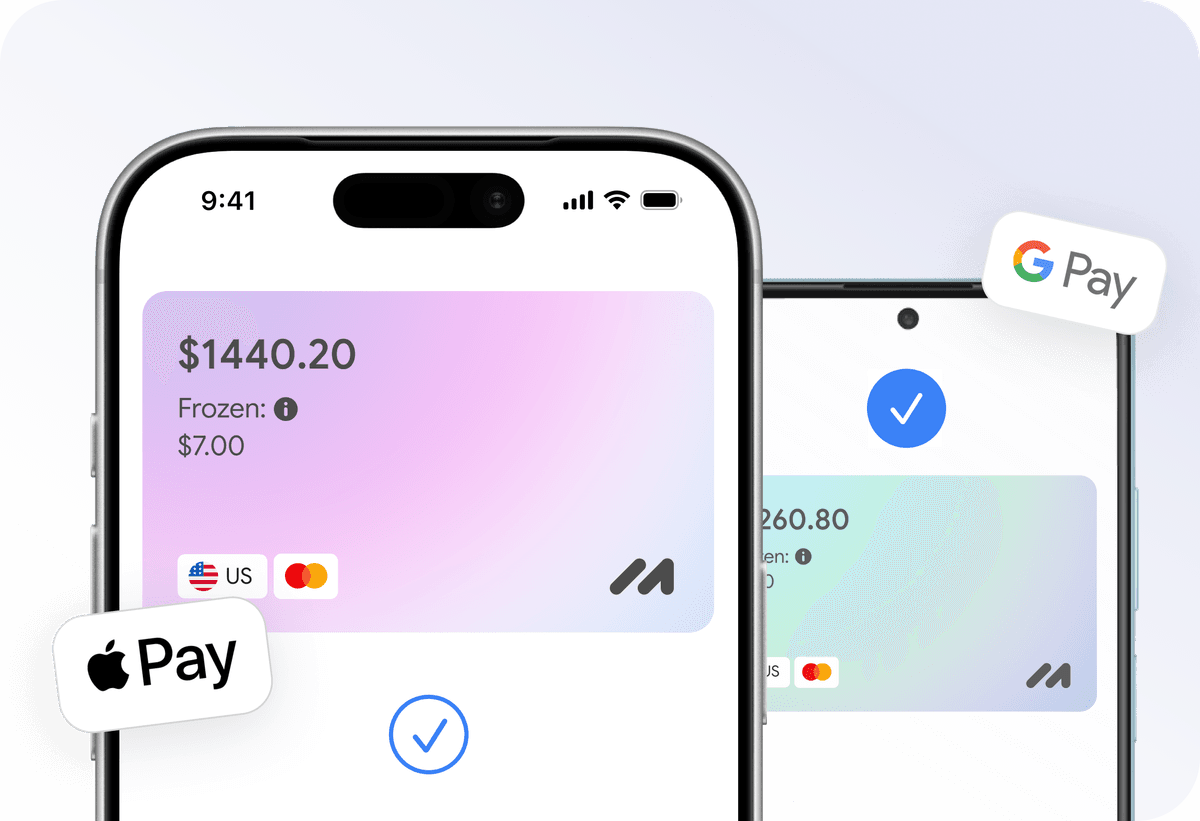
Add your card to Apple Pay or Google Pay and pay instantly — online, in apps, and offline.

Apply for a virtual card in just a few clicks from home. No trips to the bank or long waits.
Everything you need to know about Mirocard. Can't find the answer? Reach out to our support team.
How do I pay for a Galaxy Store purchase with Mirocard?
Where can I change my payment method?
Are my purchases available on other Samsung devices?
Can I buy a Galaxy Watch face?
Can I get a refund for a purchase?