Free Virtual Cards: What’s the Catch
#огляди
A free virtual card is one the service doesn't charge you to issue or maintain. Its details are stored in an app or your account dashboard, and you can use it to pay on websites and in apps.
Services offer these cards to attract new users. Issuing a virtual card costs them little, since it doesn't need to be printed or delivered. But no service can operate at a loss, so the costs come back to it through other lines in the fee schedule — top-ups, currency conversion, or the payments themselves.
Below, we'll look at the fees most often hiding behind the word "free," work out when such a card ends up costing more than a paid one, and show what to check before you sign up.
Hidden fees: what you may be overpaying for
Most often, a service makes money the moment you put funds on the card. A top-up percentage seems trivial if you need the card for a single purchase. But subscriptions are charged every month, and every new top-up to cover them takes that percentage again.
The second source of income is currency conversion. The card may be in dollars while the price is in euros, or the balance may be held in one currency while top-ups come in another. The service converts the amount at its own rate and keeps the difference from the market rate. Fee schedules rarely call this markup a fee, so it's easy to miss.
The third is a flat charge per payment, usually a few tens of cents. A single payment costs next to nothing, but five subscriptions a month turn those cents into a noticeable sum over a year.
There are also rarer but unpleasant charges. Some services start charging a maintenance fee after a free period, charge for reissuing the card once it expires, or charge for refunding the remaining balance when you no longer need the card.
Usually, all these terms are disclosed honestly. It's just that the zero is shown in large print on the first screen, while the percentages are tucked away in a fee table that few people ever get to.
Many cards with free issuance are crypto cards. People choose them when their money is held in coins but they need to pay on platforms that only accept bank cards. These services often make money on crypto deposits, so before signing up, find out how much will actually land on the card after topping up with, say, 100 USDT.
How a free card can end up costing more than a paid one
You pay the issuance fee once, while fees recur again and again. That's why, for a card you'll use for a long time, predictable recurring costs matter more than a zero price upfront.
Let's take a hypothetical example. Say you pay for five subscriptions, and the free card charges $0.50 per payment. That's $2.50 a month and $30 a year. A card that costs $5 to issue and has no transaction fees pays for itself by the second month.
To compare your options, estimate your costs at least six months ahead. Add up everything the card will take over that period and look at the total, not the issuance price.
Sometimes a free card really is the better deal. If you need to pay for something once and forget about it, the fee on a single payment is almost certainly lower than an issuance fee.
Other drawbacks of free virtual cards
Besides fees, free offers often come with limitations that only surface after you sign up.
Short validity period. If the card only lasts a few months, you'll have to re-enter its details in every service you subscribe to. And if reissuing is paid, the card is no longer free.
Low spending cap. Free plans often limit how much you can spend per month. Lifting the limit costs money, usually by upgrading to another plan.
Not every payment goes through. Not every card can handle subscription renewals. Sometimes the first payment goes through, but a month later the service can't charge the card and cuts off your access.
Slow support. When a payment gets stuck, quick help matters. On free plans, you sometimes have to wait a long time for a reply.
Sometimes a free crypto card accepts only a couple of coins. In that case, you'll first have to swap your other assets, paying for the exchange, and only then top up the card. This cost doesn't show up in the card description.
How to check a virtual card before signing up
Open the full fee schedule before registering. It may be listed as pricing, terms of use, or FAQ. If the service doesn't publish its figures anywhere, you're better off looking for another one.
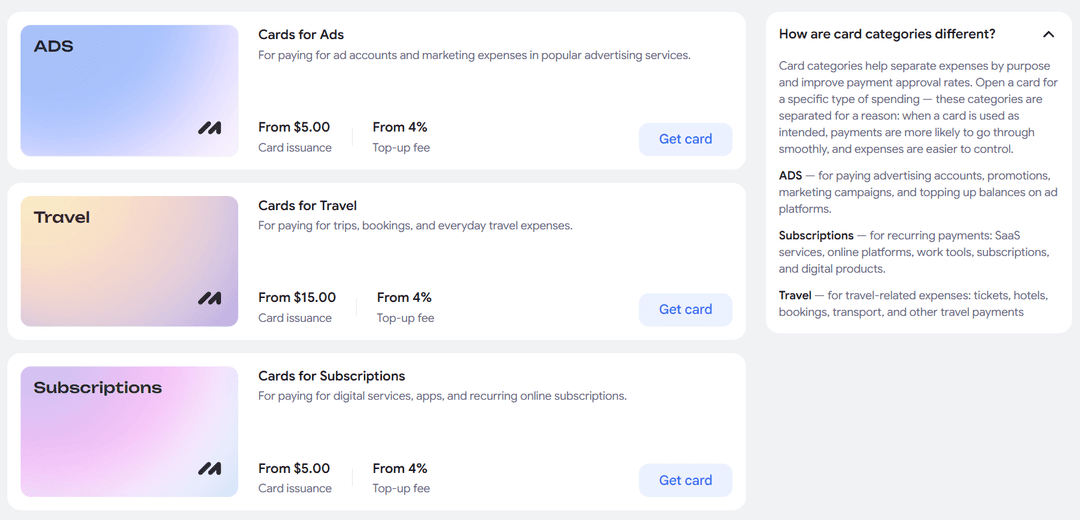
In the fee schedule, look for answers to a few questions. How much does issuance cost, and is there a monthly fee? What percentage is taken on top-ups? Is there a fee per payment? Are you charged if the card sits unused for a long time? Can you get the remaining balance back, and how much will that cost?
If you need the card for subscriptions, separately check its validity period and whether it supports subscription renewals. This will save you from losing access to a service a month later.
Couldn't find the answer to a question? Contact support before paying. You'll also see how quickly they respond.
Paid virtual card: what's worth paying for
Paying for issuance makes sense if in return you get a short, clear list of costs. A card whose fees you know in advance is less stressful in the long run and often cheaper.
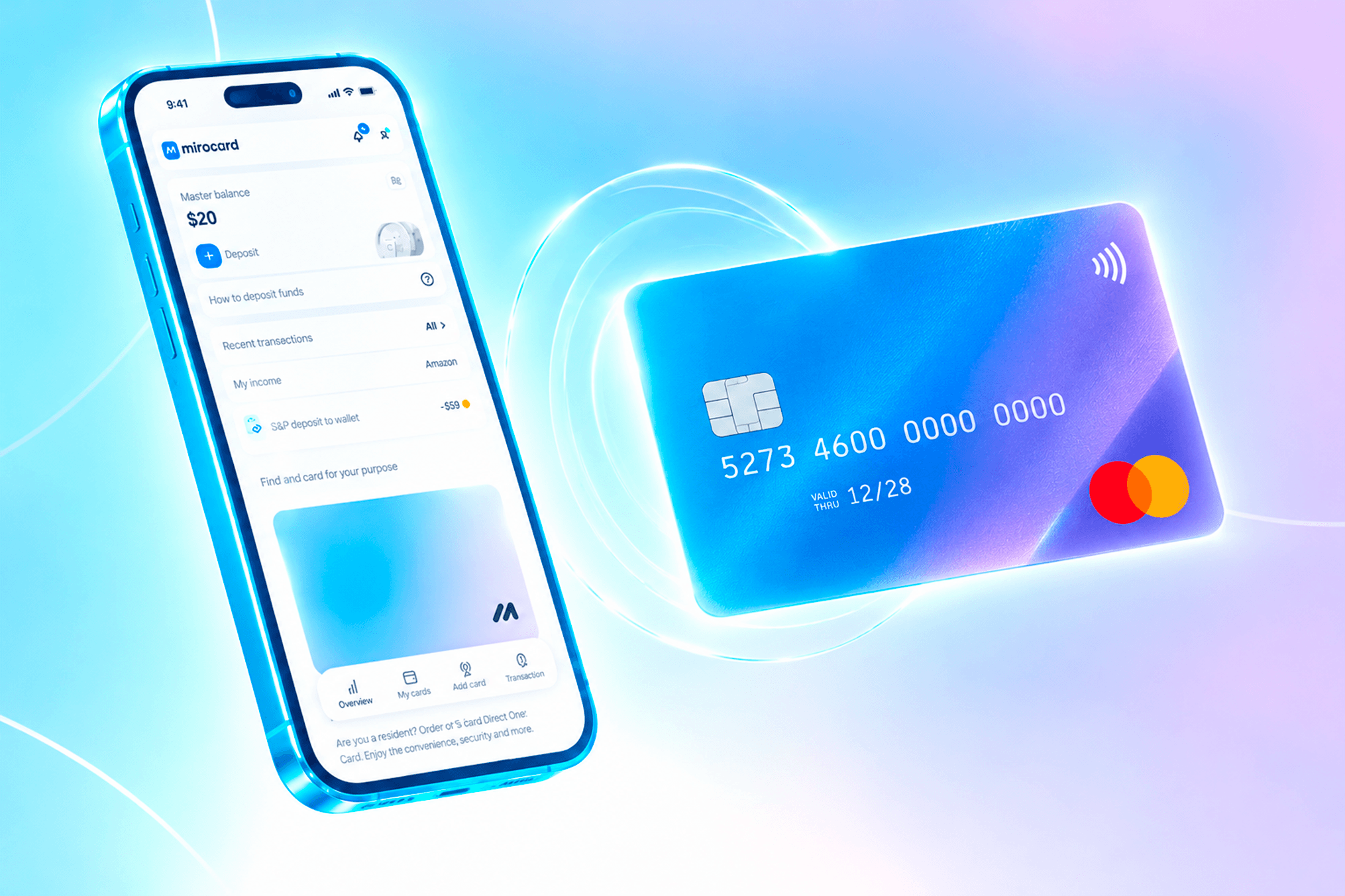
That's how Mirocard, a card for paying for services and subscriptions, works. Issuance costs $5, top-ups cost 4%, and that's where the costs end. There's no monthly fee, and the service charges nothing for the payment itself, so ten subscriptions cost the same as one.
The card supports 3D Secure, so it works with services that confirm payments with a code. And to keep personal and work expenses separate, you can issue several cards in one account.
We've shown how to sign up and issue a card step by step in a separate guide.
Mirocard is topped up with cryptocurrency. It accepts BTC, ETH, USDT, USDC, TON, TRX, and SOL, and you can use the card on any platform that accepts Visa and Mastercard.
Conclusion
A zero in the "issuance" column doesn't make a card free. The real price is the total of everything you'll pay while using it.
For a one-off purchase, a free card may do the job. For subscriptions, choose one whose costs you can calculate before you sign up.