How to Pay for Google Ads with Cryptocurrency
Google Ads is Google's advertising platform. Through it, a business shows ads to people searching for a product or service, in search results, on YouTube, and on partner sites. The advertiser sets a goal, audience, budget, and bid, and the system decides which ad to show.
The advertiser pays not for placement but for people's actions. Most often that's clicks or impressions, depending on the campaign's settings. That's why the account needs to be linked to a working payment method before ads launch.
Below, we'll go over costs, payment methods, paying through Mirocard, and budget control.
What an advertiser pays for
The main cost is the price of clicks or impressions. The price at any moment is set by an auction, not a fixed price list. You set a daily budget, and that's an average amount. On some days, Google may spend more, but over a month the total shouldn't exceed the daily budget multiplied by 30.4, and any excess is refunded.
Taxes are added to advertising costs. They depend on the payments profile's country. In the European Union and the United Kingdom, VAT applies. Individuals pay it in full, while companies with a valid tax number are sometimes exempt.
The payments profile's country and currency are set when it's created and can't be changed later. A mistake means a new profile and moving payment over. Choose a currency that matches the card's currency, otherwise the system converts the money itself, and the card needs a buffer of about 5%.
Charge timing depends on the scheme. With postpay, money is charged on the first day of the month or earlier, when costs reach a threshold. The threshold rises after each such charge, without notification. With prepay, you deposit an amount in advance, and ads run until it runs out, but this scheme isn't available in every country.
Can you pay for Google Ads directly with cryptocurrency
Not directly. Google's help center lists bank cards, direct debit from a bank account, and monthly invoicing for large advertisers. Among the methods, there's no wallet and no address to transfer coins to.
That means coins have to turn into balance on a card. The route through an exchange is long. You have to sell the coins, withdraw the money to an account, wait for it to arrive, and pay, and every transfer costs fees.
How to use cryptocurrency to pay for Google Ads
A shorter route goes through a virtual card. You send coins to its balance, get the details, and enter them in Google Ads' payment settings. The system sees an ordinary card, and conversion into dollars happens inside the payment service.
A Mirocard card is topped up with cryptocurrency directly from a wallet. BTC, ETH, USDT, USDC, TON, TRX, and SOL all work. For advertising, stablecoins are more convenient, because the budget is counted in dollars, and the coin's exchange rate doesn't change the amount on the balance.
Mirocard for paying for Google Ads
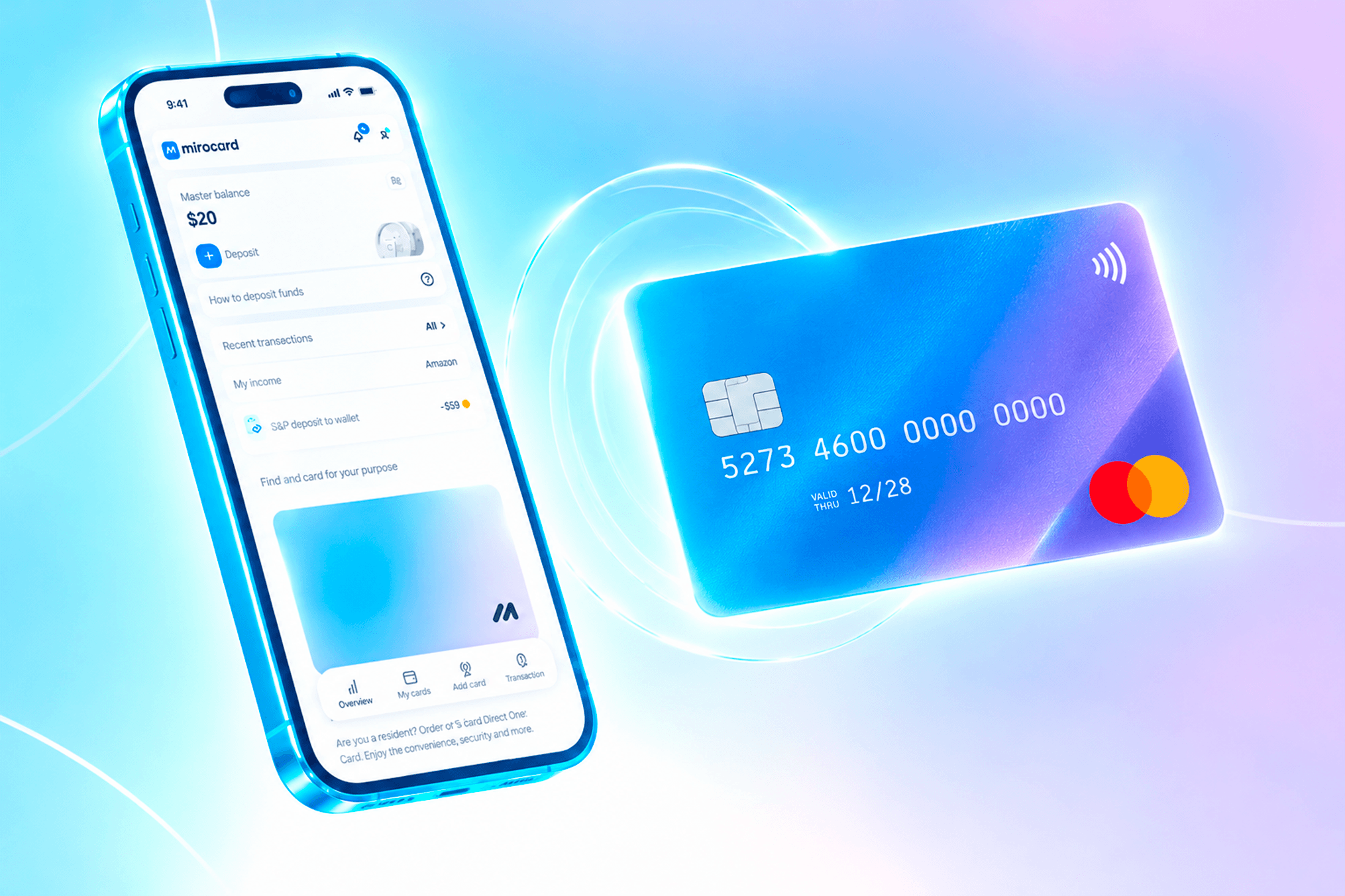
Mirocard is an online service where you get a virtual Visa or Mastercard without going to a bank. You sign up, issue a card for paying for advertising, and immediately see its details in your account. Issuance happens online, so the details are available right away.
It costs $5, and the top-up fee is 4%. The less often and the larger the top-ups, the lower the overhead, but the more money sits on the card. Go by your monthly budget and the threshold.
How to pay for Google Ads with Mirocard
First, issue a card. We covered sign-up, issuance, and the first top-up in the guide to issuing a card. Once the details appear in your account, top up the balance. For postpay, the card needs to hold the threshold amount plus a buffer.

Find the "Payment methods" section and choose "Add a payment method." On another version of the page, the button is called "Manage payment methods." If the payments profile is just being created, specify the country and currency. The country must match the card's details, and you can't change these fields later.
Enter the Mirocard's details. That's the number, expiration date, and security code. For cards from the European Economic Area, Google may ask for additional confirmation, such as a one-time code.
After saving, set the card as primary with the "Set as primary payment method" button. If you don't, Google won't use it. With postpay, nothing more needs to be done — the money is charged automatically.
If prepay is available in your country, open "Billing," then "Summary," and click "Make a payment." Choose the card you added, enter the amount, and click "Make payment." Check the total and complete the payment.
When you add a card, a temporary hold on an amount may appear on the statement. That's a check that funds are available, not a charge, and it clears automatically, usually within a week.
How to keep ad spending under control
Start with the "Summary" page in the "Billing" section. It shows the current charge threshold, and it's worth checking regularly, because it rises without notification.
Keep an eye on the transaction history. In "Billing," there are "Transactions" and "Documents" tabs with charges and invoices, and on the card statement, payments appear labeled "GOOGLE ADS" or "GOOGLE*" with the account's ten-digit number. Check them against each other.
Keep a buffer on the card. If a payment is declined for insufficient funds, ads may stop. Calculate the amount as the current threshold plus 5-10%, and with a different currency, add a buffer for conversion.
How to manage advertising costs when paying with cryptocurrency
Top up the card with a stablecoin on the right network. A network fee is charged on every transfer, and with small amounts it's noticeable. A cheap network keeps money for the budget, while extra small top-ups eat it up.
Count the full price of a top-up. Mirocard's 4% fee is added to the transfer amount, and with a budget of $500 a month, that's $20. That amount needs to be built into the budget, otherwise real costs will come out higher than planned.
Don't turn the card into storage. Send as much as you need for the next month, and top up in advance, because a network transfer isn't instant. Leave the rest in your wallet.
Conclusion
An ad campaign can spend more than you expected, so the payment method needs not only to process payments but also to limit the budget. A separate card does that on its own, since more can't be charged to it than is on it.
Mirocard issues a card like that in a few minutes. You can set up a separate one for each account, top it up for the monthly budget, and check charges in the "Transactions" section. That keeps advertising costs transparent, and a block or error in one account doesn't affect the others.