How to open an instant virtual card
#огляди
An instant virtual card is for when you need to pay today. A subscription ran out in the evening, a ticket will get more expensive by morning, or a promotion ends in an hour. Waiting for a courier makes no sense in that situation, so the card is issued without plastic and you get it right after paying for issuance.
The word "instant" describes only the speed of issuance. The details appear in your account immediately, but you can't always pay with them. First, money has to get onto the card, and you need to make sure the service you want accepts that kind of card. Below, we'll go through the whole path, from choosing where to get a card to the first verified payment.
Where you can open a virtual card
You can open a virtual card at a bank or with an online service, and the main difference between them is whose rules you accept. At a bank, you first open an account and then issue a card against it. Limits, currency, and the list of permitted operations depend on the bank's plan. For everyday purchases, that's convenient.
An online service works differently. It has its own balance that all the cards you issue are tied to, and its own top-up rules. You sign up, put money on the balance, and issue a card for a specific task. Services differ in the issuance price, the top-up fee, and the range of places where the card is accepted, so compare them before signing up.
Between cryptocurrency and a bank card, there are always extra steps. Coins have to be sold on an exchange, withdrawn to an account, and you have to wait for it to arrive, and only then does the card get the money. A service that accepts coins straight onto the balance removes those intermediate operations.
How to open a virtual card in a few minutes
The path from sign-up to a ready card has several steps, and each has its own trap. According to one review's estimate, the whole path takes ten to fifteen minutes if verification goes without delays.
The first step is sign-up. Use an email you have access to, because notifications about operations will go there. The most common mistake here is a simple one — a typo in the address, which keeps the confirmation email from arriving.
The second step is identity verification, if the service requires it. Complete it before choosing a card, because without it issuance won't happen, and verification itself sometimes takes longer than issuance.
The third step is choosing the card type. It's easy to pick a card "to grow into" when you only need a simple one for a single subscription. First decide what you'll be paying for, and then choose the type.
The fourth step is paying for issuance from the balance. If there isn't enough on the balance, the service won't issue the card, so top it up in advance with a buffer for the issuance cost.
The fifth step is getting the details. They appear in your account, and sometimes the service asks for extra confirmation before showing them. If you need the card right now, don't skip the sixth step either, a trial payment for a small amount. That way, you'll learn about a problem before an important payment fails.
How to open an instant virtual card in Mirocard
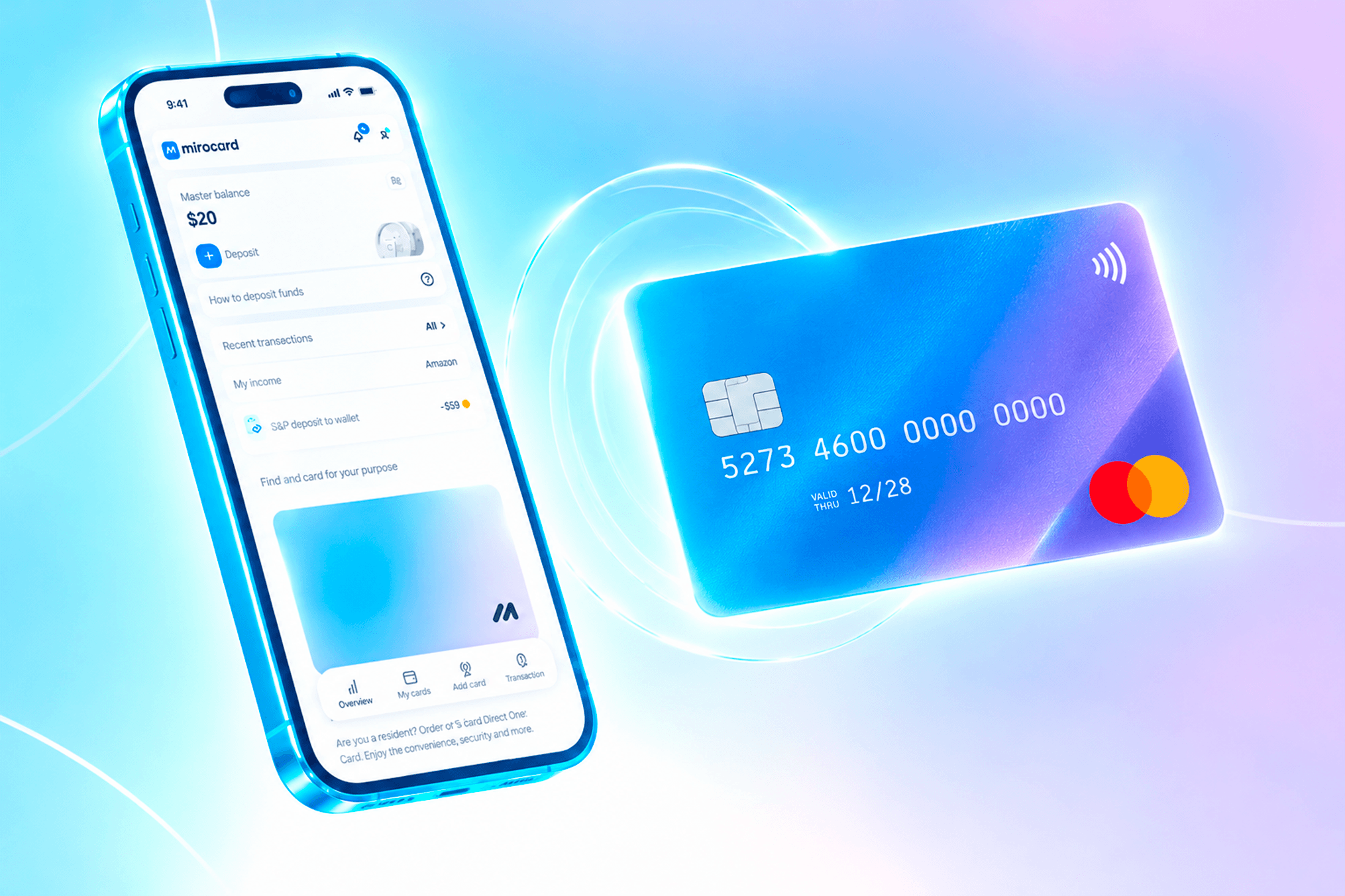
In Mirocard, the whole path happens in your account on the website. You sign in with email and password, via Google, or via Telegram, then top up the account balance, choose a card type, and pay for issuance. The finished card appears in your account right away, with no separate activation needed.

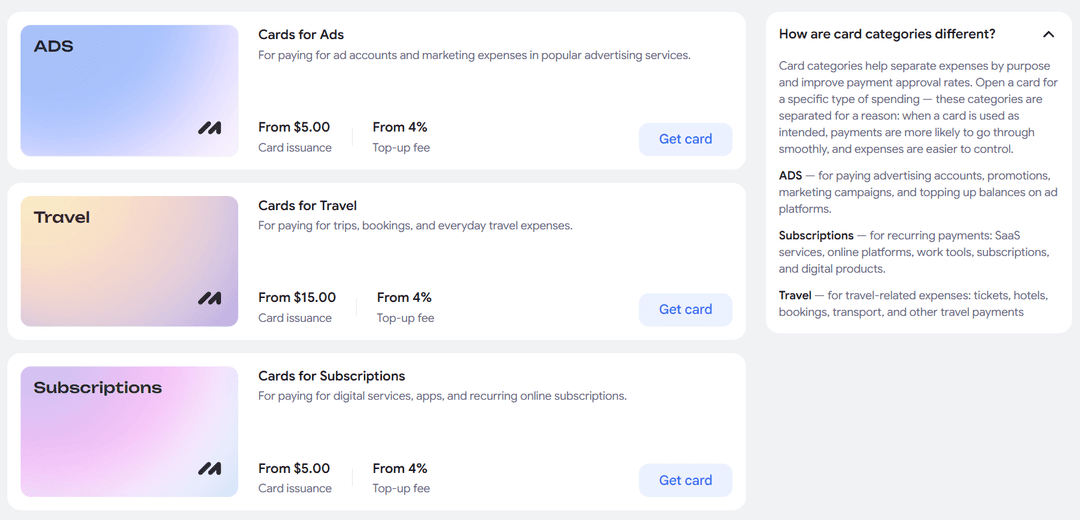
For most cards, verification is needed before issuance. It confirms your identity and opens higher limits on purchases and top-ups. Issuing a card for paying subscriptions costs $5, and the top-up fee is 4%.

You can issue several cards from one account. That's handy when payments need to be separated, for example keeping advertising apart from personal subscriptions so they don't mix in one transaction history.
We described every step in a separate guide. Keep it open while you set up the card for the first time.
How to top up the card and get it ready for payment
Details in your account don't yet mean the card is ready for a payment. Before the first payment, check four things.
The first thing is the balance. The money has to be on the card itself, not just on the account's overall balance. In Mirocard, you first top up the account balance and then transfer the amount you need to the card.

The second is currency. If a service bills in euros and the card works in dollars, the bank will convert the amount at its own rate. The price on the card will come out a bit higher than the price on the site, so leave a small buffer.
The third is payment confirmation. Some services ask you to enter a code, and without it the operation won't go through. For example, card payments for ad accounts in Mirocard are confirmed via 3D Secure.
The fourth is the service's own terms. Some services don't accept cards not linked to a bank account, and it's better to find that out before paying, not after a decline.
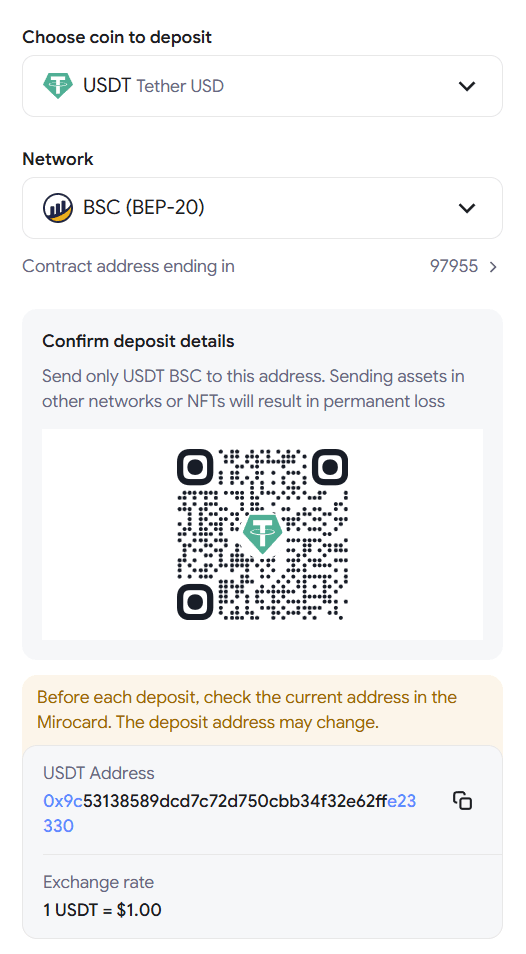
The account balance in Mirocard is topped up with cryptocurrency. You send coins from an exchange or your own wallet, and they're credited after network confirmation, usually in a few minutes. BTC, ETH, USDT, USDC, TON, TRX, and SOL all work, and USDT on the TRC-20 network is considered the cheapest in network fees.
If a payment didn't go through, don't repeat it many times in a row. After a series of declines, a service's anti-fraud system may block operations from the card. First check the balance, currency, and details, then try again.
How to use a virtual card safely
Card security is split between the service and you. The service protects the details on its side — for example, Mirocard shows the number and code only after extra confirmation. The rest depends on how you handle that data.
The main enemy of card details is convenience. A screenshot in your gallery, a line in your notes, or a photo in a messenger leaves a copy where anyone might see it. Banks advise copying the details from the app for each payment rather than storing them as a file on the device.
The second risk is fake payment pages. Before entering details, look at the site's address, especially if you landed on the page through a link from an email or a chat.
The third risk is forgotten subscriptions. As long as the card is funded, the service keeps charging money. If you no longer need a subscription, cancel it in the service itself rather than just stopping top-ups. And get into the habit of looking through your transaction history once a week — it takes two minutes.
A card works as a barrier between the service and your coins. The merchant gets only the card's details and doesn't see your wallet address, so a leak of card data doesn't expose your savings.
How to choose a virtual card for your needs
The right card is determined by how you pay, not by the speed of issuance. Say you pay for website hosting once a month. You need a card that handles repeat charges on the same date without trouble, and it's enough to keep a balance with a buffer for one or two payments.
If you buy a plane ticket once every six months, you don't need a permanent card. Top it up for the ticket's amount before buying and use it with no worries. For an ad account, you need a card you can quickly load with large amounts and confirm payments with a code.
When traveling, check for Apple Pay and Google Pay support. It depends on the specific card, not on the service as a whole.
Mirocard has cards for the most common expenses, from advertising and games to AI tools, hosting, and taxis. Each has its own terms, so check the issuance and top-up fees on the page of the card you choose. For a first look, it's easiest to start with a card for subscriptions.
Conclusion
The speed of issuance is the first minute of the path. After that come the top-up, the currency check, and a trial payment, and those are what determine when you actually pay. Services that promise a card "in a minute" count only the start.
So plan your time from the payment, not from issuance. If you have a deadline, issue the card in advance and test it right away with a small amount. Mirocard issues cards in a few minutes, and the guide on the site will walk you through all the steps to the first payment.