15 найкращих нейромереж для програмістів і написання коду
#нейромережі
ШІ-асистенти перестали бути іграшкою і увійшли в робочий процес: Microsoft і Google повідомляють, що близько чверті нового коду в компаніях пишеться з їхньою допомогою. Інструментів при цьому десятки, і вони різні по суті — одні дописують рядок за вас, інші самі беруть завдання, правлять десяток файлів і ганяють тести, поки не збереться.
Ми розібрали всі популярні ШІ-сервіси для коду і по кожному вказали сильну сторону, слабке місце і ціну. Наприкінці розберемо, як оплатити підписку, якщо сервіс не приймає криптовалюту чи картку вашої країни.
Як нейромережі працюють з кодом
Ключова відмінність між інструментами лежить в обсязі контексту. Простий автокомпліт бачить поточний файл і пару сусідніх вкладок, тому пропонує шаблонні конструкції. Просунуті асистенти індексують репозиторій цілком, будують граф залежностей і розуміють, яка функція звідки викликається, — такий інструмент уже осмислено править код у різних файлах.
Наступний щабель — агентний режим. Тут модель не просто відповідає, а складає план роботи, виконує команди в терміналі, проганяє тести і виправляє те, що зламалося, повторюючи цикл до результату. Розробник формулює завдання і перевіряє підсумок, а проміжні кроки інструмент робить сам.
Пам'ятайте про загальне обмеження: модель іноді впевнено видає правдоподібний, але невірний код. Вона може послатися на неіснуючий метод бібліотеки або запропонувати рішення з вразливістю. Все, що приходить від асистента, вимагає перевірки — особливо в частині безпеки і роботи з даними.
Критерії вибору нейромережі для коду
При виборі дивіться на п'ять речей, і ціна серед них не перша.
Розмір контексту. Від нього залежить, чи потягне інструмент ваш проект. Для скриптів і невеликих сервісів вистачить будь-якого асистента, а для моноліту з сотнями файлів потрібен той, що індексує репозиторій цілком.
Інтеграція з вашим середовищем. Інструмент має працювати там, де ви вже пишете код. Одні живуть плагіном у вашій IDE, інші є окремим редактором, треті запускаються в терміналі — перехід на новий редактор заради асистента коштує часу на адаптацію.
Модель тарифікації. У 2026 році вона в усіх різна: підписка з квотою запитів, кредити, оплата за токени. Кредити виглядають вигідно на папері, але на великому проекті згорають за тиждень, тож рахуйте не ціну тарифу, а вартість вашого типового робочого дня.
Спосіб оплати. Майже всі зарубіжні сервіси приймають лише картки, а криптовалюту не беруть узагалі. Якщо платите монетами або живете в країні, де не видають міжнародну картку, цей пункт вирішує більше, ніж порівняння можливостей.
IDE-асистенти та агентні середовища
GitHub Copilot
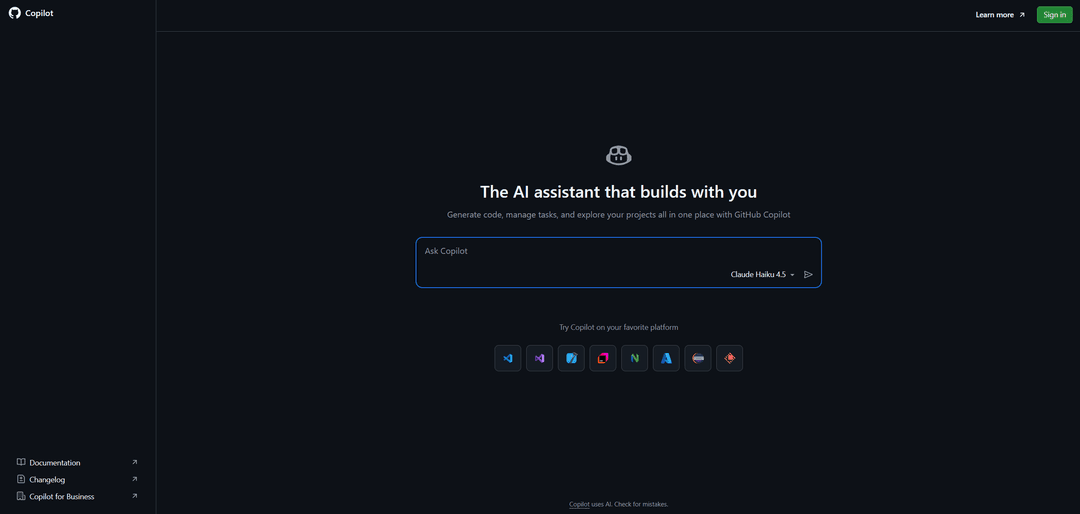
GitHub Copilot залишається найпоширенішим асистентом і налічує понад 4,7 мільйона платних підписників. Його беруть, коли команда живе в екосистемі GitHub, а служба безпеки не хоче довгих узгоджень — інструмент від Microsoft проходить їх простіше за інші.
Працює Copilot плагіном, а не окремим редактором, і підтримує VS Code, JetBrains, Visual Studio і Neovim. Крім автодоповнення є чат, агентний режим і автоматичне ревʼю пул-реквестів, а під капотом доступні моделі різних вендорів.
Тариф Pro коштує 10 доларів на місяць і за співвідношенням ціни й можливостей виграє в конкурентів, наступний рівень обійдеться в 20 доларів. Є безкоштовний план з обмеженням за кількістю автодоповнень. Слабке місце — глибокий рефакторинг по багатьох файлах Copilot тягне гірше за спеціалізовані редактори. Врахуйте, що у 2026 році GitHub змінює схему тарифікації, тому ліміти варто звіряти на актуальній сторінці.
Cursor
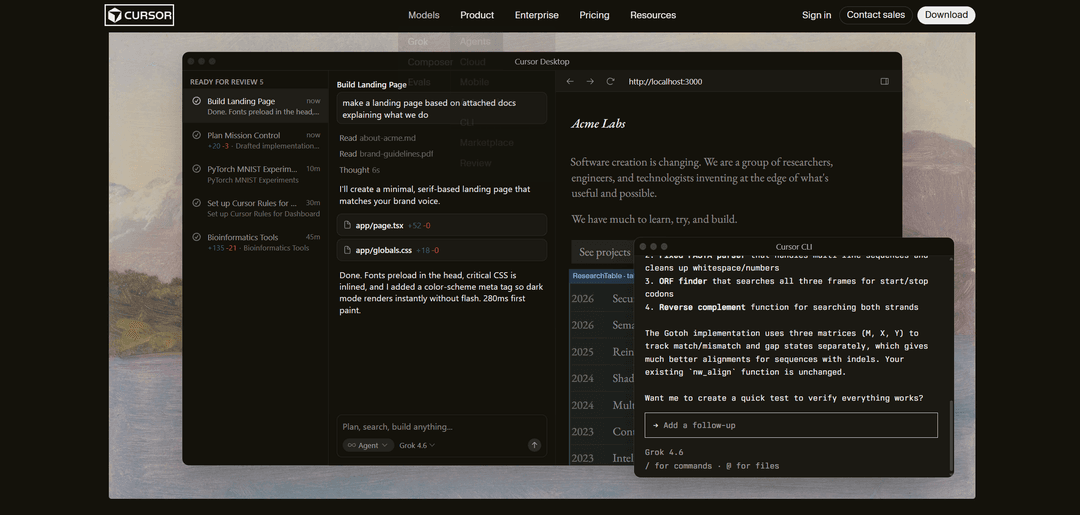
Головна перевага — режим Composer для рефакторингу по багатьох файлах та індексація всієї кодової бази з контекстом до 200 тисяч токенів. Є фонові агенти, автоматичне ревʼю пул-реквестів і режим планування, де ви спочатку затверджуєте план, а потім запускаєте правки.
Тариф Pro коштує 20 доларів на місяць, розширений — 60, максимальний — 200. Схема оплати гібридна: у план включено обсяг використання моделей, а понад нього рахунок виставляється за фактом, тому реальні витрати активного розробника вищі за базовий цінник. Безкоштовний тариф обмежений.
Windsurf

Windsurf дає приблизно 80 відсотків можливостей Cursor за нижчою ціною, і це його головний аргумент. Як і конкурент, це самостійний редактор на базі VS Code.
Відрізняється інструмент агентом Cascade, який помітно самостійніший за багатьох: він запускає тести, читає вивід з помилками і править код по колу без додаткових вказівок. Для швидкого прототипування і старту нових проектів це зручно.
Тариф Pro коштує 20 доларів, максимальний — 200. Є робочий безкоштовний план з щомісячним пакетом кредитів, якого вистачає на автодоповнення і базовий чат. Окремо відзначають відповідність європейським вимогам до даних. Проект пережив зміну власника, тому деталі продукту і тарифів варто уточнювати перед покупкою.
JetBrains AI (Junie, Mellum)
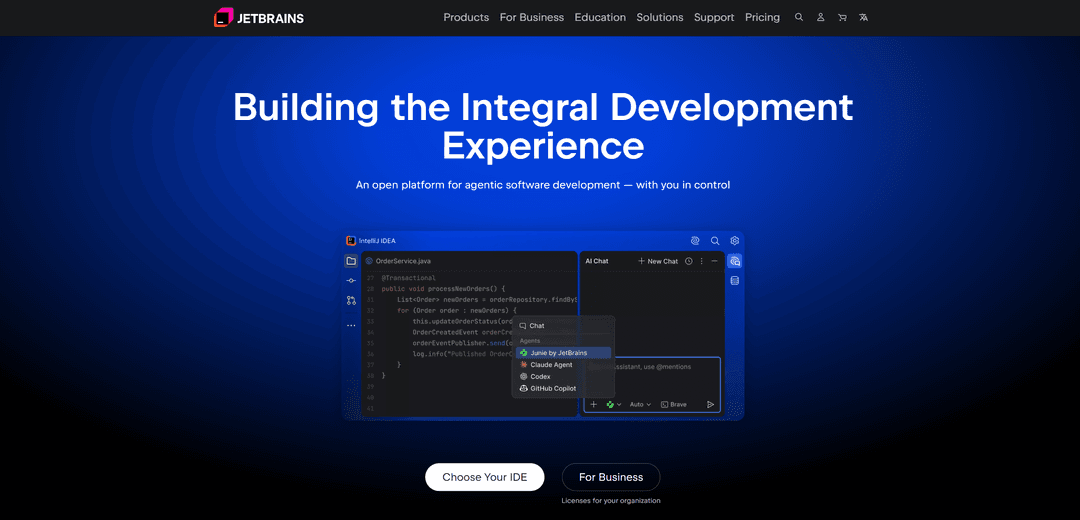
JetBrains AI вбудований в IntelliJ IDEA, PyCharm, WebStorm та інші IDE компанії і розуміє проект глибше за сторонні плагіни. Причина в тому, що асистент спирається на той самий рушій статичного аналізу, що й рефакторинг у самому середовищі, тому бачить ієрархію класів і ланцюжки викликів, а не просто текст.
Агент Junie планує багатокрокові правки, пише код по кількох файлах, запускає тести і сам виправляє помилки, а ще працює в окремому режимі відладки. Окремо стоїть Mellum — власна модель JetBrains для автодоповнення, яка на безкоштовному плані працює без обмежень.
Тарифи такі: безкоштовний рівень з безлімітним Mellum і невеликим запасом кредитів, AI Pro за 10 доларів на місяць і AI Ultimate за 30. Головна складність — кредити йдуть швидко на великому проекті, а сама підписка йде поверх ліцензії на IDE, тому сумарні витрати в JetBrains вищі, ніж у будь-якого мейнстримного конкурента.
Tabnine
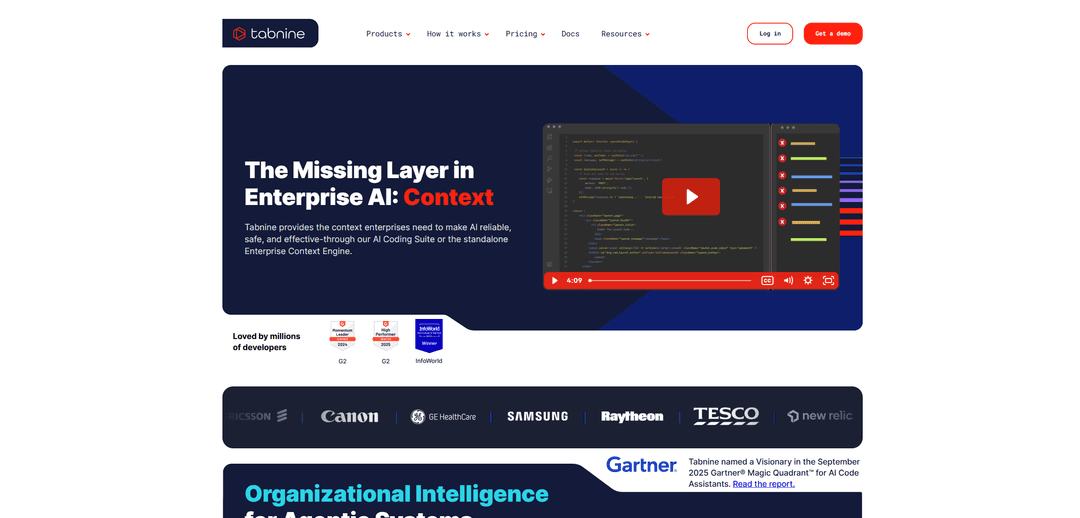
Tabnine обирають там, де код не повинен покидати периметр компанії. Інструмент дає нульове зберігання коду і розгортання на власних серверах, включно з ізольованим контуром без доступу до інтернету.
Такий набір потрібен банкам, медицині, держсектору і всім, хто працює під суворими вимогами до даних. За можливостями асистент поступається лідерам, зате закриває питання комплаєнсу, яке для цих команд важливіше за автодоповнення.
Індивідуальний тариф коштує близько 9 доларів на місяць, корпоративний — від 39 доларів за користувача. Для локального розгортання знадобиться відповідне залізо і участь системних адміністраторів.
Amazon Q Developer
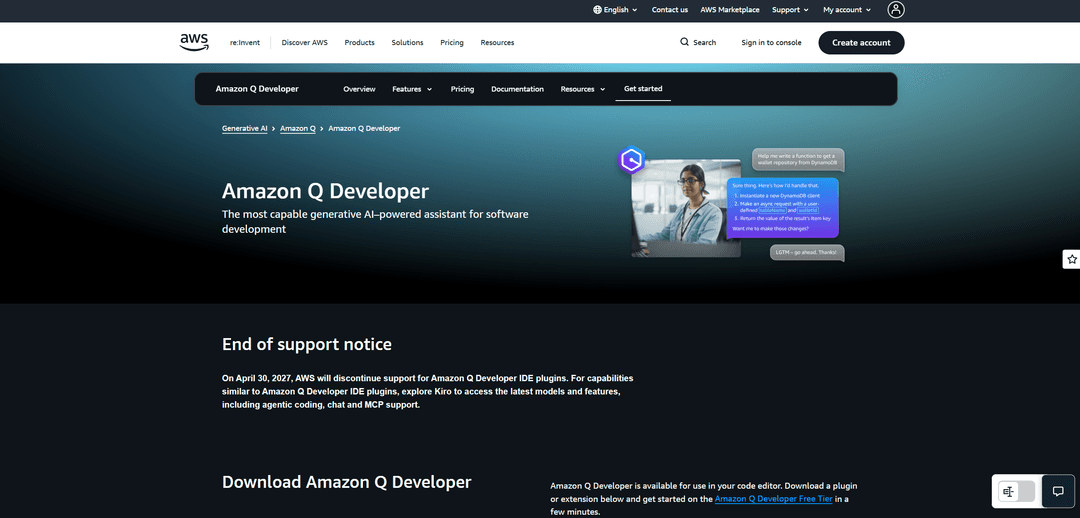
Amazon Q Developer заточений під інфраструктуру AWS, і в цьому його сенс. Асистент відповідає на питання щодо ваших хмарних ресурсів, допомагає з налаштуванням сервісів і живе не лише в редакторі, а й у консолі AWS.
Окрема сильна сторона — робота з конвеєрами розробки: інструмент інтегрується з GitHub, сам перевіряє пул-реквести й уміє перетворювати завдання на готовий пул-реквест. Підтримуються VS Code, середовища JetBrains і Visual Studio.
Професійний тариф коштує близько 19 доларів за користувача на місяць. Поза екосистемою AWS перевага втрачається, тому команді без хмарної інфраструктури Amazon краще дивитися на інші варіанти.
Універсальні чат-моделі
Ці моделі не живуть у редакторі, зате беруть завдання, які асистенту не під силу: розібрати незнайому архітектуру, пояснити чужий код, спроєктувати рішення з нуля.
Claude
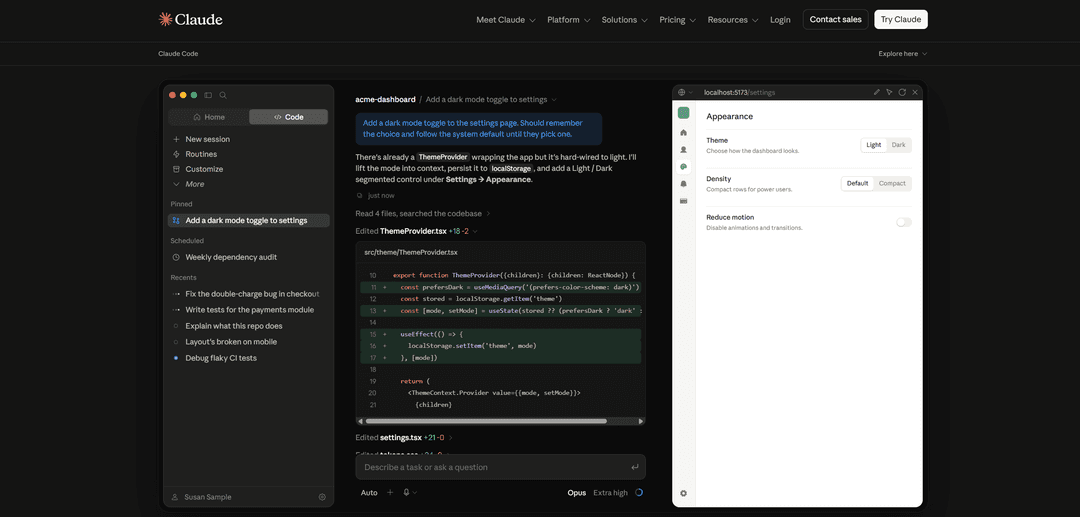
Claude вважається найсильнішою моделлю для складних завдань з кодом і тримає високі позиції в профільних бенчмарках. Модель точно дотримується інструкцій і добре працює з великими обсягами — в контекст поміщається великий файл або кілька модулів цілком.
Окремий продукт — Claude Code, агент для терміналу, який читає проект, вносить правки і запускає команди. Він виріс до мільярда доларів річної виручки за півроку після запуску, що свідчить про затребуваність формату.
Підписка Pro коштує 20 доларів на місяць, плани Max — 100 і 200 доларів. Безкоштовний доступ обмежений лімітами. Для власників крипти і жителів низки країн діє спільне для американських сервісів обмеження — оплата лише зарубіжною карткою.
ChatGPT
Для розробки корисні режим міркування, де модель спочатку планує рішення, і агент Codex для роботи в терміналі. Швидкість і точність у моделі одні з найкращих на ринку, а екосистема розширень найбільша.
Тарифи починаються приблизно з 8 доларів на місяць, основний план коштує близько 20 доларів, професійний помітно дорожчий. Є безкоштовна версія з обмеженнями.
Gemini
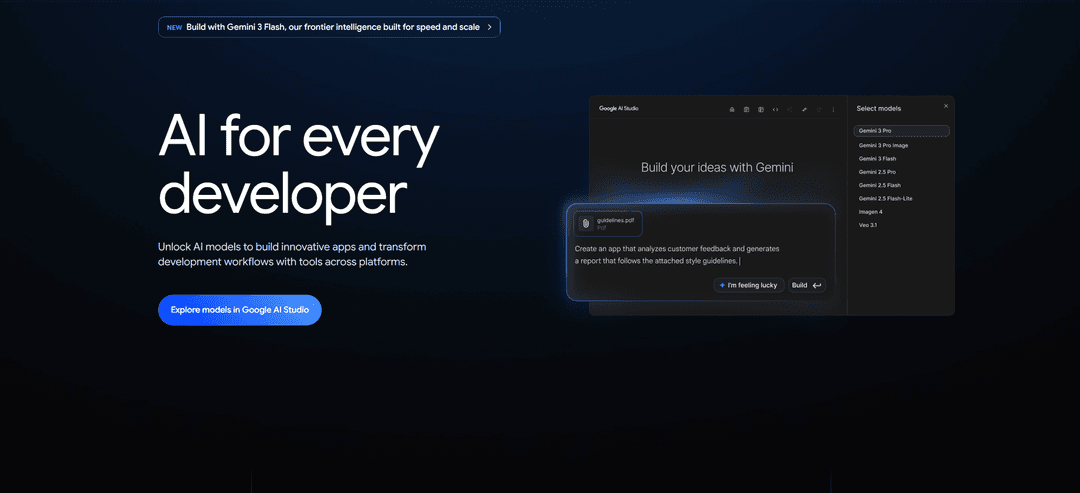
Gemini виграє обсягом контексту і швидкістю. Модель заковтує великі обсяги коду за раз, тому зручна, коли потрібно розібратися в незнайомому проекті цілком, а не по шматочках.
Для розробників у Google є окремий продукт Gemini Code Assist, який працює в редакторі і хмарних сервісах компанії. Тариф Standard коштує близько 19 доларів за користувача, Enterprise — 45. Врахуйте зміну: безкоштовний та індивідуальний плани Code Assist закрилися в червні 2026 року, тож безкоштовно залишається лише загальний доступ до моделі в застосунку Gemini.
DeepSeek
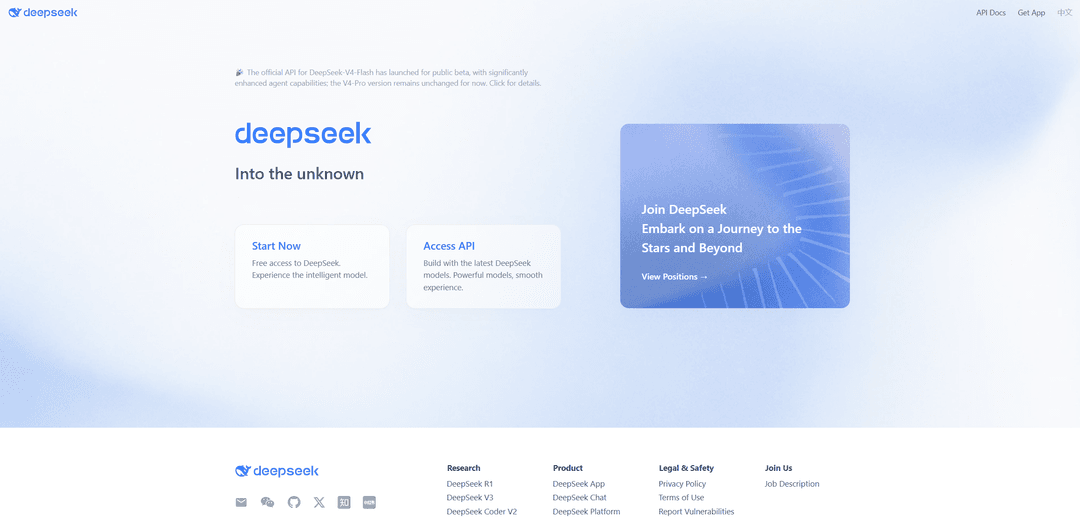
DeepSeek — найсильніший безкоштовний варіант для коду. Китайська модель за якістю відповідей підтягнулася до платних конкурентів, а для приватних користувачів коштує нуль і відкривається без додаткових інструментів доступу.
Модель добре розбирає алгоритмічні завдання, пише і пояснює код, а режим глибокого міркування допомагає в нетривіальних випадках. Окрема лінійка DeepSeek Coder зустрічається всередині інших інструментів як підключувана модель.
Perplexity

Під капотом працюють чужі моделі, включно з розробками OpenAI та Anthropic, а платформа підбирає відповідну під запит. Для перевірки фактів це зручніше за чат-бота, який схильний упевнено вигадувати неіснуючі методи.
Базовий режим безкоштовний з обмеженням на кількість просунутих запитів на день, тариф Pro коштує близько 20 доларів на місяць. Писати код у Perplexity можна, але спеціалізовані інструменти справляються краще.
Спеціалізовані інструменти
Ці сервіси вирішують одне вузьке завдання і роблять це краще за універсальні асистенти.
Snyk Code
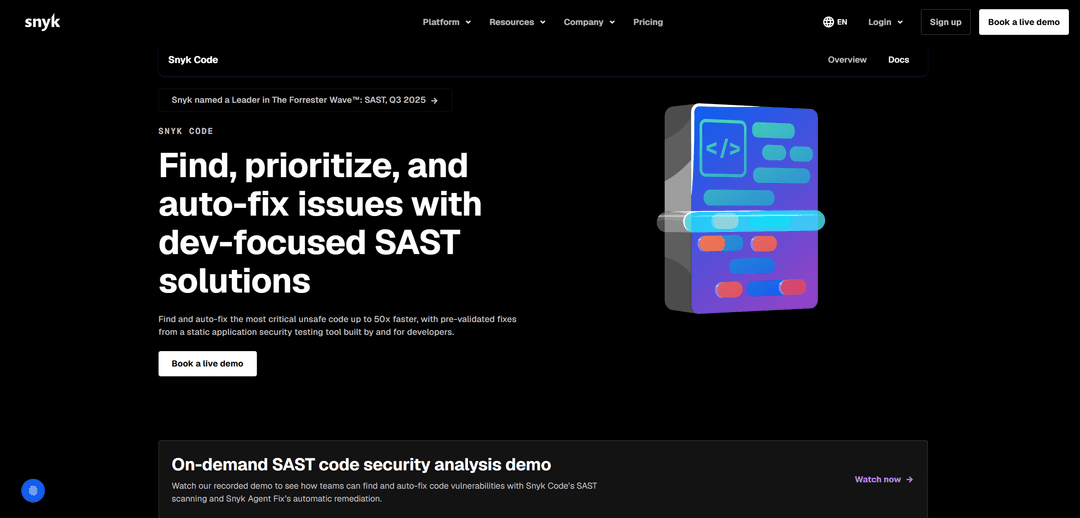
Snyk Code шукає вразливості у вашому коді, а не пише його. Інструмент належить до класу статичних аналізаторів безпеки і знаходить ін'єкції, витоки даних, захардкоджені паролі й архітектурні діри.
Безкоштовний план дає обмежену кількість перевірок на місяць, командний коштує від 25 доларів за розробника при мінімумі в п'ять осіб, автоматичні виправлення доступні на корпоративному рівні. Писати код Snyk не вміє — це доповнення до асистента, а не заміна.
OpenCode AI
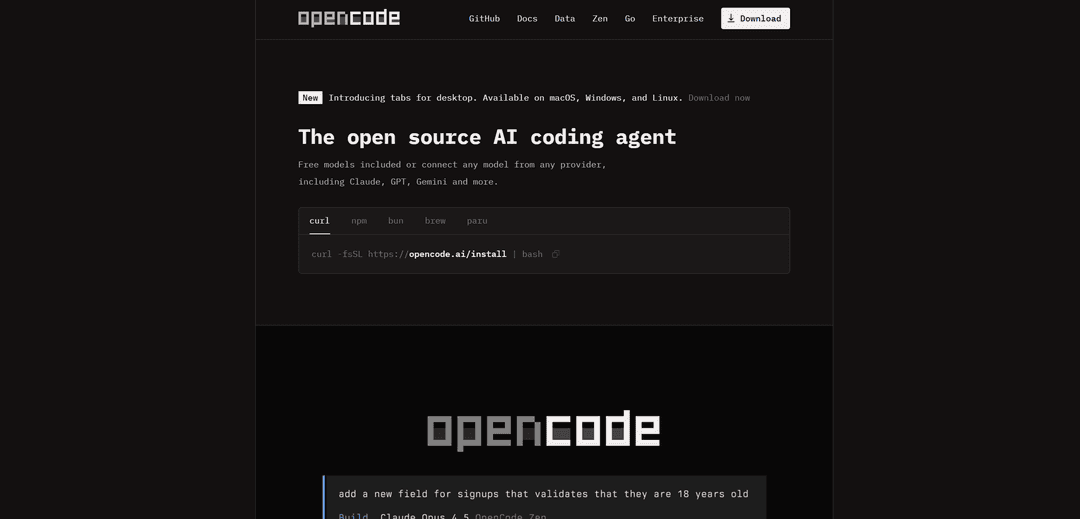
OpenCode — відкритий агент для терміналу, який не прив'язує вас до одного вендора моделей. Він читає репозиторій, шукає зв'язки між файлами, готує правки, запускає команди оболонки і підключається до пул-реквестів через GitHub Actions.
Працює інструмент у терміналі, в IDE або окремим застосунком для Windows, macOS і Linux. Є два режими: один дозволяє змінювати файли і виконувати команди, інший лише вивчає проект і складає план, що зручно, коли спочатку хочеться перевірити логіку агента. За даними розробників, підтримується понад 75 постачальників моделей, включно з локальними.
Сам OpenCode безкоштовний, платите ви або за запити до обраної моделі, або за підписку OpenCode Go з фіксованою ціною близько 10 доларів на місяць. Натомість відкритості доведеться розбиратися з налаштуванням самостійно — готового інтерфейсу рівня комерційних редакторів тут немає.
Підсумки
Обирайте інструмент за завданням і робочим середовищем, а не за загальним рейтингом.
| Завдання | Що брати | |
|---|---|---|
| Команда живе в GitHub | Що братиGitHub Copilot | |
| Великий проект і рефакторинг по багатьох файлах | Що братиCursor | |
| Агентна розробка дешевше | Що братиWindsurf | |
| Робота в середовищах JetBrains | Що братиJetBrains AI з Junie | |
| Суворі вимоги до зберігання коду | Що братиTabnine | |
| Інфраструктура на AWS | Що братиAmazon Q Developer | |
| Складна логіка і довгий контекст | Що братиClaude | |
| Універсальні завдання і пояснення | Що братиChatGPT | |
| Розбір великого незнайомого проекту | Що братиGemini | |
| Безкоштовний помічник без обмежень доступу | Що братиDeepSeek | |
| Перевірка фактів з посиланнями | Що братиPerplexity | |
| Пошук вразливостей | Що братиSnyk Code | |
| Відкритий агент у терміналі | Що братиOpenCode AI |
Практична порада щодо бюджету: не купуйте максимальний тариф одразу. Візьміть базовий план на місяць, подивіться, у що впираєтеся — у кількість запитів, розмір контексту чи швидкість, — і підвищуйте рівень уже усвідомлено. В інструментів з кредитною моделлю особливо легко переплатити за невикористаний запас.
Як оплатити нейромережі криптовалютою
Криптовалютою жоден сервіс із добірки не оплачується напряму. Copilot, Cursor, Claude, ChatGPT та інші приймають банківські картки, зрідка платіжні гаманці, а прив'язати гаманець з USDT чи біткоіном до підписки неможливо. Власнику монет доводиться йти в обхід: продавати крипту на біржі, виводити у звичайні гроші, чекати на зарахування і втрачати на курсі з комісіями на кожному кроці.
Це завдання закриває віртуальна картка з поповненням криптовалютою. Mirocard випускає картки Visa і Mastercard, які ви поповнюєте криптою, а сервіс бачить перед собою звичайну міжнародну картку і списує підписку, як при оплаті звичайною карткою. Випуск коштує 5 доларів, комісія за поповнення становить 4 відсотки, а однією карткою закриваються одразу всі інструменти з добірки.
Якщо захочете випустити віртуальну картку Mirocard, детальну інструкцію ми зібрали за цим посиланням.