How to Pay for Fatsecret
FatSecret is an app for tracking calories, macros, and weight, built around a database of verified foods and a barcode scanner. You log what you eat, scan packaging instead of searching manually, and see how your actual diet lines up with your goal — losing weight, building muscle, or just eating more mindfully. The app is available on iPhone and Android, and part of it works even without an account.
The core of the service is a huge food database that users themselves add to and verify, so over the years it's come to cover almost everything you'd find on a store shelf in different countries. That broad database and the barcode scanner are what make the free version of FatSecret an actual working tool rather than a stripped-down demo meant to push a subscription.
FatSecret is free to use — so what's Premium for
The free version already covers basic tracking. It includes macro counting, the barcode scanner, a community for support from other users, an achievement and streak system, plus reports and a weekly overview — just in a scaled-back form compared to the paid version. For someone willing to search the database manually and analyze their own diet, that's enough.
Why paying across borders can get complicated
Payment options worth considering
App store balance
An international bank card
The standard option for buying from a foreign app store is a personal card issued by a bank in the country your account is tied to. You add that card as a payment method on your Apple ID or Google Play account, and from there the subscription charges to it just like it would for any user in that country. Opening an account abroad gives you full control over payments, but it takes time to set up and to maintain afterward.
A virtual card
A virtual card carries the same payment details as a regular bank card, but you can get one online in a few minutes with no bank visit required. To an app store, there's no difference between a physical and a virtual card — all that matters is the number, expiration date, and security code; it goes through the same checks as any regular foreign card. That's exactly why a virtual card is usually the fastest way to pay for a subscription without opening an account abroad.
Why a virtual card works well for a recurring subscription
It's easy to get. A virtual card can be issued online any time, with no bank queue and no waiting for a courier to deliver a physical card — which matters a lot when all you need it for is a single subscription.
It's easier to keep future charges under control. You can top up a virtual card for a specific purpose and not keep extra money sitting on it, so the next charge won't come as a surprise or eat into the rest of your budget.
The same card works for other international subscriptions too. One payment instrument works for any service with an international checkout, so you don't need to set up a separate solution for every app or streaming service.
Mirocard as a payment instrument
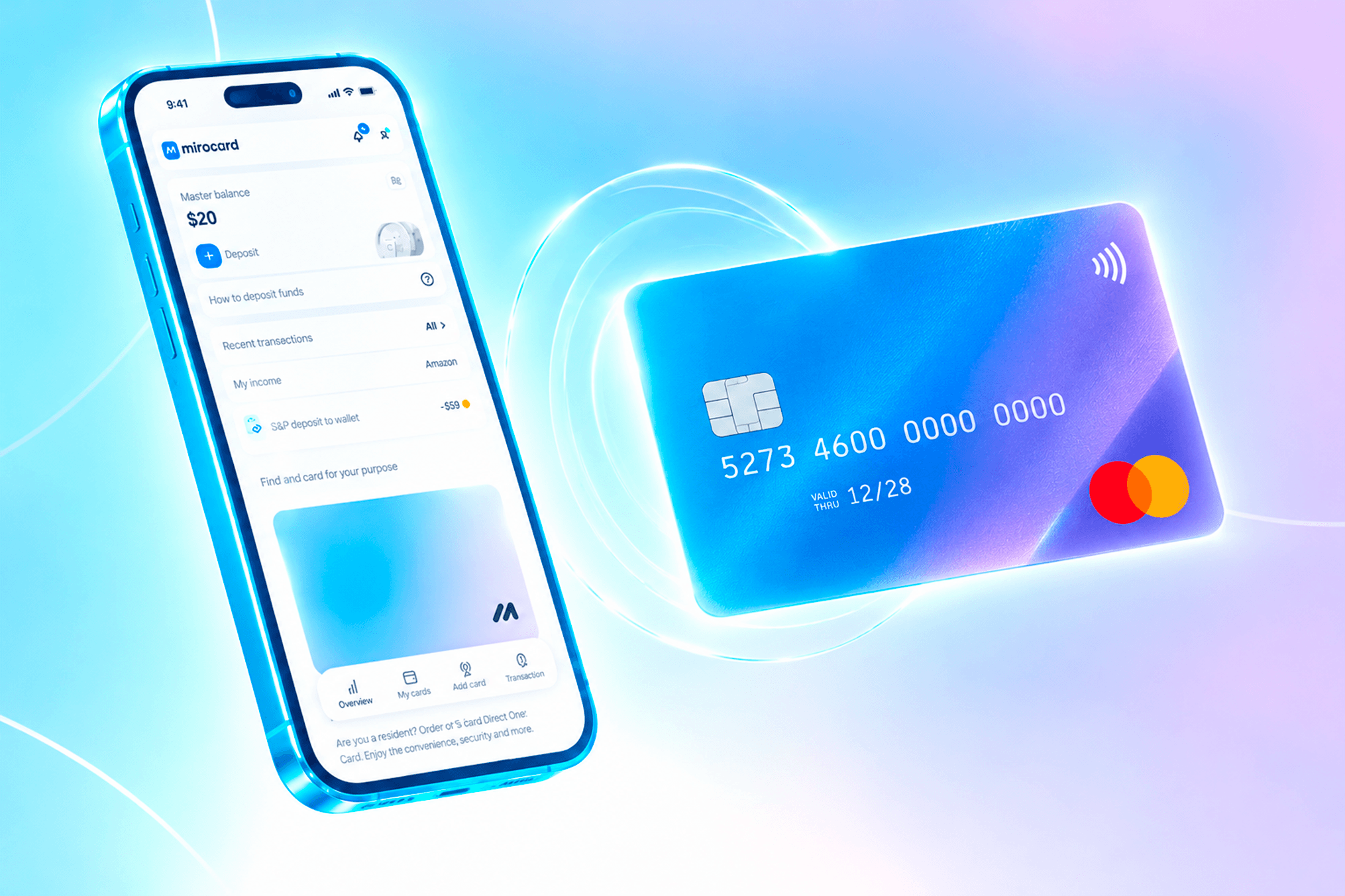
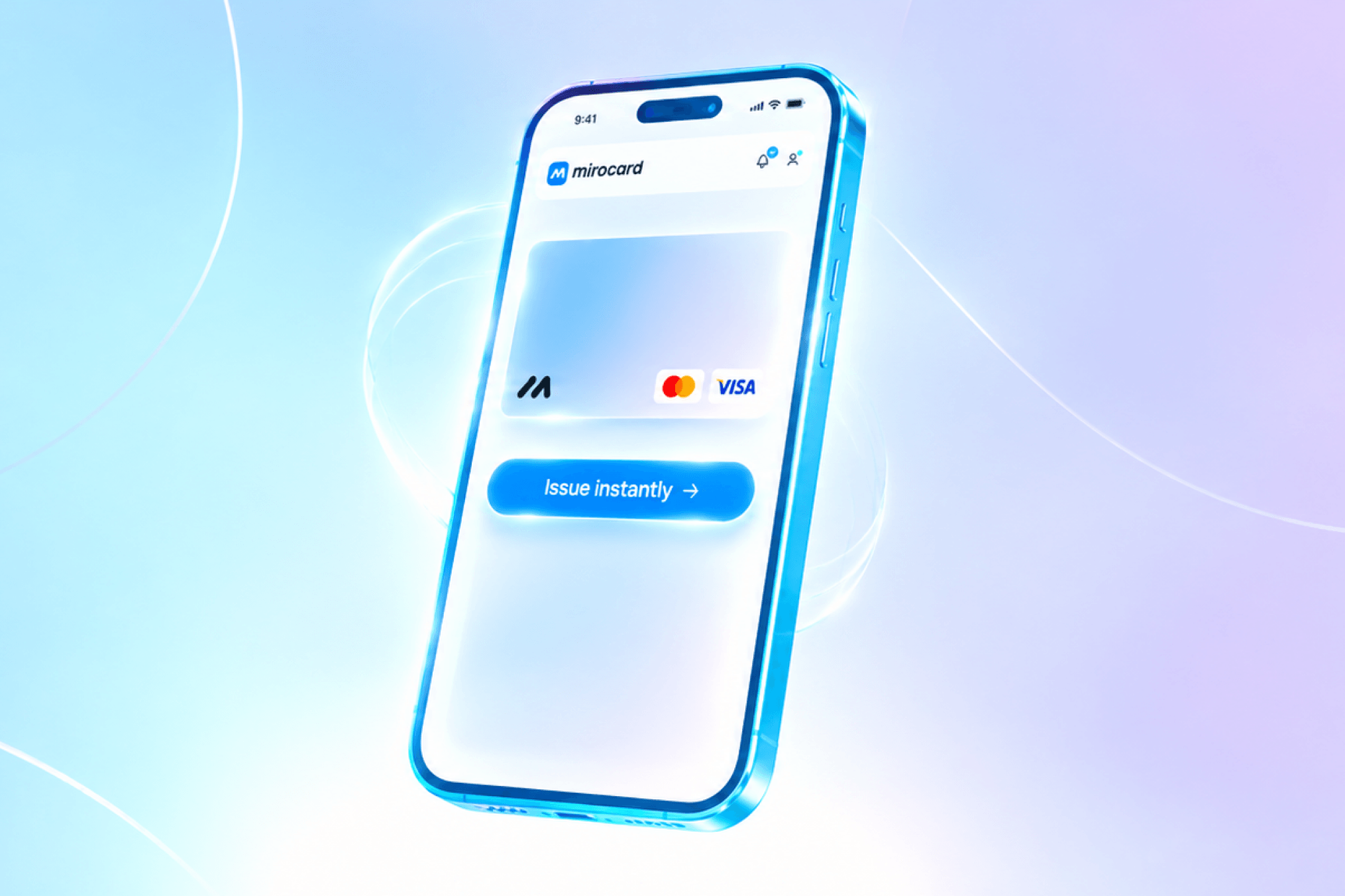
Mirocard issues exactly this kind of virtual card, ready right away for purchases at international checkouts, including the App Store and Google Play. For a crypto holder, it's the most direct way to spend wallet funds on a subscription, skipping a separate cash-out to fiat through an exchange. Issuing the card costs $5, charged once, not on every purchase.
For anyone who'd rather not deal with exchangers or open an account with a bank in another country just for one subscription, Mirocard offers a shorter route — no branch visit, no line, no weeks of document checks. The setup process is straightforward and doesn't require any special preparation. We covered how issuing a Mirocard virtual card works step by step in this article.
How to pay for FatSecret with cryptocurrency using Mirocard
Once the card is ready, here's how to pay for the subscription on iOS and Android.
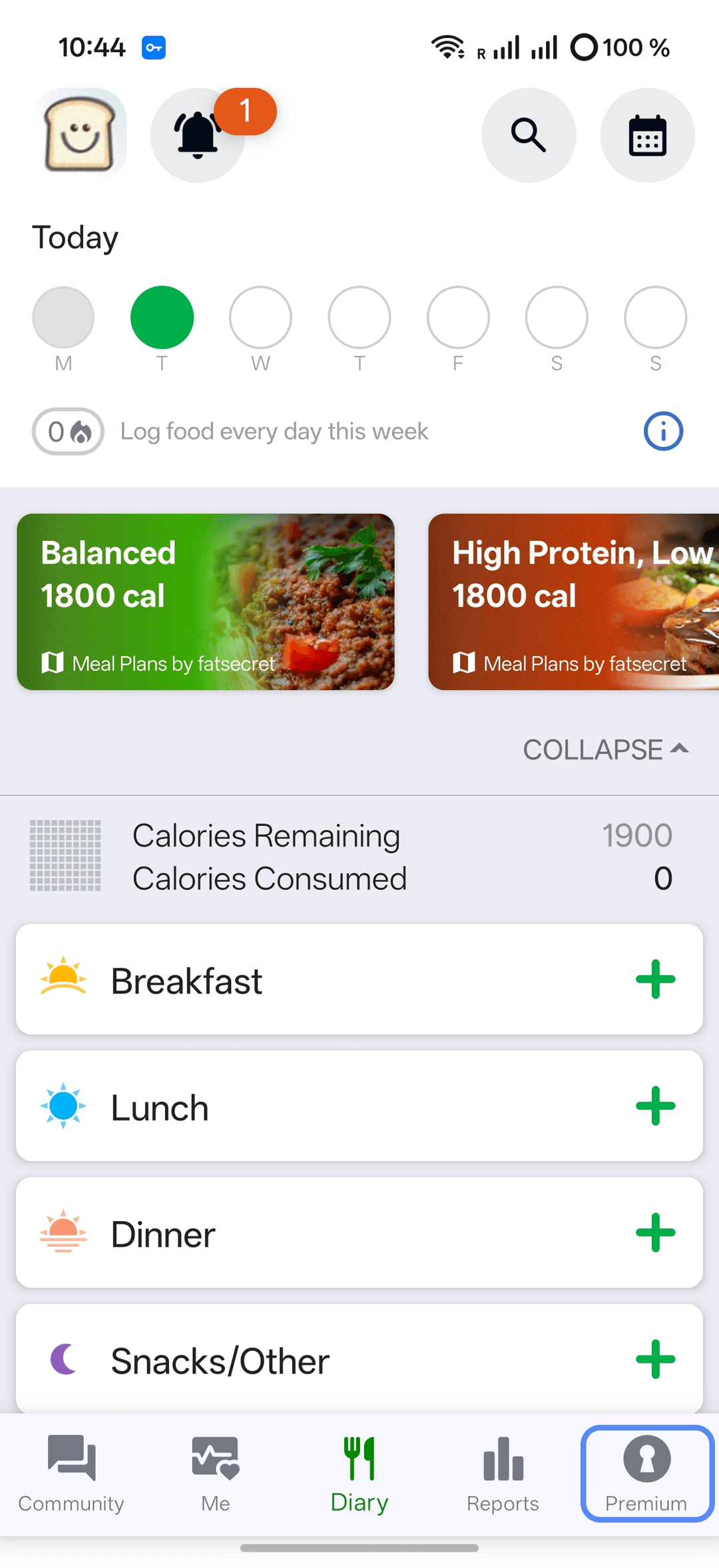
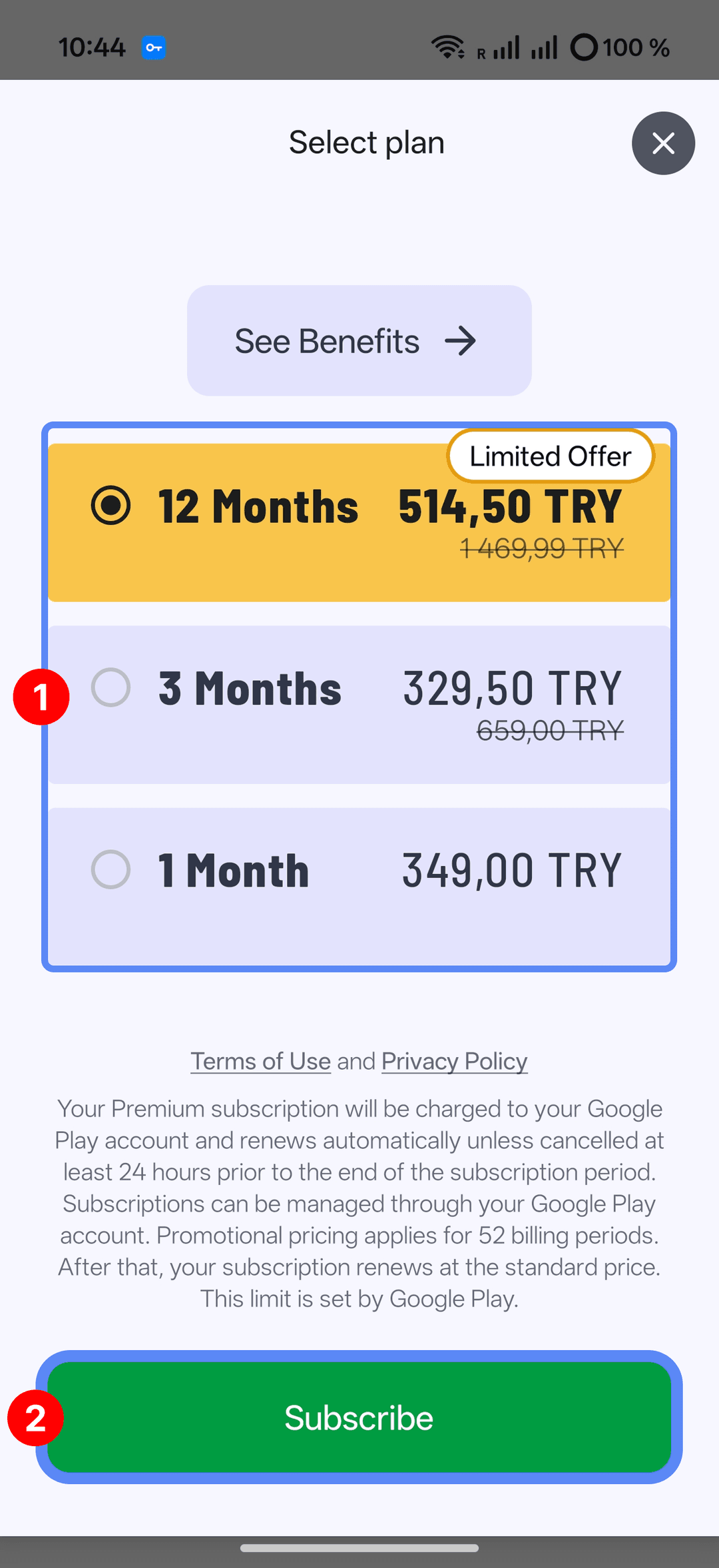
Look through the subscription options and tap the plan you want to move on to checkout — monthly, quarterly, and yearly options are usually all available.
On iOS
-
The standard App Store purchase screen comes up next. If your Apple ID doesn't have the Mirocard on file yet, open the Settings app, go to your profile at the top of the screen, and add a new card under "Payment & Shipping" — you'll need the card number, expiration date, and security code.
-
Go back to the FatSecret subscription purchase and confirm the payment.
On Android
-
A list of Google Play payment methods comes up. The Mirocard may not show up yet on your first purchase — if not, tap "Add payment method," choose the bank card option, and fill in the number, expiration date, and security code.
-
Check the order details on the confirmation screen and tap "Subscribe" to complete the purchase.