How to Pay for Ticktick
TickTick is a popular all-in-one task planner, time manager, and habit tracker that works on your phone, computer, and in the browser, syncing across every device. It's where people keep to-do lists, set reminders and deadlines, track habits, and use the built-in Pomodoro timer to stay focused on a task. The app works for personal tasks and work projects alike — lists can be split into folders, tags, and subprojects, and some features are built for working with a team.
The basic version of TickTick is free with no time limit — signing up takes a couple of minutes, and some features work right away after installing the app.
What Premium is for
TickTick's free plan covers the basics but runs into limits as your number of lists and tasks grows. The free tier caps the number of lists and the tasks in each one, and the calendar only shows a simple list without full day, week, or month views. The available tools are limited to basic reminders, subtasks, and priorities — no change history, detailed statistics, or flexible filters.
What payment options are available for TickTick
An international card
If you already have a card from a bank in another country, setting up the subscription works just like the standard flow — you enter the card on the payment page, and Stripe accepts it without extra checks. This works if you already have an account with that kind of bank, but opening one specifically for a single subscription doesn't make sense — the process takes time and requires an in-person visit or a complicated remote setup.
A virtual card
To Stripe, a virtual card is indistinguishable from a regular plastic Visa or Mastercard — it goes through the same check at TickTick's checkout and is accepted the same way. Getting one takes literally a couple of minutes in the app or on the card-issuing site, no bank is needed, and there's no separate account to open — the whole process, from application to finished card details, happens online, which matters a lot if you only need the subscription once or want to try it out.
How to pay for TickTick with Mirocard
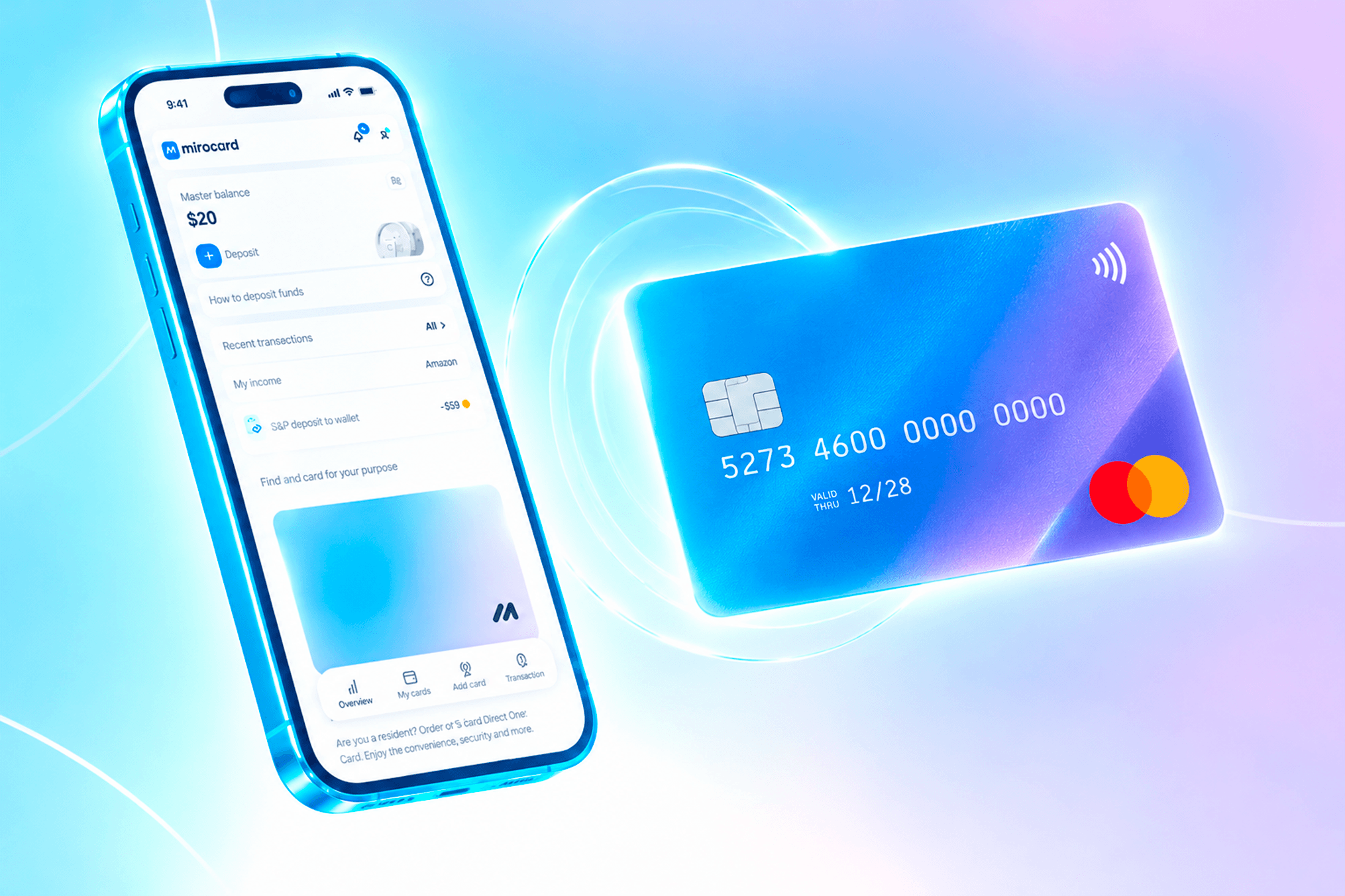
Mirocard offers exactly this kind of card — a virtual Visa or Mastercard funded with cryptocurrency, accepted anywhere Stripe works. For a crypto holder, the card replaces the separate step of cashing out to fiat through an exchange — assets from the wallet turn straight into a balance ready to spend.
Issuing a card for subscriptions like TickTick costs $5, and every top-up carries a 4% fee. Getting the card is simple and doesn't require any special knowledge, and you can go through the whole process step by step in a separate article on issuing a Mirocard virtual card.
Once the card is ready to pay for the subscription, here's what the process looks like on TickTick.
- Open the TickTick page and click "Upgrade to Premium" in the bottom-left corner — it opens the plan selection page.
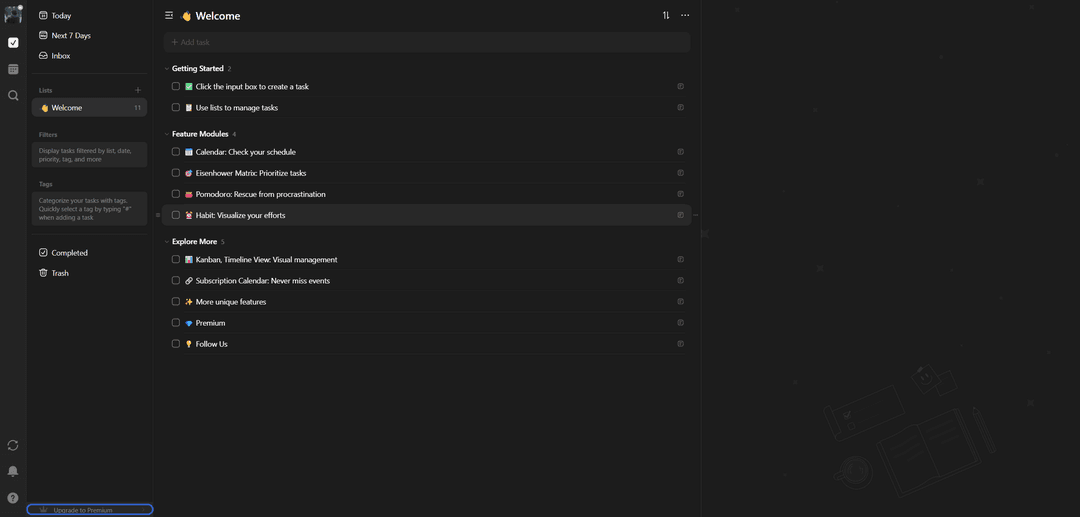
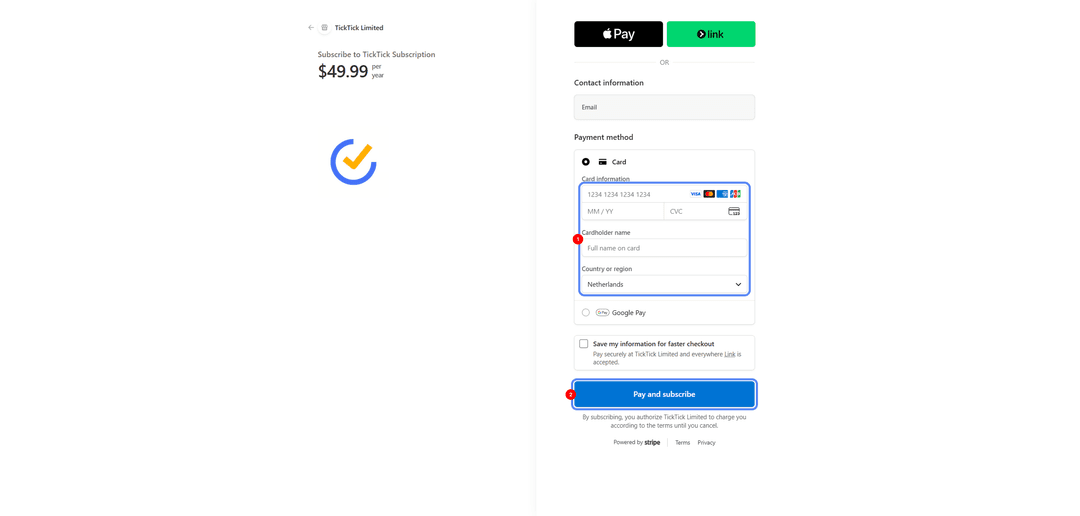
- The system opens Stripe's payment page showing the subscription name and the total for the year. Under "Payment method," choose the card option — "Card," not Apple Pay, Link, or Google Pay. Enter your email for the receipt in the "Contact information" field if it isn't filled in automatically.
-
Enter the Mirocard's number, expiration date, and CVC code in the "Card information" field, then fill in the cardholder's name in "Cardholder name."
-
Under "Country or region," select the country listed in the Mirocard profile — a mismatch with the card's details will get the payment declined.
How to avoid losing access to TickTick Premium
The next renewal date is visible in the subscription section inside the TickTick app, and it's worth setting yourself a reminder a few days ahead — which fits especially well for a tool built specifically for managing reminders. If the card is blocked or has expired, TickTick usually gives you a few days to fix the payment before the account drops back to the free tier.
What other international services you can pay for with a virtual card
A card with international details isn't tied to one service — it covers several areas where the same payment problem comes up. Music and video streaming platforms, cloud storage and office suites, AI tools for generating text, music, and images, gaming services and in-game purchases, and professional design and development tools — everywhere at checkout, you just enter the same card details you used for TickTick.