How to Pay for Age Of Origins
Age Of Origins is a survival strategy game set after a zombie apocalypse, where you rebuild a ruined city, build an army, and defend your territory from hordes of the infected. The gameplay blends several genres at once — base building, tower-defense elements when defending the city, real-time strategy on the map, and mass PvP battles between alliances of players from around the world. A separate part of the game is managing your troops, which range from regular soldiers and vehicles to unique combat units like titans and warplanes.
The game is free and available on iPhone and Android, and some items, including random rewards, can be bought with real money.
What purchases you can pay for in Age Of Origins
Bundles and special offers. Packages like the "Infinite Queue" combine several item types at once — gold, resources, speedups, and a unique reward chest — at a lower price than buying each item separately. These offers are often time-limited, so the price and contents of a bundle can change every few days.
What payment methods you can use
An international bank card
The difference from any other method is that once it's set up, the card just works — you don't need to find money for every in-game purchase, the details are already linked to the app store and accepted for any amount. The cost of that convenience is the process of getting an account in another country itself, which takes time and often requires documents or an in-person visit. This method makes sense if you're already paying for something else with the same card, rather than opening one solely for a single game.
Gift cards
The point of a gift card isn't payment convenience — it's that you don't need a bank card at all. A code with a fixed value is bought separately and activated on your App Store or Google Play balance, and the in-game purchase is then charged to that balance. The math here isn't always exact — if a bundle costs less than the card's face value, the remainder just waits for your next purchase on the store account, and the difference between the official exchange rate and the code's own price gets added to your total cost.
A virtual card
To an app store, a card like this is just a regular bank card, minus the physical plastic in your hand: the details arrive within a few minutes of applying, and linking it to your Apple ID or Google account works the same way as with any other card. The difference from opening a full account abroad is that you don't need an in-person visit or a courier delivery — just access to the account portal of the service that issued the card.
Mirocard for paying for Age Of Origins with cryptocurrency
Mirocard covers exactly this step — linking a card to the app store — with a virtual Visa or Mastercard that Apple ID and Google accounts accept the same as any other international card, with no extra checks or restrictions on their end.
The card balance is topped up with cryptocurrency straight from your wallet — no exchanger, and no intermediary handling the payment on your behalf. The funds become card balance within a few minutes and are ready right away to pay for a subscription.
Issuing the card costs $5, a one-time fee rather than a per-purchase charge, plus a 4% fee on topping up the balance. You won't need to work out the finer details yourself — we covered the whole path from application to a working card in a separate article on issuing a Mirocard virtual card. From there, all that's left is linking the card to your in-game purchase once.
Once the card is ready, here's how to link it to a purchase in the game.
Open Age Of Origins on iOS or Android and go to the resources section.
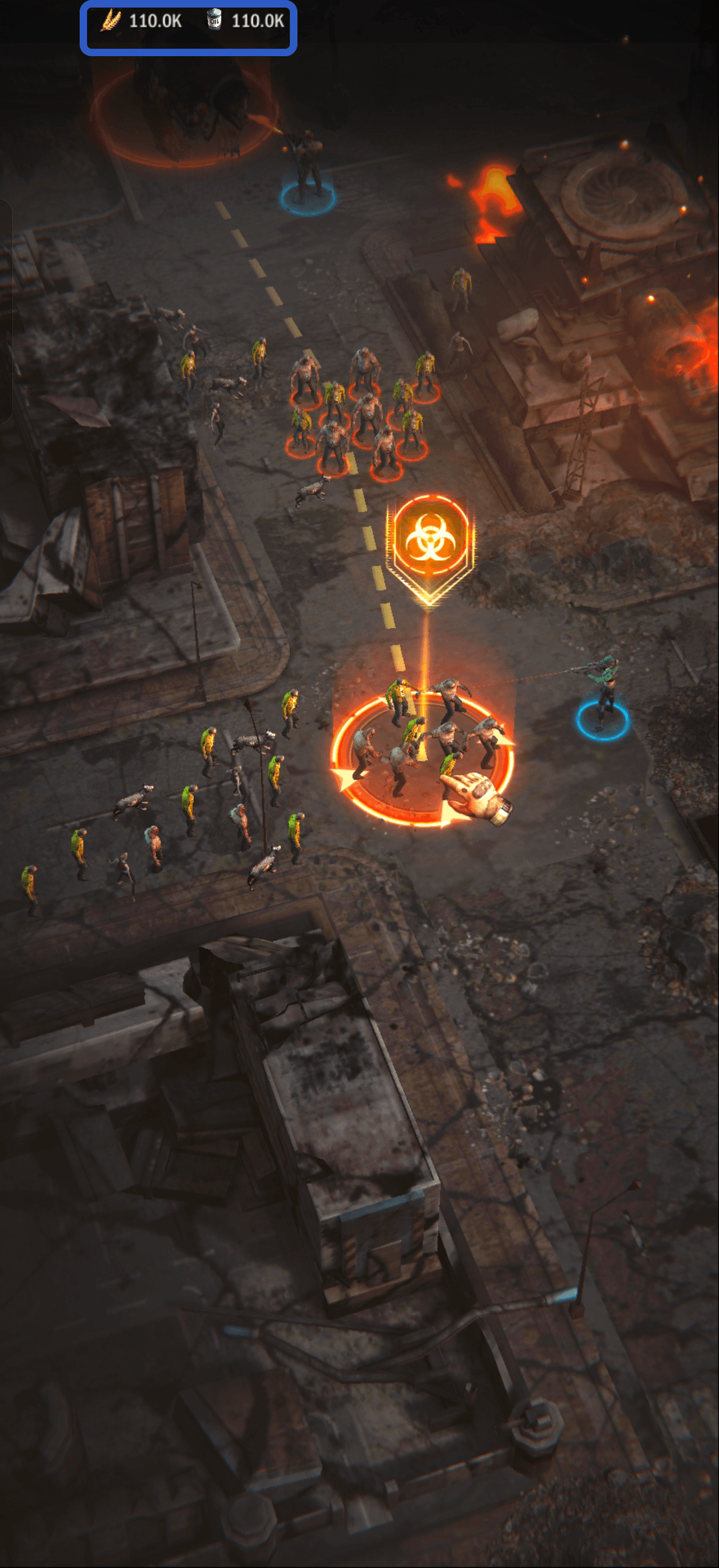
Scroll through the available bundles and pick the one that fits your needs and budget, then tap the bundle's image to move on to the purchase.
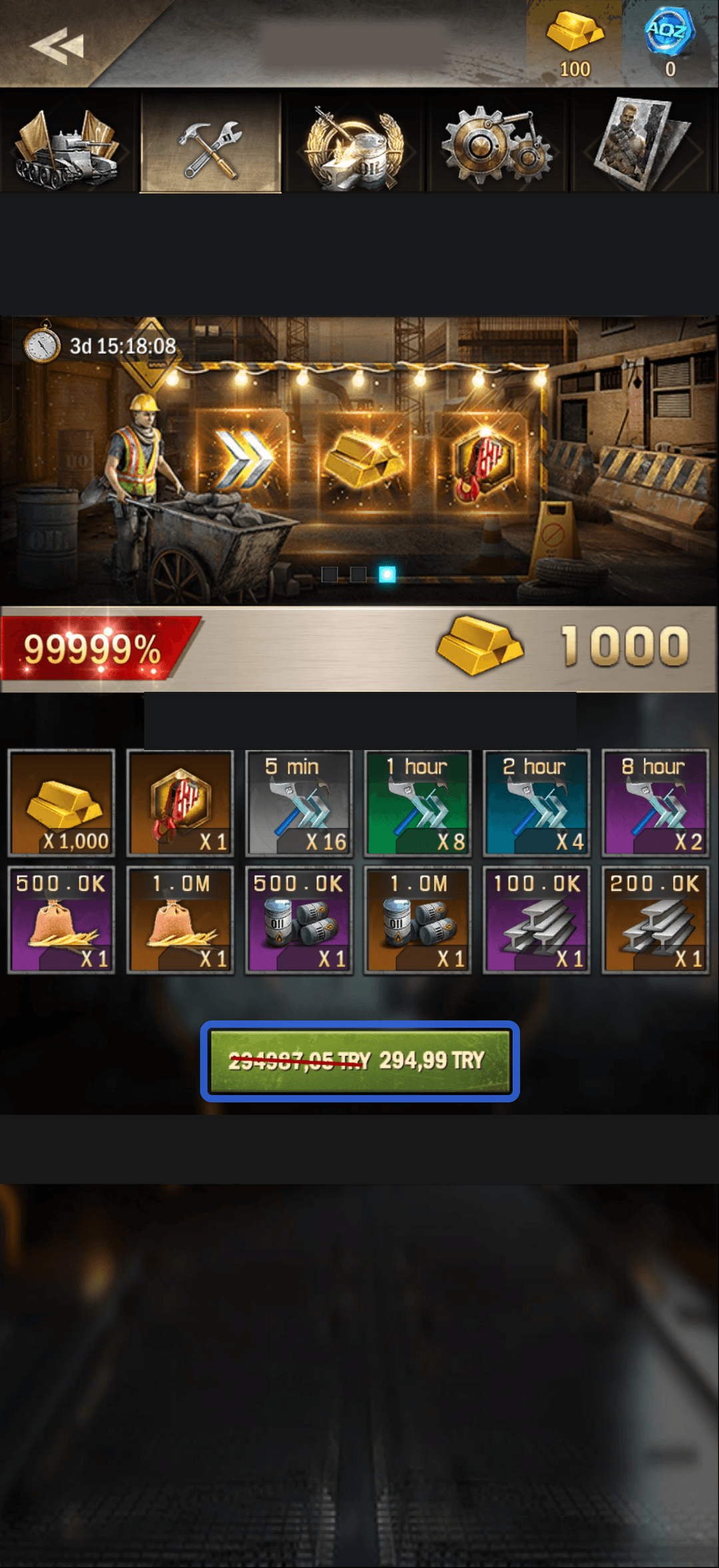
On iPhone, you can link the card ahead of time or right at the moment of purchase. If the Mirocard's details aren't in your Apple ID yet, the App Store window that opens will prompt you to add them, and the fields are the same as for adding any other card — number, expiration date, security code. Face ID, Touch ID, or your passcode confirms the payment, the item lands in your inventory instantly, and the receipt arrives by email from Apple.
On Android, the card is added through Google Play's list of payment methods — tap "Add payment method," choose the bank card option, and fill in the same three fields with the card details. It's worth checking the confirmation screen before tapping "Buy" to make sure the amount and bundle match what you picked in the game. The item is credited right after payment, and the charge itself stays in the "Payments & subscriptions" history of your Google account, in case you need to check what was bought and when.
How safe is paying with a virtual card in the game
The Mirocard doesn't add any extra risk compared to a regular bank card — the details form at App Store and Google Play checkout is the same for any card, and only the payment system sees the actual data, not the game's developer or any third-party item sellers. The cardholder chooses the balance amount themselves, so even if checkout data were ever leaked, the damage an attacker could do is limited to whatever balance is on the card, not the holder's entire funds.
Conclusion
The game itself works the same everywhere in the world, but the app store that every purchase goes through doesn't — it checks the payment instrument separately from the game itself, by its own rules. That's exactly why the solution isn't inside Age Of Origins itself, but at the level of the card linked to your Apple ID or Google account. Mirocard gets you that card in a matter of minutes, and from there you can use it in any other app with purchases through the same store.