How to Pay for Cursor AI
Cursor is built on top of VS Code, but with one key difference — the model here doesn't just suggest completions for a single file, it holds the entire project in memory and understands how its parts connect. Ask about a bug, and Agent Mode finds the cause on its own, rewrites the necessary modules, and accounts for how that ripples through the rest of the architecture. Anysphere, the company behind it, reports that more than a million developers worldwide use the paid version.
Downloading the editor, signing up, and working with it comes with no issues at all — the site loads, installation goes smoothly, and you can start writing code from the first minute. The snag shows up at exactly one step — where you need to pay for a paid plan — and that part deserves a separate look.
When the Free Version of Cursor Isn't Enough Anymore
From there, Agent Mode and Composer start feeling cramped. They technically work on the free plan too, but with a hard cap on volume — a large refactor or edits across several files at once simply won't fit under that limit. Composer, whose job is to make coordinated changes across connected modules, also runs into the request cap on Hobby.
Then you start getting constant notifications about running out of credits for serious models like Claude or GPT. If that message pops up not once a month but every week, there's no point putting up with the queue any longer — it's time to look at the paid plans.
Which Paid Plans Cursor Offers
A year ago, Cursor dropped the simple request counter and switched to a credit system — the cost of a request depends on which model you use, and spending on top-tier models is usually what turns into a surprisingly large bill at the end of the month.
Pro. The Pro plan removes the cap on autocompletions, and on top of that unlocks a credit pool for heavier requests — including full Inline Chat, Agent Mode, and Composer with no limit on the number of files. It costs $20 a month. The downside shows up under heavy use: credits run out before the month ends, and paid overage kicks in.
Ultra. Ultra is built for anyone who keeps Agent Mode running all day — it costs $200, gives twenty times the credits of the base Pro plan, plus priority placement in the model queue. Jumping straight to this plan without first tracking your actual usage is risky — it's easy to end up paying for volume you'll never use.
Before paying for the first month of any plan, check the billing section and cap your automatic overage — otherwise, whatever you spend beyond the pool gets charged with no warning once the period closes.
What Payment Options Are Available
A bank card. A card issued by a bank with a suitable BIN clears Stripe without issue and lets you link a subscription with auto-renewal in one go. But getting one is difficult for some people — a foreign bank almost always requires time, a set of documents, and often an in-person visit, and even after getting the card, a crypto holder still can't pay with digital assets directly.
Intermediaries. These services take your payment in a convenient currency and then run the transaction through their own international payment details, which they hand over for you to enter on the Cursor page. It solves the problem once, but the procedure has to be repeated for every new payment, and the final amount always runs above the official plan price because of the intermediary's markup.
A virtual card. This is essentially just digital card details with no physical form — the number, expiration date, CVV code, and billing address are issued in your account immediately after setup. To Stripe, it's indistinguishable from an ordinary card as long as its BIN belongs to a supported country, and the ability to fund the balance with cryptocurrency removes both problems at once — no foreign account and no way to pay in coins directly.
Mirocard as a Way to Pay for Cursor
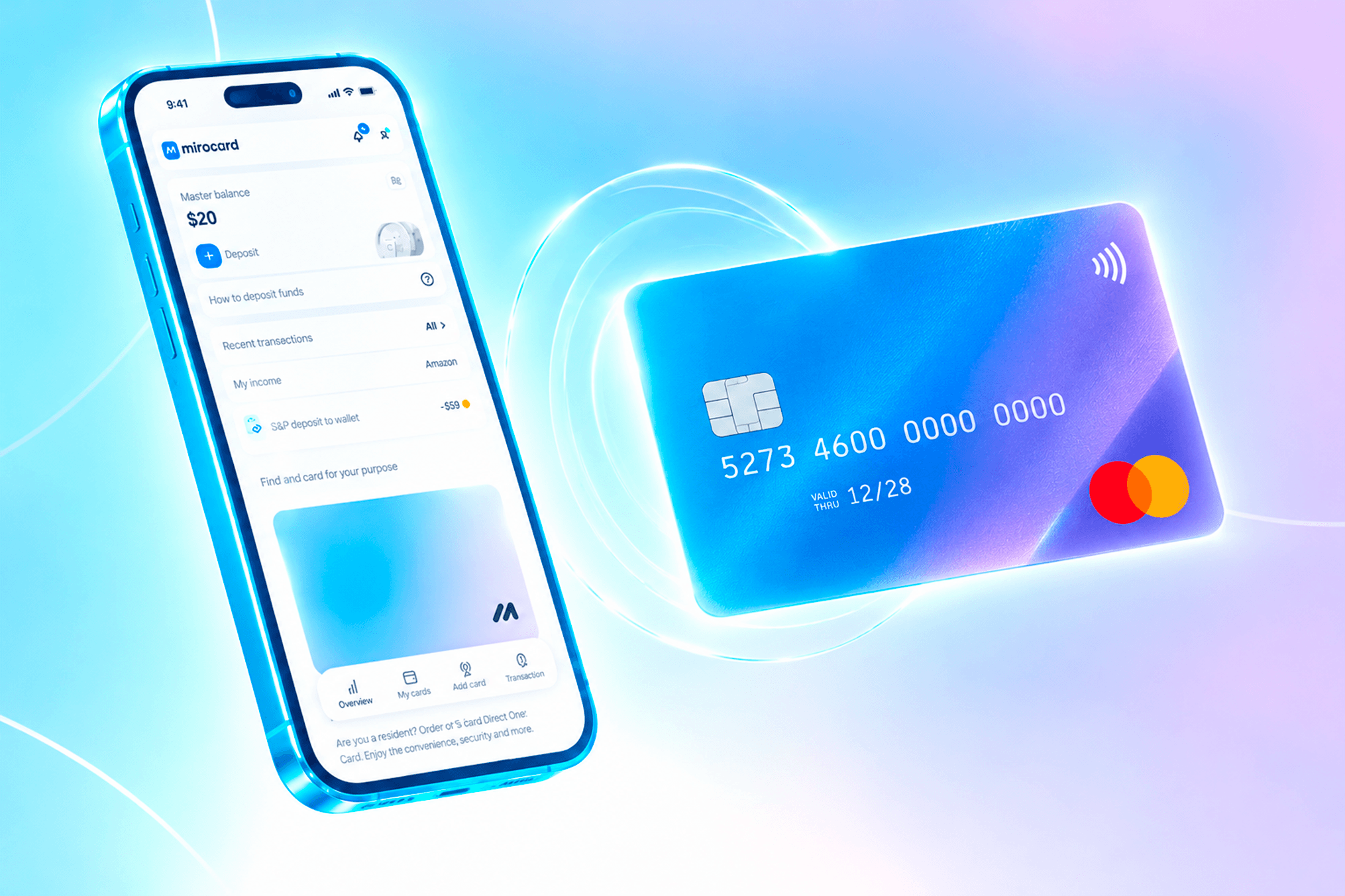
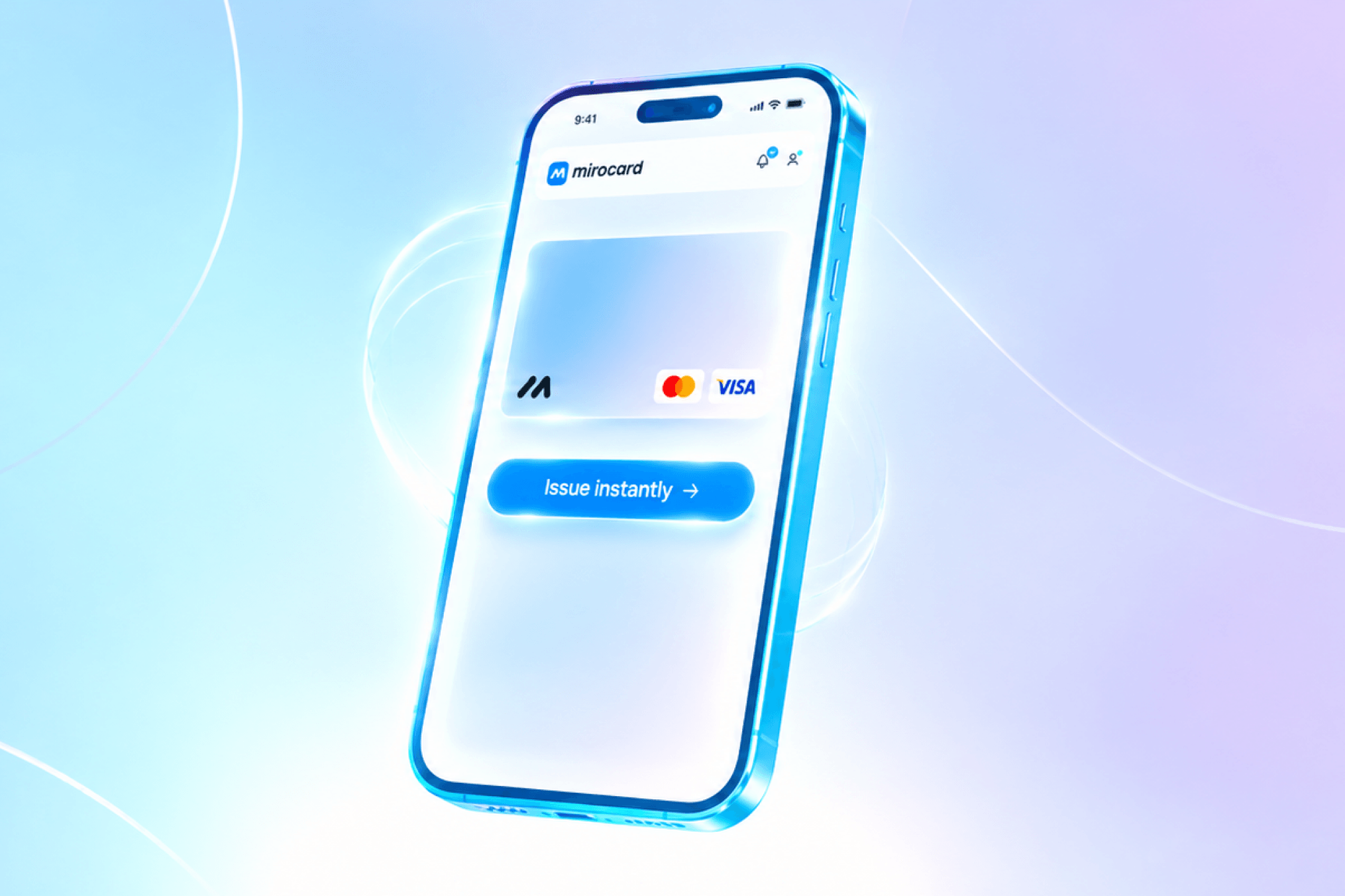
Mirocard issues Visa and Mastercard virtual cards that you can fund with either digital or fiat currency. For Cursor, that means paying directly from your wallet, with no intermediate exchange to fiat through an exchange, and for anyone without access to an international bank, a working way to pass Stripe's check without opening an account abroad.
The card supports recurring charges and 3D Secure verification, so a subscription to Pro, Pro+, or any other plan renews automatically, with no need to repeat the process by hand every month. The billing address is entered exactly as set in your account when the card was issued, and matches the country the card is tied to, which clears Stripe's second check.
Paying for Cursor with Cryptocurrency via Mirocard: A Guide
The process comes down to a few clear steps, and you don't need any special knowledge. We covered a detailed guide to getting a Mirocard virtual card in this article.
Once the card is ready, move on to paying on the Cursor page. Open the pricing page on the service's website and pick the plan that fits — Pro, Pro+, or Ultra, depending on how many model credits you need.
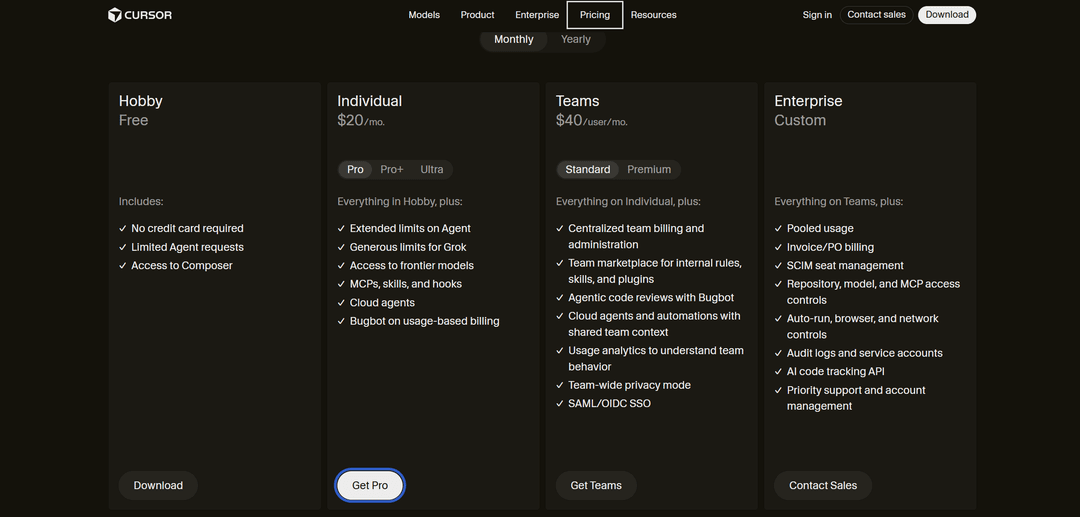
On the subscription page, the system shows the payment currency and amount — check that the region the price is displayed in matches the country your card is tied to. In the payment methods section, choose manual card entry rather than Apple Pay or Google Pay, which usually only work with bank accounts inside a single country.
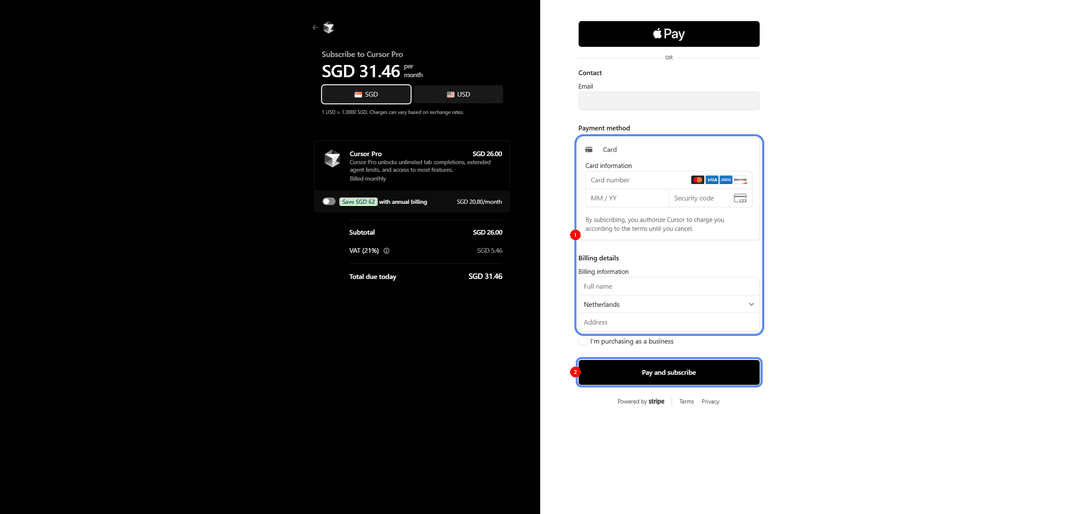
Enter your Mirocard details — card number, expiration date, and security code. Below that, fill in the billing address in full, including the cardholder's name, country, and address — every field needs to match the details listed in your Mirocard account when the card was issued. Confirm the payment with the subscription agreement button.
If Cursor Declines the Card
First, check your card balance — the amount needs to cover not just the plan price but any potential currency conversion, if the card was issued in one currency and the subscription is billed in another.
Double-check your card details — one mistyped character in the card number or expiration date causes a decline that looks like a problem with the card itself, when it's really just a typo.
Next, check your Cursor account's billing details — the billing address and currency in your billing settings against what's listed for your card. A country mismatch between the account and the card raises the transaction's risk score and almost always leads to a decline at the AVS check stage.
If the error keeps happening with completely correct details, contact Cursor support and provide the transaction attempt number — sometimes the decline is caused by a temporary glitch on the payment gateway's side rather than the card itself.
Can You Use the Same Card for Other AI Services
Yes, and that's one of the main practical advantages of this approach. A Mirocard virtual card can become a way to centrally pay for AI tools you use for work — most services like Claude, ChatGPT, or Midjourney use similar payment gateways and impose similar card requirements, so the same virtual card covers several subscriptions at once.
This also simplifies expense tracking. Instead of keeping several different payment methods for different services, you see every charge for your working AI tools in one account and on one balance, which you top up yourself as needed.
Conclusion
Cursor as an editor is available anywhere in the world with no restrictions — the problem shows up only at the paid-plan payment stage, and it comes from filtering on Stripe's payment gateway side, not from the service's own policy. An international bank card solves the issue directly, but getting one is hard, and you still can't spend cryptocurrency through it.
A crypto-funded virtual card solves both problems at once — it removes both the technical BIN-check obstacle and the lack of access to an international bank account. Set it up once, and Cursor renews itself, with no risk of losing access to Agent Mode in the middle of a work task, and the same card pays for other AI tools in your working stack too.