25 Best AI Tools for Design
AI tools have taken over the most tedious part of design work: cutting out backgrounds, extending the edges of a layout, pairing fonts, generating twenty logo variations. Tasks that used to eat up hours now take minutes, freeing up time for what machines still can't do — concept, meaning, and taste.
We rounded up 25 tools across six categories: image generation, photo editing, interfaces, branding, color and typography, and 3D graphics. For each one, we cover what it does best, where it falls short, and what it costs. At the end, we go over how to pay for a subscription if a service doesn't accept cryptocurrency.
What AI Tools Can Do in Design
Generating from scratch is the most obvious use case. You describe an image in words, the model produces a few options, you refine the prompt, and repeat. This is how people make illustrations, backgrounds, concepts, and mood boards, and at the idea-hunting stage, speed matters more than the final file's polish.
Editing existing material saves more time than generation does. Removing a background, erasing an unwanted object, extending an image to fit a different format, upscaling an old photo — all of this used to be done by hand in an editor and now takes seconds.
Automating routine work covers a third category of tasks. AI tools put together color palettes, pair fonts, rough out an interface layout from a description, and turn a paper sketch into an editable mockup. The result almost always needs polishing, but a starting point appears instantly.
Keep the limitation in mind: a model doesn't understand your project's context and isn't responsible for meaning. It'll produce a good-looking image but won't explain why it actually fits the brand. Treat anything that comes from an AI tool as a draft, not a final result.
Selection Criteria
Look at five things when choosing, and price isn't the main one.
Type of task. There's no universal tool. An image generator won't build an interface, and a background-removal service won't design a logo. Define the task first, then look for the tool.
Rights to the output. Critical for commercial projects. Check whether the service allows commercial use of what it generates, and on which plans — for some tools, that's only available on paid tiers.
Export format. Check whether the service gives you the file in the format you need. Print work and logos need vector, the web is fine with raster, and 3D models need to match the formats your engine supports.
Integration with your workflow. A plugin inside Figma or Photoshop saves more time than a standalone service where you have to upload files and later download the result.
Payment method. Almost all these services only accept cards and don't work with cryptocurrency. If you pay in coins or live in a country where you can't get an international card, this point matters more than any feature comparison.
Image and Illustration Generation
Midjourney
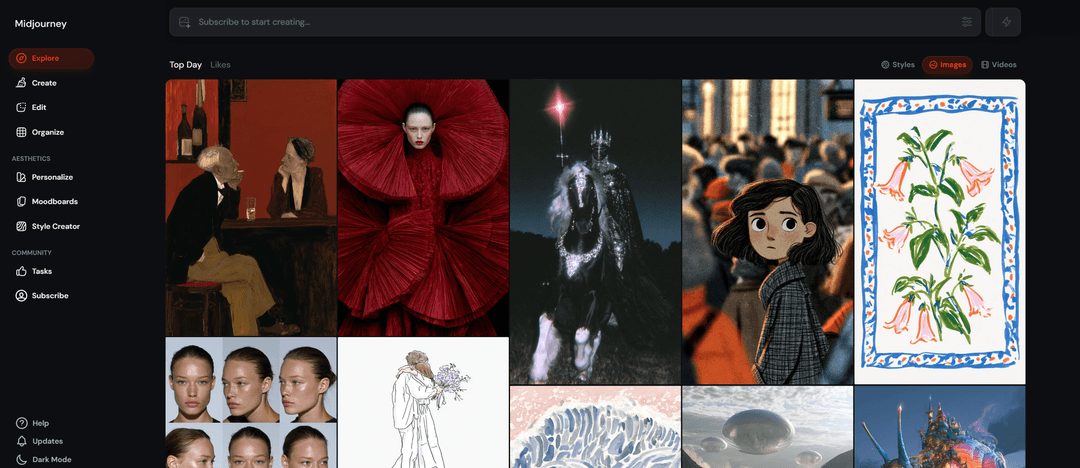
Midjourney delivers the best image quality among generators and remains the pick for artistic work. The model has a strong feel for composition, light, and style, so illustrations come out cohesive rather than pieced together.
Control is fine-grained: parameters set aspect ratio, stylization strength, and how far to stray from the prompt, and you can upload your own image as a reference. The service runs through Discord and a web interface.
There's no free tier — subscriptions start around $10 a month. The barrier to entry is higher than competitors', since you'll need to learn the prompt syntax and parameters, but the quality ceiling here is the highest around.
ChatGPT (DALL·E)

Image generation in ChatGPT is convenient because it happens in a conversation. You describe the task in plain words, look at the result, and ask for a specific fix without rewriting the whole prompt — the model remembers the conversation's context.
A particular strength is text inside images. Lettering on signs, covers, and posters comes out legible far more often than with most generators, closing a common pain point for designers.
Limited access is available in the free version, and the main plan costs about $20 a month. On artistic expressiveness, the model trails Midjourney, but it wins on simplicity and how fast you can iterate.
Recraft
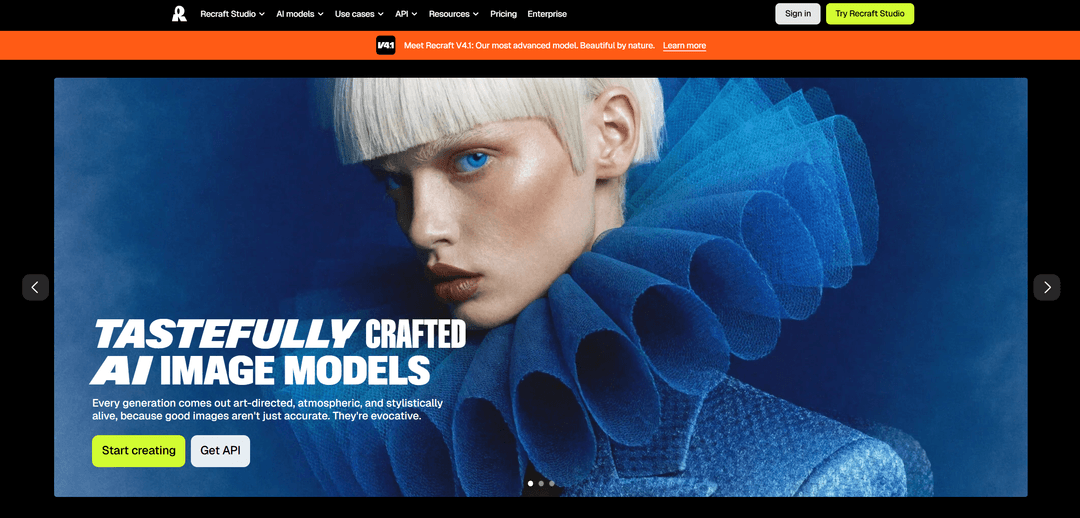
Recraft is built for designers and generates vector as well as raster output. That's its main distinguishing feature: you can export a logo or icon straight to SVG and refine it in an editor, no tracing needed.
The tool holds a consistent style across a series of images, which matters for icon sets and illustrations built for one project. There's palette control and mockup generation too.
The free tier gives a limited number of generations a day, and paid plans start around $10 a month. For artistic scenes it's weaker than top-tier generators, but it's more convenient for applied graphics.
Adobe Firefly
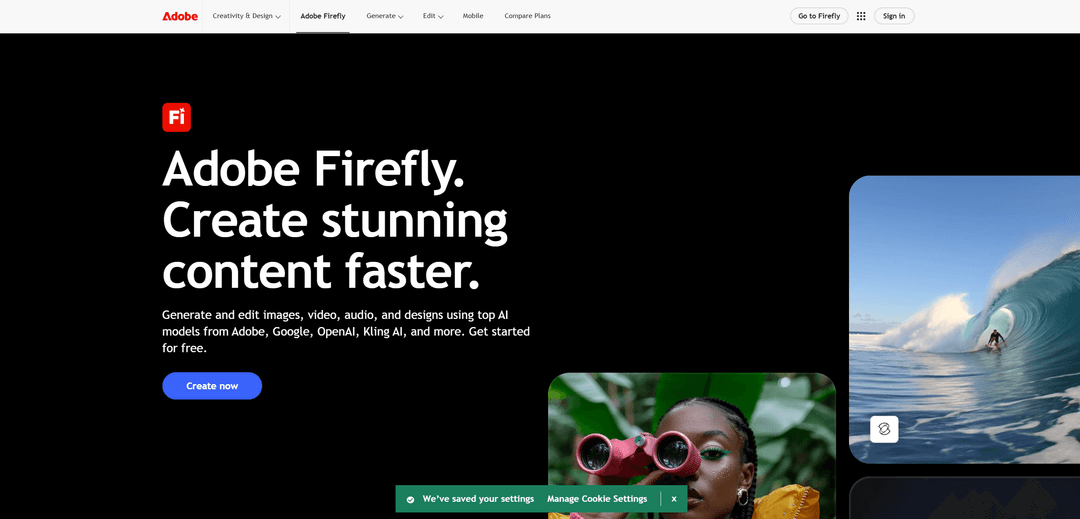
Firefly is trained on Adobe's licensed material, so its output can be used in commercial projects without legal risk. For agencies and corporate clients, that's the deciding factor.
The tool is built into Photoshop and Illustrator, where generative fill lets you select an area and ask it to paint in or replace content right inside the layout. There's also vector-draft generation and text effects.
Basic access comes with a Creative Cloud subscription, and standalone plans start around $10 a month. On pure image quality, Firefly trails the leaders, but it wins on integration and legal cleanliness.
Image Editing and Enhancement
ClipDrop
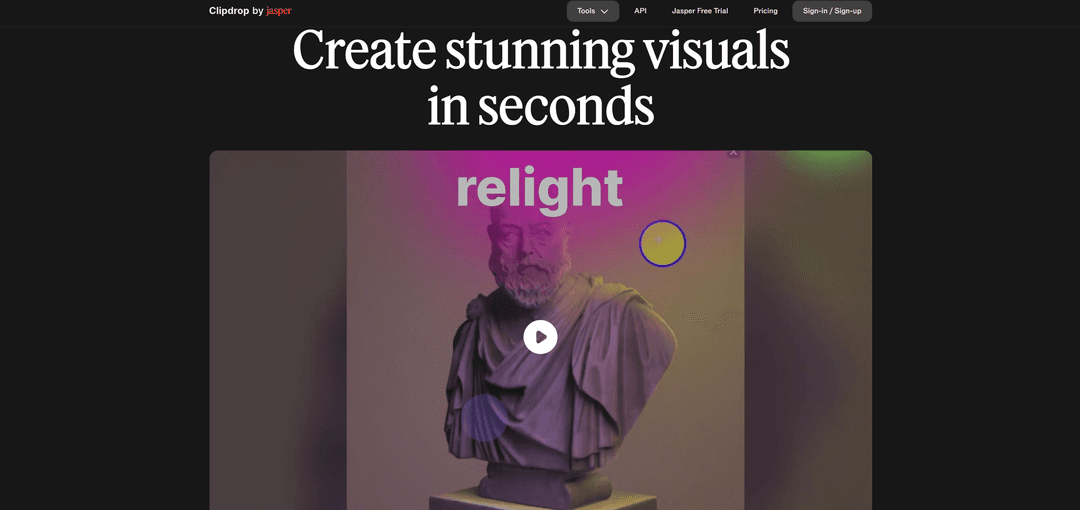
ClipDrop is a set of nine separate browser-based tools, each handling one task: background removal, object erasing, upscaling, relighting, canvas extension. No need to learn a whole editor for a single operation.
The most useful feature is Uncrop — it extends an image beyond its original borders when the picture doesn't fit the format you need. There's also an API for embedding it into your own products.
All tools are free with daily limits; the paid tier removes them. The service has changed hands a few times and is now owned by Jasper, but the product runs stably and keeps developing.
Photoroom
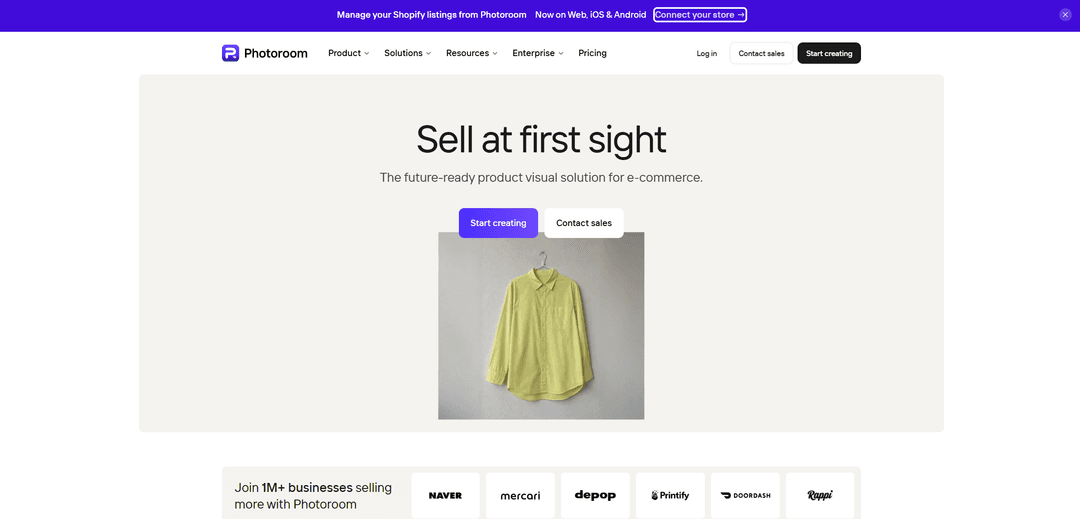
Photoroom is built for product photography for marketplaces and online stores. It cuts out the product, places it on a new background, balances the lighting, and assembles a finished product card — work that would otherwise take half a day by hand.
There's batch processing: upload a dozen photos and get a uniform catalog with matching backgrounds and composition. It works in the browser and in a mobile app.
The free version is limited in resolution and adds a watermark; the subscription starts around $10 a month. The tool isn't meant for artistic work — its territory is commercial product photography.
Remove.bg
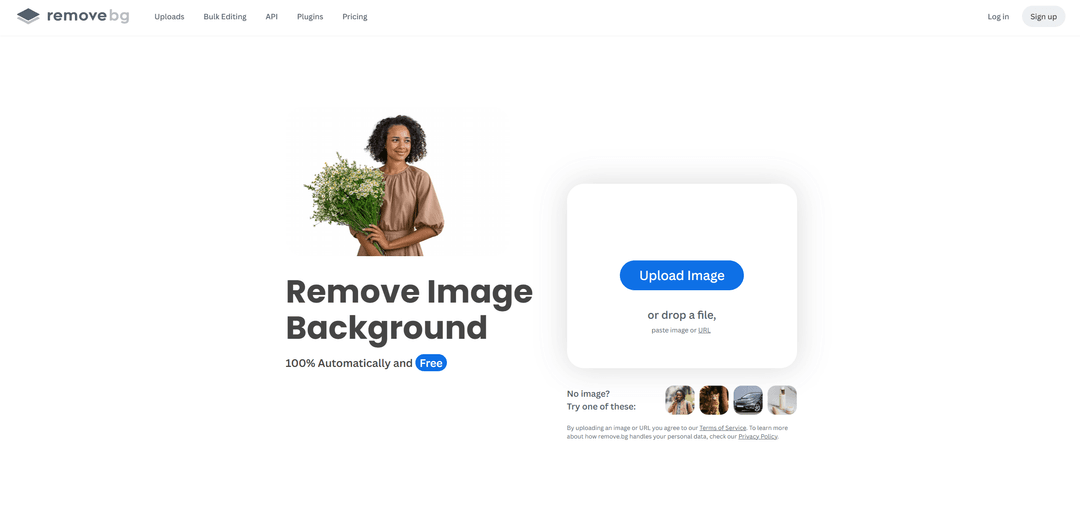
Remove.bg does one thing — removes backgrounds — and does it better than general-purpose editors. The service handles tricky edges like hair, fur, and semi-transparent fabric cleanly, which is exactly where manual selection takes the longest.
It runs in the browser, with plugins for Photoshop and Figma and an API for automation. Upload a file, and a couple of seconds later you get the result with no background.
A low-resolution version is free; full size requires payment — pricing runs on credits, starting around $9 per pack. The tool can't do anything besides remove backgrounds, and that's exactly its strength.
Topaz Gigapixel
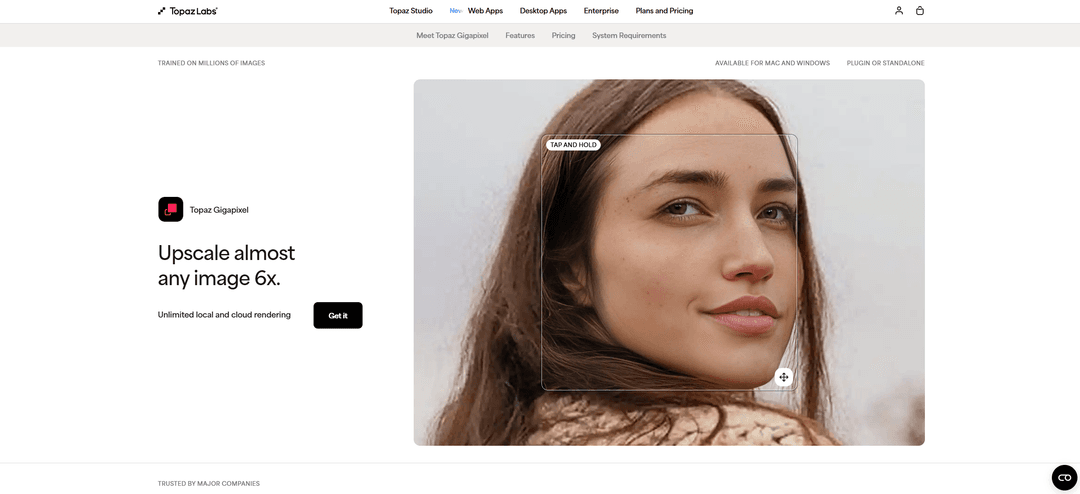
Topaz Gigapixel upscales images without losing quality and rescues material that once seemed hopeless. Old photos, screenshots, small logos pulled from a client's archive — all of it can be brought up to print resolution.
The model doesn't just stretch pixels — it fills in detail: reconstructing skin texture, hair, and small elements. There are separate modes for photos, graphics, and illustrations.
The program installs on your computer and costs about $100 as a one-time purchase, no subscription. For a one-off task that's pricey; for regular print work, it pays for itself quickly.
Cleanup.pictures
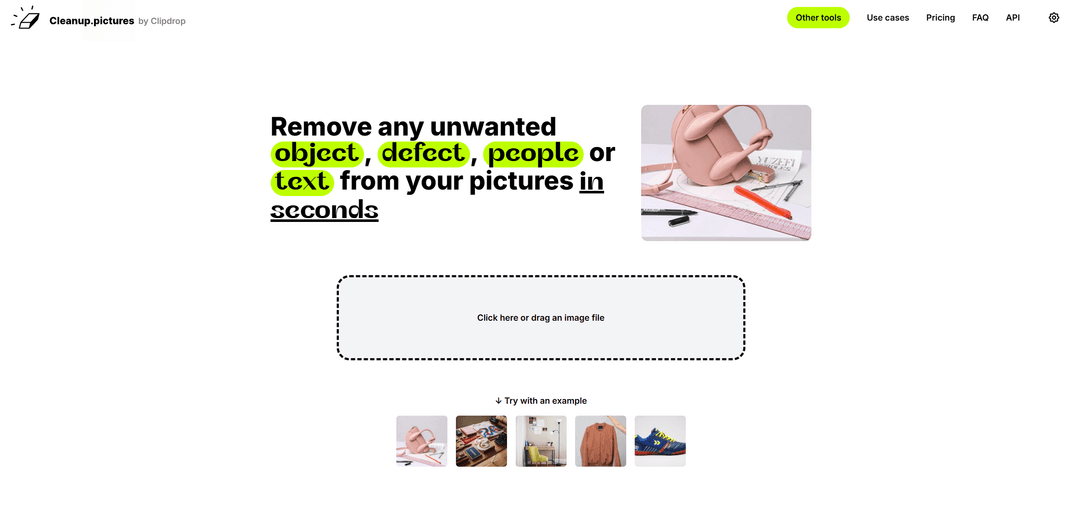
Cleanup.pictures removes unwanted objects from a photo and fills in the empty space with background. Wires, passersby, debris in the shot, watermarks on your own material — paint over it with the brush, and the object disappears.
The interface is about as simple as it gets: upload an image, brush over what you don't need, download the result. There's nothing to learn, which is handy when you need a fix right now.
The free version works up to 720-pixel resolution; the paid tier removes that cap and costs about $5 a month. On complex backgrounds with sharp geometry, the result needs touch-ups.
Interfaces and Web Design
Uizard
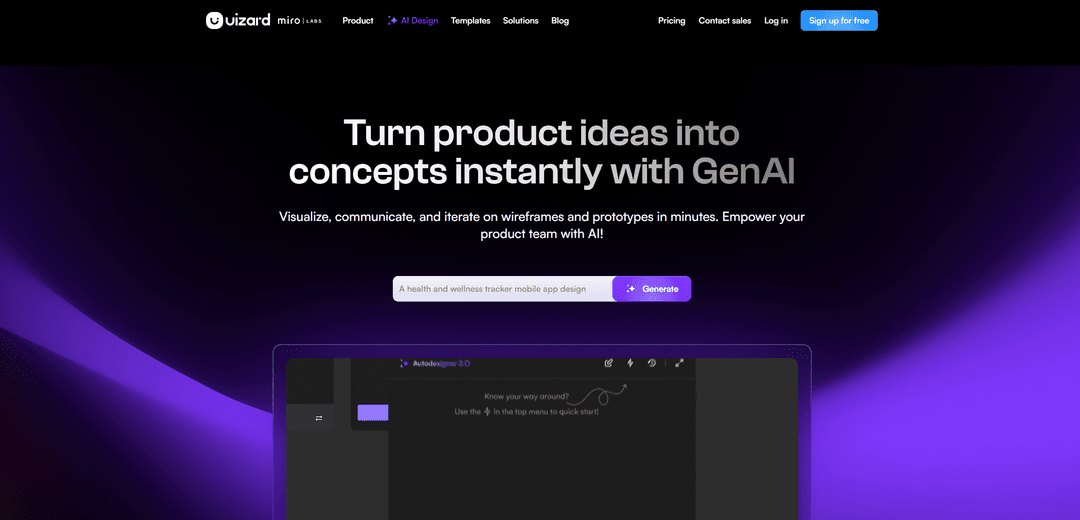
Uizard turns an interface sketch into an editable mockup. Photograph a sketch off paper or a whiteboard, upload it, and the service recognizes the elements, assembling them into a working, layered prototype.
There's screen generation from a text description and a template library for common scenarios. The finished mockup transfers into Figma for further work.
The free tier limits the number of projects; paid plans start around $12 a month. The tool belongs to Miro and keeps developing. These mockups won't win design awards, but as a starting point for a team discussion, they work great.
Framer
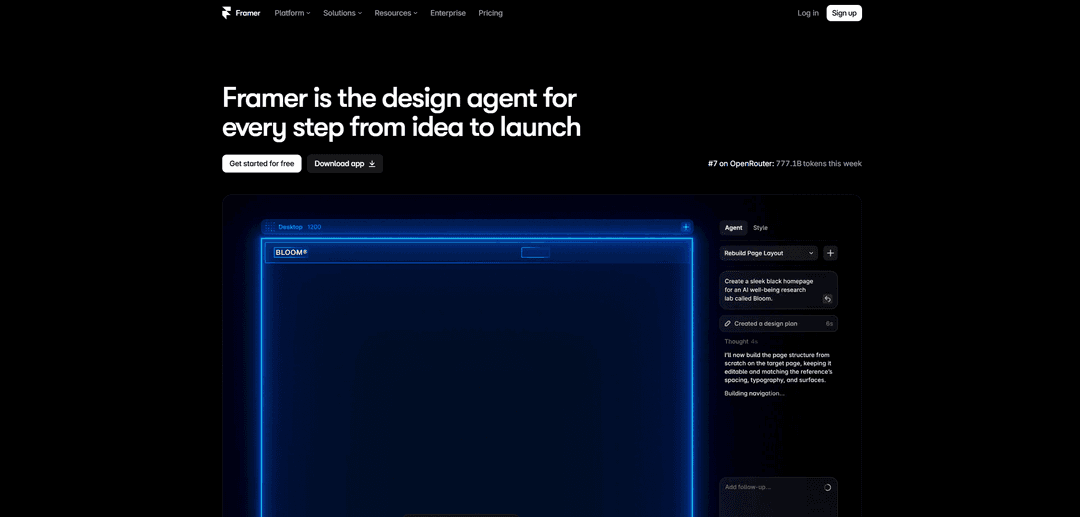
Framer builds and publishes websites, not just mockups. That's the fundamental difference from Figma: the output immediately becomes a working page with responsive layout and animations, with no handoff to development needed.
Its AI features generate a page structure from a description, pick styles, and rewrite text. There are ready-made templates, built-in analytics, and custom domain support.
The free tier gives you a site on a Framer subdomain; paid plans start around $5 per project a month. The learning curve is steeper than page builders', but the ceiling on what you can do is noticeably higher too.
Google Stitch
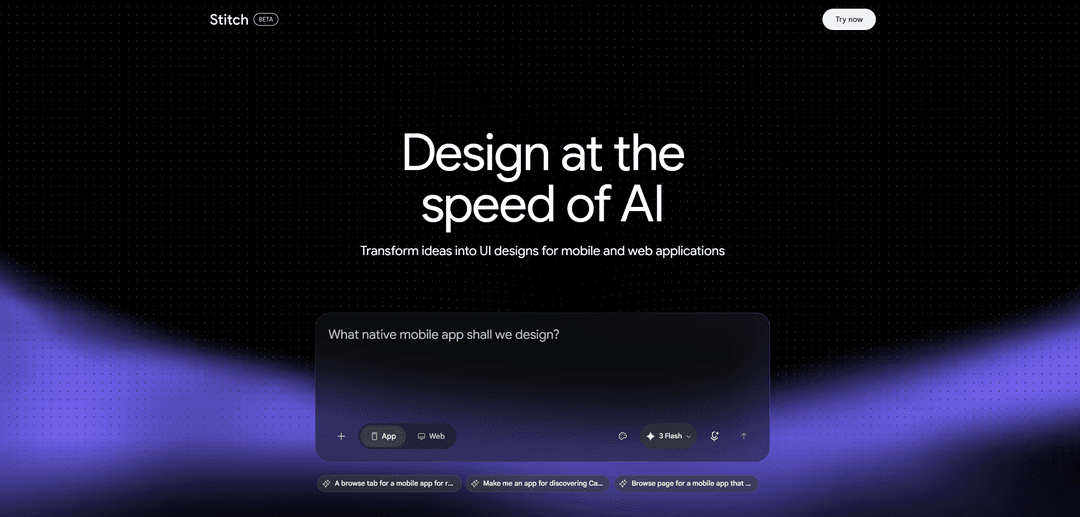
Google Stitch generates interfaces from a text description and delivers working code along with the mockup. This space used to be occupied by Galileo AI, but Google bought it and shut it down — the technology now runs inside Stitch, on Gemini models.
The tool assembles multi-screen mockups from a description, turns an uploaded sketch into an interface, and lets you revise the result through conversation. Finished screens export to Figma or straight to code.
The service is free and runs as a Google Labs experiment, limited by daily credits. On the downside — in its beta status it isn't available in every country, and there's no paid tier with higher limits yet.
Visily
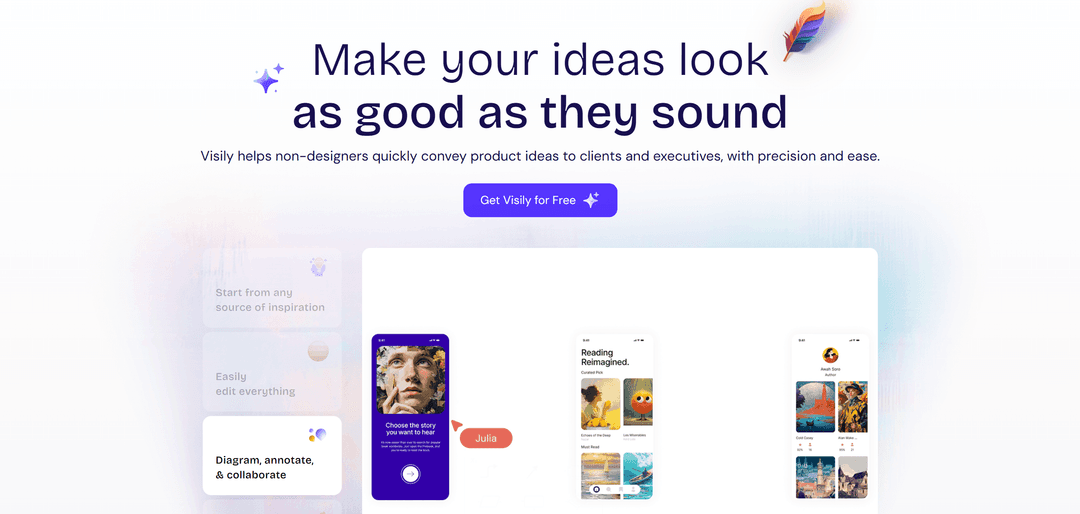
Visily is built for people who aren't professional designers: managers, analysts, product founders. It assembles an interface from a description, a screenshot of someone else's site, or a napkin sketch.
The free tier is enough for small projects; paid plans start around $12 a month. A professional designer would work faster in a familiar editor, but for a team without a designer, this tool saves weeks.
Logos and Branding
Looka
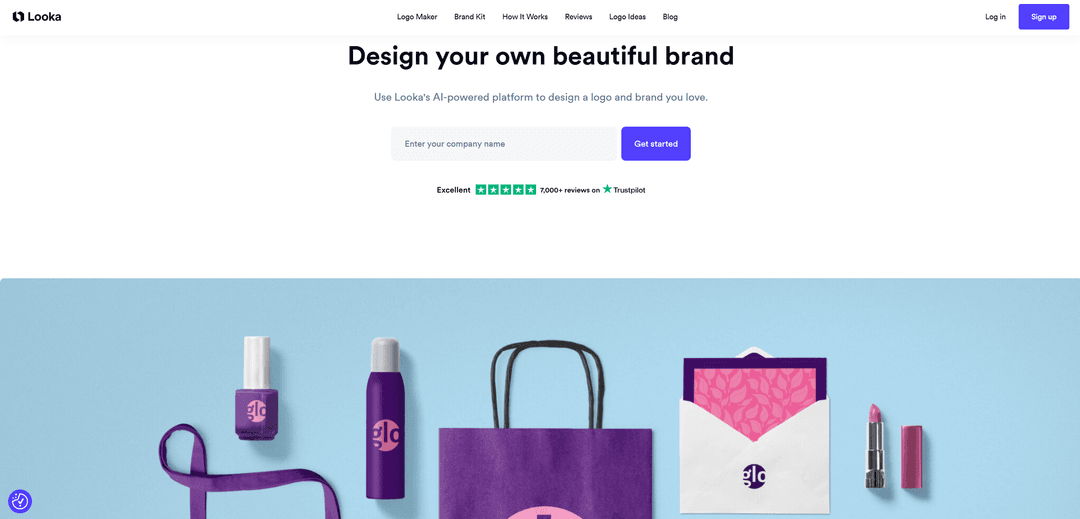
Looka generates a logo and builds a whole brand identity around it. You enter a name, an industry, and style preferences, and the service produces dozens of options, then turns your pick into a brand book with business cards, social media templates, and logo variations.
Finished files come in vector and raster, at every size you'd need. For a startup or small business, this covers basic branding in a single evening.
Browsing options is free; downloading costs money — a logo package runs about $20, and a full package with a brand book costs noticeably more. Uniqueness is limited: the logos are assembled from stock elements, so similar-looking ones show up at other companies too.
Brandmark
Brandmark follows the same model but leans into color and font selection. The service offers not just a mark but a coordinated combination of logo, palette, and typography, explaining the reasoning behind each choice.
There are standalone tools within the ecosystem too: a palette generator, font pairing, and a way to simplify a complex logo for small sizes.
Browsing is free; files cost money — the base package runs about $25 as a one-time purchase. As with its competitors, treat the output as a starting point for refinement, not a finished brand identity.
Namecheap Logo Maker
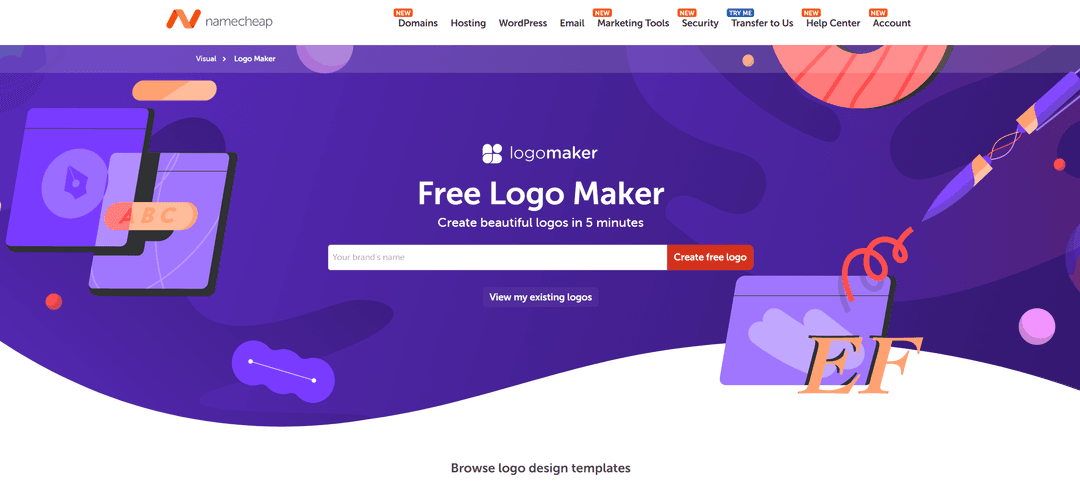
Namecheap Logo Maker fits when you need a logo urgently and for free. The service is part of Namecheap's design toolkit — the same company known for domain registration — and generates a logo from your brand name, tagline, and chosen icons using AI.
The workflow is simple: enter your company name, pick fonts, a color scheme, and up to three icons from a large library, and the system assembles finished options from that. Every logo is shown right away on mockups — a T-shirt, a business card, a website — so you can judge it in context.
Color and Typography
Khroma
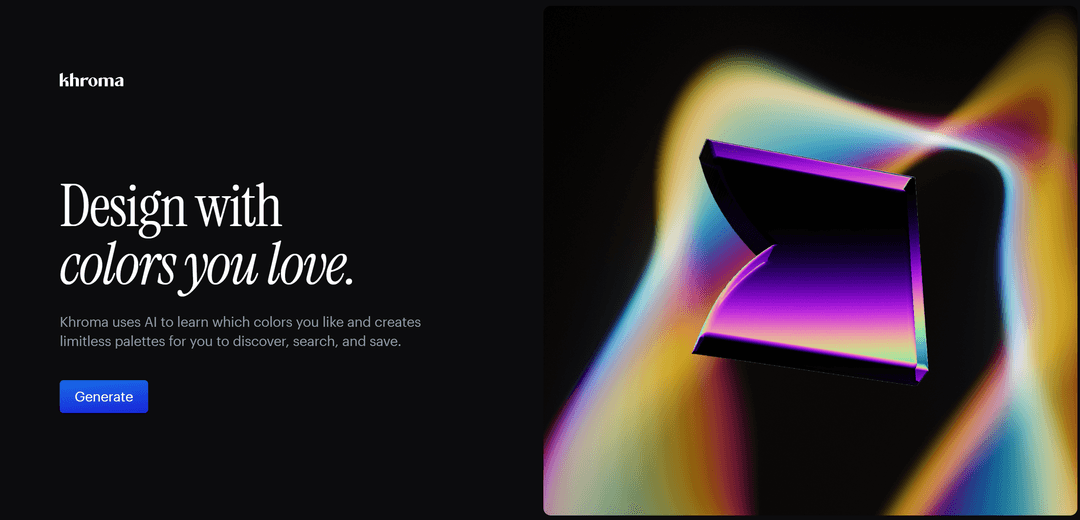
Khroma picks color combinations that match your personal taste. On first use, you tag fifty colors you like, the algorithm trains on that selection, and from then on it only suggests things close to your taste.
Every combination is shown right away in context — as typography, a gradient, a palette, or overlaid on an image. Hex codes, RGB values, CSS, and an accessibility contrast score sit right alongside.
Fontjoy
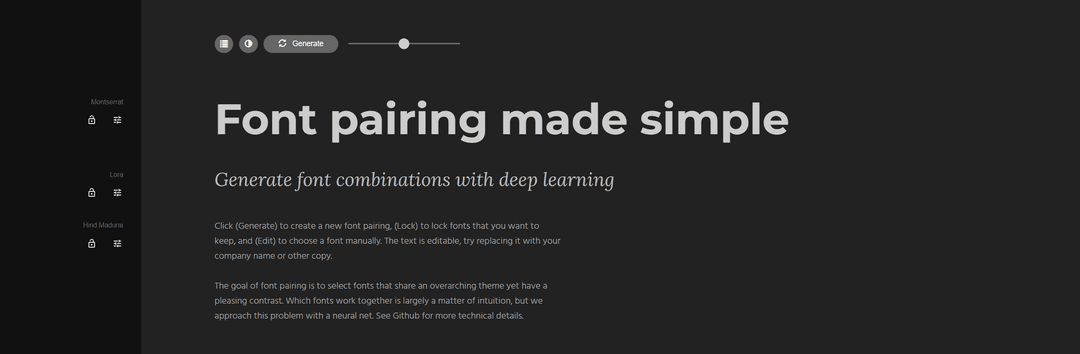
Fontjoy picks font pairings for a headline, subheading, and body text. Click a button, get a combination that doesn't look random, because the algorithm is trained on typographic patterns.
A contrast slider controls how different the fonts in a pair should be, from nearly identical to deliberately contrasting. Any font in the pairing can be locked while the rest regenerate.
The service is completely free. It only works with the Google Fonts library and doesn't export results into design editors — you'll need to copy the font names over by hand.
ColorSpace
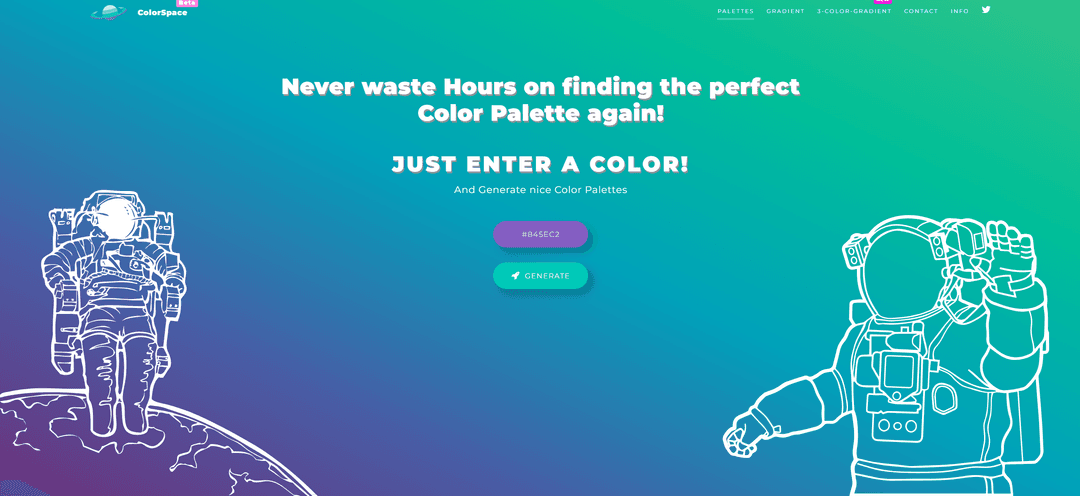
ColorSpace builds a palette from a single color. Enter a base shade, and the service suggests ready-made combinations, gradients, and interface color sets.
The convenience is that the result comes right away as CSS code with ready-made gradients — you can copy it straight into your project with no extra prep. There are palette variations for different moods and purposes.
The tool is free and requires no sign-up. There's no fine-tuning here, but at the start of a project it saves time when you need a jumping-off point, not a final scheme.
Video and 3D
Runway ML
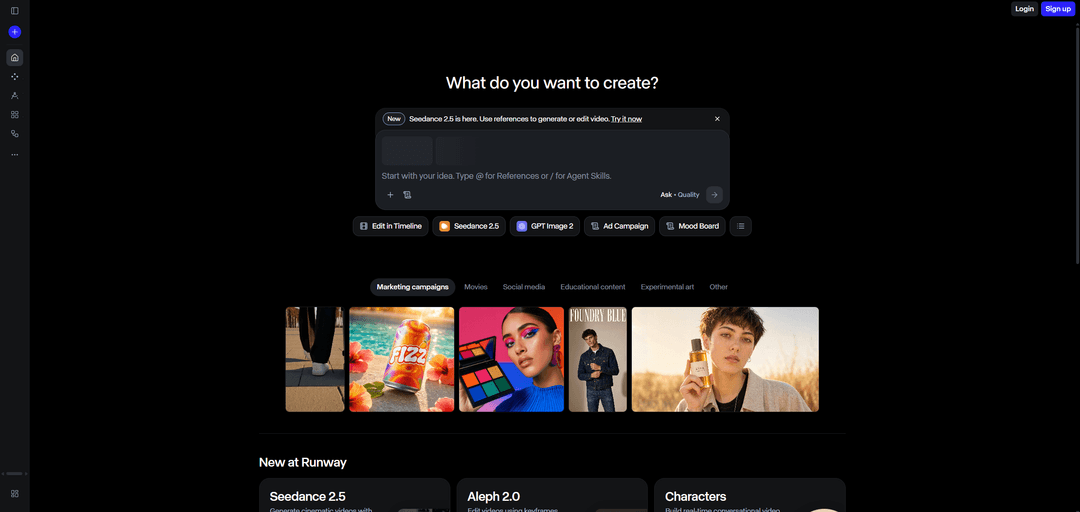
Runway ML isn't just for video work. Besides generating clips, it offers object removal from footage, background replacement without a green screen, footage restyling, and single-frame editing.
The design-critical feature is consistency: if a character or object is created in one shot, it keeps the same look in the next, which matters for serial content and animated banners.
The paid tier starts around $15 a month; the free version is limited by number of generations. It's a professional tool, so the interface takes some time to learn.
Tripo AI
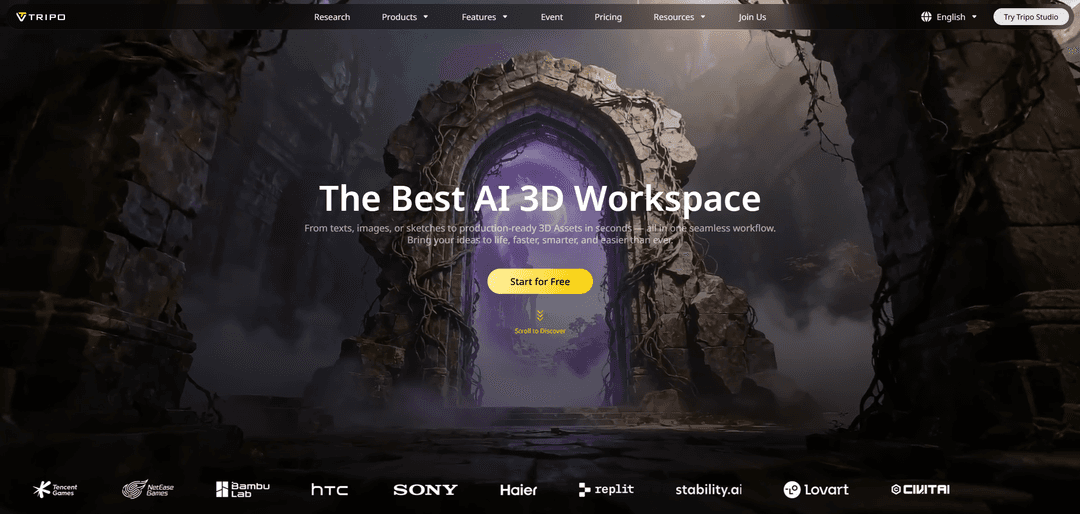
Tripo AI turns a text description or photo into a 3D model in seconds. For a designer, that's a way to get an object for a scene without learning a 3D editor.
Models export in GLB, FBX, OBJ, and STL formats, so they work in popular engines and printing software. Recent versions added automatic mesh optimization and physically accurate textures.
You can start for free with no sign-up; paid tiers run on credits. Important limitation: results almost always need refinement, especially organic shapes like faces and hands — treat the model as a quick draft, not a finished asset.
Avaturn
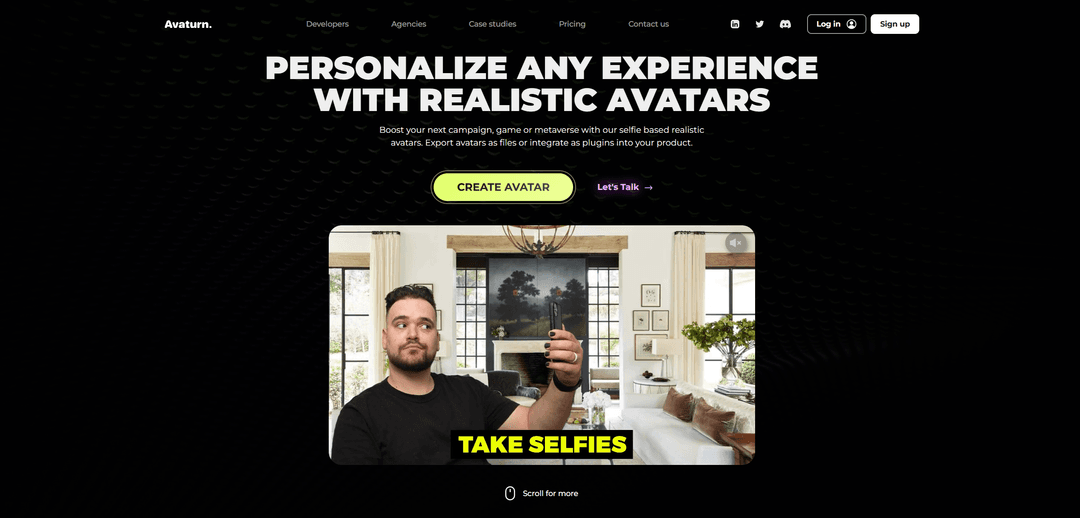
Avaturn turns an ordinary selfie into a realistic 3D avatar. Upload a photo, and the service builds a face and body model that you can then dress up with hair, clothing, and accessories.
The finished avatar exports in standard formats and supports skeletal animation, so it can be brought to life in a third-party editor or engine. It integrates with popular platforms for virtual spaces.
The tool is niche: useful for games, virtual fitting rooms, and metaverse projects, but useless for print or web design. Pricing depends on how you use it, and there's free access for personal projects.
Takeaways
Pick a tool based on the task, not an overall ranking.
| Task | What to use | |
|---|---|---|
| Artistic illustrations and concepts | What to useMidjourney | |
| Images with readable text | What to useChatGPT | |
| Vector graphics and icons | What to useRecraft | |
| Commercial projects with clean rights | What to useAdobe Firefly | |
| Quick photo fixes | What to useClipDrop, Cleanup.pictures | |
| Product cards | What to usePhotoroom | |
| Clean background removal | What to useRemove.bg | |
| Upscaling for print | What to useTopaz Gigapixel | |
| Prototype from a sketch | What to useUizard, Visily | |
| A site from mockup to launch | What to useFramer | |
| An interface with ready-made code | What to useGoogle Stitch | |
| Generation inside Figma | What to useMagician | |
| Logo and branding | What to useLooka, Brandmark, Free Logo Maker | |
| Palettes and font pairings | What to useKhroma, Fontjoy, ColorSpace | |
| Video and footage editing | What to useRunway ML | |
| 3D models and avatars | What to useTripo AI, Avaturn |
Budget tip: don't sign up for an annual plan right away. Take a monthly tier, test the tool on a real project, and only then move to a longer plan — in this space, services shut down and change hands faster than an annual payment expires.
How to Pay for AI Design Tools with Cryptocurrency
Neither Midjourney, nor Runway, nor Photoroom, nor any other service in this roundup takes cryptocurrency directly — only a card, occasionally a digital wallet. For anyone holding money in USDT or bitcoin, that means an extra loop: sell the coins on an exchange, wait for the fiat to land, lose part of the amount to the rate and fees, and only then get to actually paying for the subscription.
There's a second problem layered on top, specific to design work: one tool here rarely covers the whole job. An image generator usually gets paired with a retouching service, and then something for interfaces or video — and every subscription needs a card that international acquiring will actually accept.
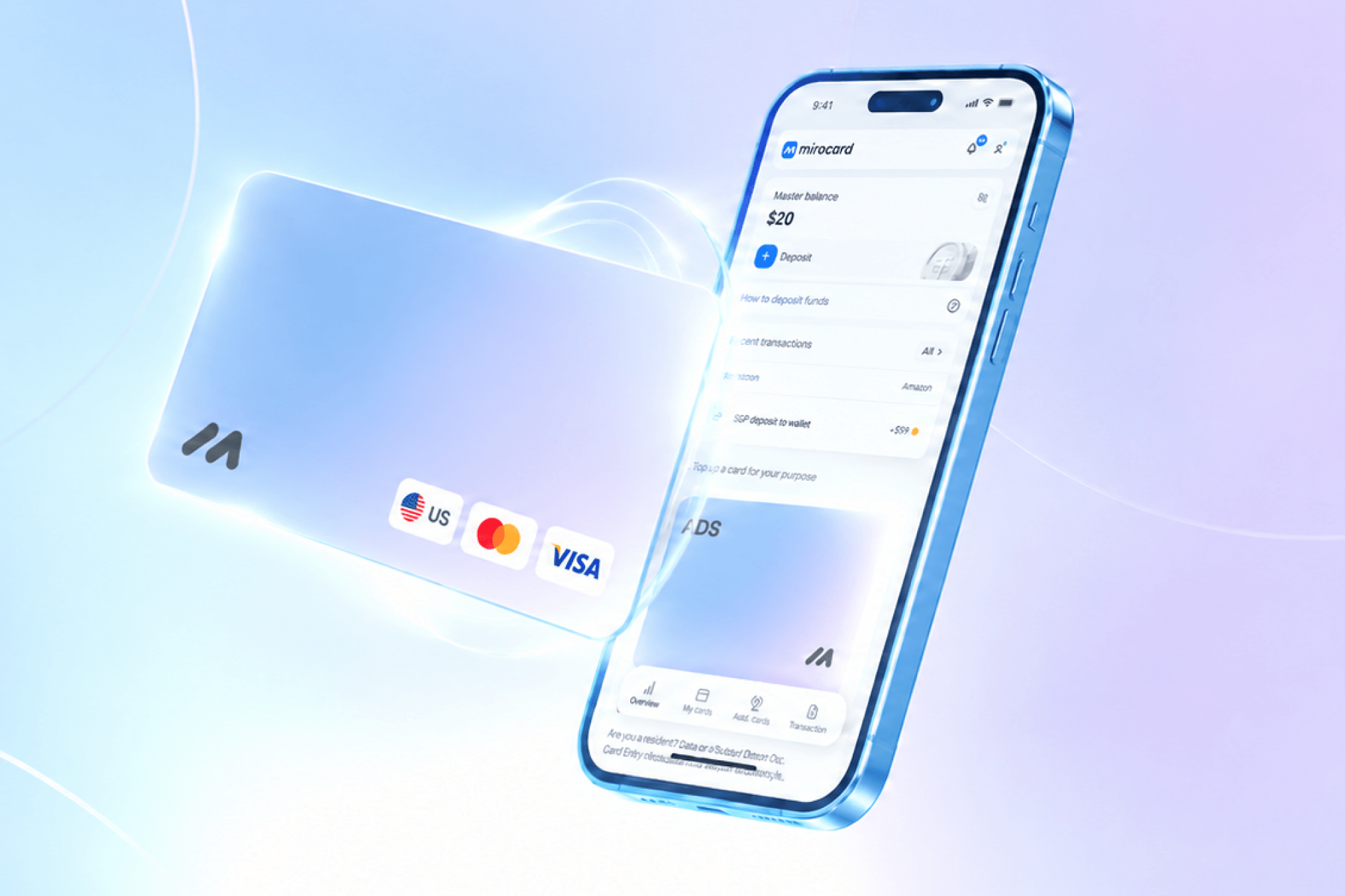
Mirocard removes both obstacles with one solution. Visa and Mastercard cards top up straight from a crypto wallet, while services see them as an ordinary international card — payment goes through normally, with no explanations and no intermediary bank. The card built for subscriptions is designed for recurring charges, so access to a tool doesn't disappear mid-project because auto-renewal failed. Issuing it costs $5, the top-up fee is 4%, and one card pays for every service in this roundup at once.
Setup happens entirely online and takes a few minutes: sign up, fund your account balance with crypto, choose the subscription card, complete a quick identity check — and the card is ready.
If you want to get a Mirocard virtual card, we've put together a detailed guide at this link.