Best AI Image Generators
Need an image for an ad banner, a blog cover, or a product card — and instead of a stock photo site or a designer, people increasingly open a chat with an AI model instead. In a couple of minutes you get a dozen options instead of one, and generation costs an order of magnitude less than an illustrator's fee. The real question is different: which of the dozens of models fits your specific task, and how to pay for it if you'd rather use cryptocurrency than deal with an international card.
What AI Image Generators Can Do
Generating from scratch is the base function of every service like this. You describe an image in words, the model produces a few options in seconds, and you can keep refining the prompt until the result fits. This is how people put together illustrations, backgrounds, concept art, and references for further work.
Editing existing images saves more time than generating from scratch. Replacing a background, extending the edge of a shot to fit a different format, removing an unwanted object, changing an item's color — operations that used to take an hour in Photoshop now take a minute of conversation with the model.
Handling text inside an image was a weak spot for every generator for a long time — letters would dissolve into an unreadable mess. Some modern models have solved this and now produce legible lettering on posters, packaging, and ad banners.
Keep the general limitation in mind: a model doesn't see your brand's context and isn't responsible for the meaning of the finished image. It'll produce a technically solid picture but won't judge whether it fits your audience. Treat the output as a draft to refine, not a final print-ready file straight out of the box.
How to Choose an AI Model
Five factors matter more than a model's name recognition.
Image quality. Check how the model handles detail — hands, eyes, small background objects. This is where models diverge the most: one delivers museum-grade output, another is only good for a rough idea sketch.
Realism and text handling. If you need photorealistic scenes with people, that's one class of model; if you need posters and banners with lettering, that's another. Very few models lead equally in both directions.
Image editing. Check whether the service can not just generate from scratch but also make targeted edits to a finished image — changing one detail without rebuilding the whole scene. This saves the bulk of your working time.
Rights for commercial use. Critical for advertising and production work. Check whether the license allows commercial use of the output, and on which plan specifically — for some services, this is only available on paid tiers.
Dependence on subscription type. In 2026, pricing works differently across services: some charge a fixed monthly fee, others use generation credits, and others offer free access with a daily cap. Calculate the cost of your typical monthly generation volume, not the subscription price on its own.
The 10 Best AI Image Generators
Midjourney
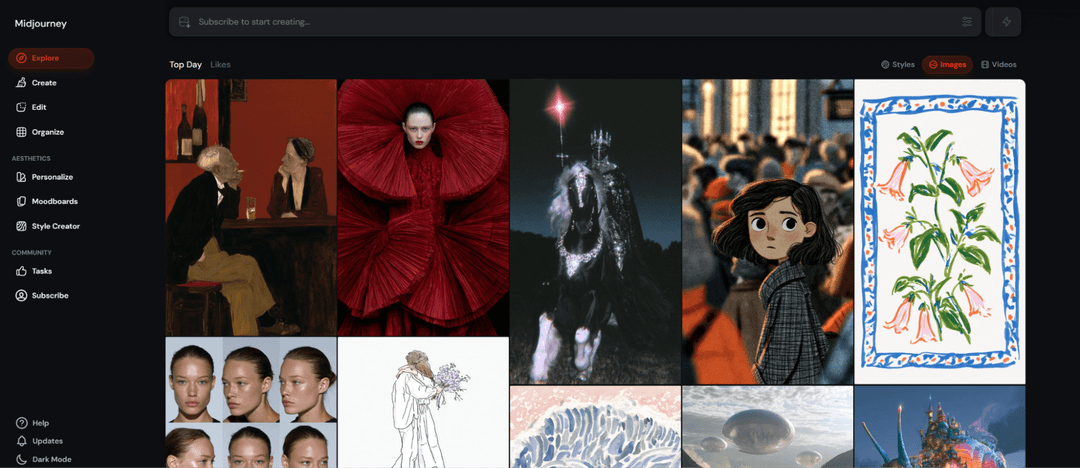
Midjourney remains the quality benchmark among generators and holds a higher bar than competitors for artistic expressiveness. The model has a refined feel for composition, light, and style, so illustrations come out as cohesive pieces rather than a set of random details.
The current V7 version keeps a recognizable signature look that content creators pay for. Control happens through parameters — stylization strength, aspect ratio, deviation from the prompt — and you can upload your own image as a reference for a more precise result.
There's no free tier; subscriptions start around $10 a month. The service runs through Discord and a web interface, and the prompt and parameter syntax takes time to learn — but the quality ceiling here is one of the highest on the market.
ChatGPT

Image generation in ChatGPT is convenient because it happens in a conversation. You describe the task in plain words, look at the result, and immediately ask to fix one detail without rewriting the whole request — the model keeps the conversation's context and understands which edit you mean.
Its main strength is text inside images. Lettering on signs, covers, and posters comes out legible here more often than with most competitors, closing a common pain point for anyone making ad materials. Prompt accuracy is also among the best on the market.
Limited access is available in the free version, and the main paid tier costs about $20 a month. On pure artistic expressiveness, the model trails Midjourney, but it wins on editing speed and ease of use.
Google Gemini
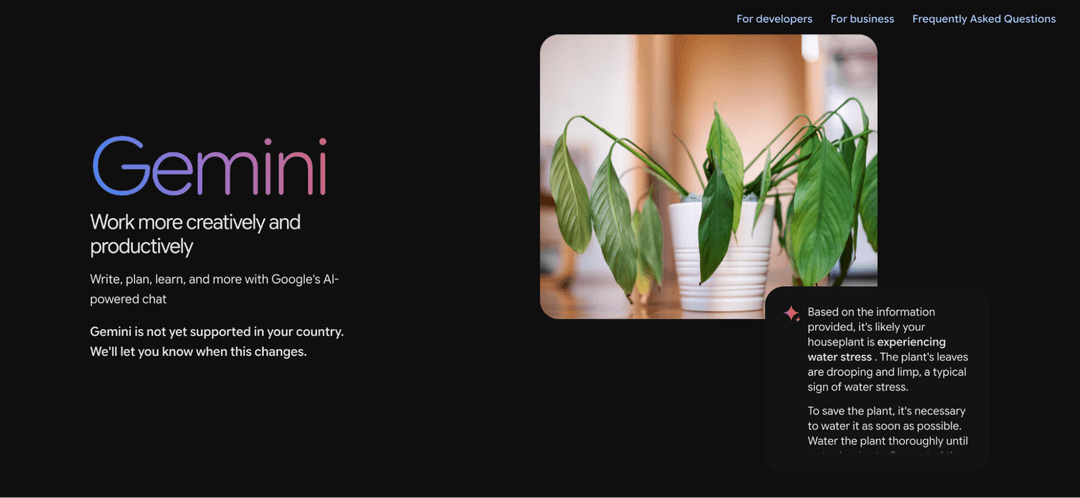
Gemini stands out from competitors by letting you edit an image right inside the conversation while keeping the original composition — ask it to swap the background, and the model recalculates only that, not the whole image. For iterative work on a single visual, that's more convenient than regenerating the scene from scratch with every edit.
The model holds object consistency well across multiple generations and works fast even with complex composite scenes. It's built into the Google ecosystem, so it's available right inside the Gemini app with no switching between services.
Access runs on Google AI's pricing tiers, from a base level around $8 a month up to more advanced plans with higher limits. The free version gives a limited number of generations a day.
Adobe Firefly
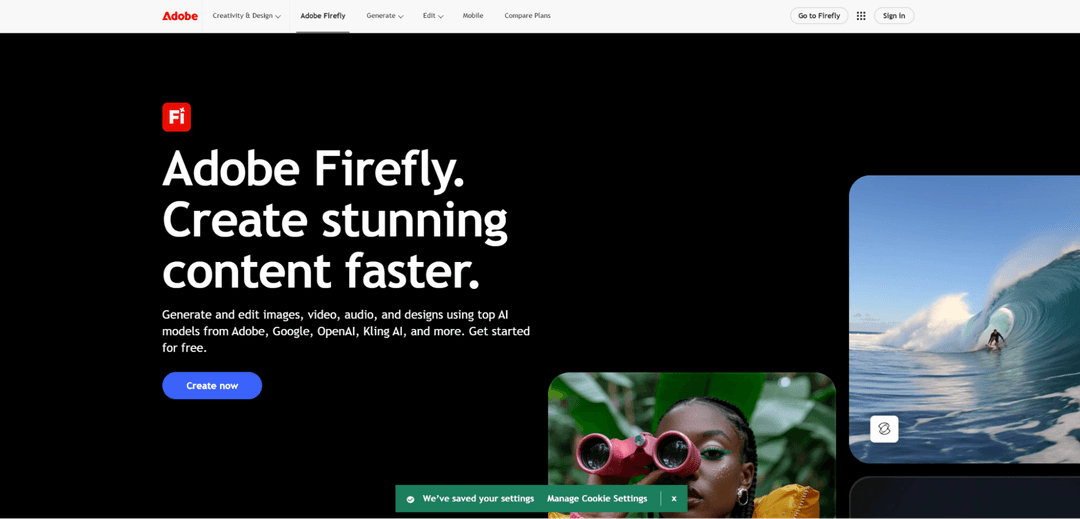
Firefly is trained exclusively on Adobe's licensed material, so the output can be used in commercial projects with no legal risk — something no other model in this roundup guarantees. For agencies and corporate clients, that's often the deciding factor.
The tool is built into Photoshop and Illustrator, where generative fill lets you select an area of a layout and ask it to paint in or replace content right inside your working file. There's also vector-draft generation and text effects.
Basic access comes with a Creative Cloud subscription, and standalone Firefly plans start around $10 a month. On pure image quality, it trails leaders like Midjourney, but it wins on workflow integration and legal cleanliness.
FLUX
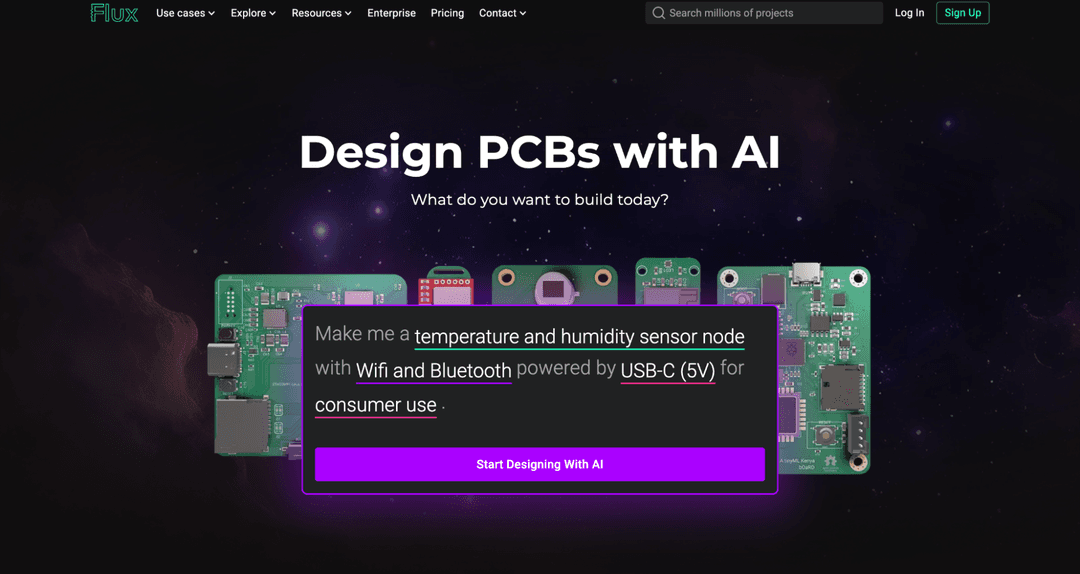
FLUX is developed by the German company Black Forest Labs, founded by former Stable Diffusion creators, and the model has firmly established itself among the leaders in photorealism and prompt accuracy. The current FLUX.2 generation produces high-resolution images in a few seconds.
Flexibility is built into the architecture: some models in the family are available as open weights for local deployment, while others only run through a cloud API. The lightweight Klein version is built for real-time generation with lower hardware requirements, while the higher-end Pro targets maximum quality.
Pricing runs per image, typically 1 to 10 cents per generation depending on the model and resolution. The open Dev version is distributed under a non-commercial license, so businesses need a paid tier.
Ideogram
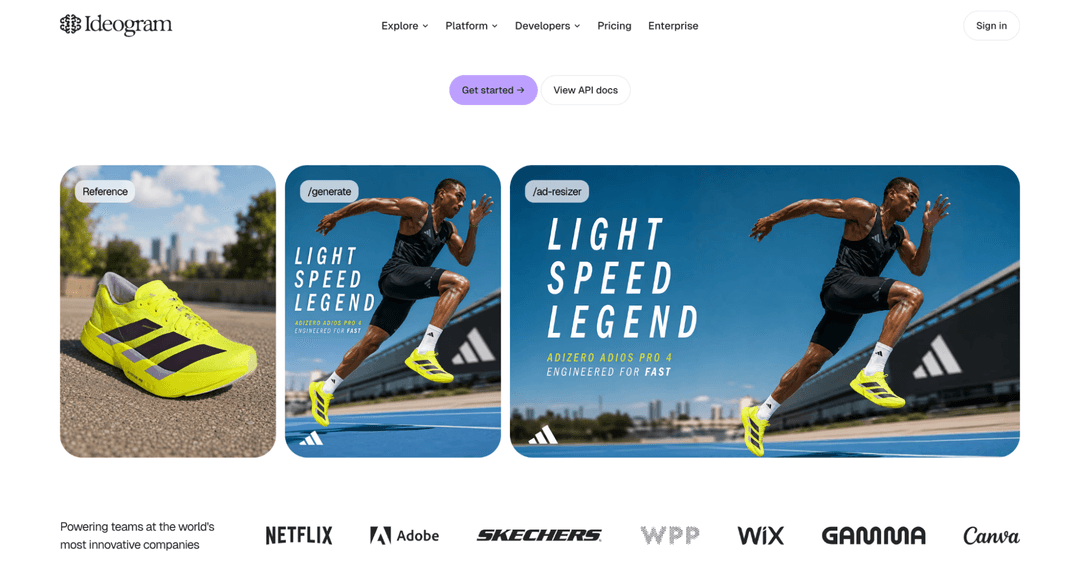
Ideogram is one of the few generators that reliably renders legible text inside an image, and that's its main niche. Posters, ad banners, packaging with a brand name, logo concepts — anywhere visible words matter, this model performs more predictably than its competitors.
The current version shipped with open weights, giving development teams more deployment flexibility. On artistic quality outside of text compositions, the model holds its own too.
The free tier gives around 10 generations a day with commercial-use rights included, which is rare among competitors' free plans. Paid tiers remove the limits and unlock higher resolution.
Leonardo AI
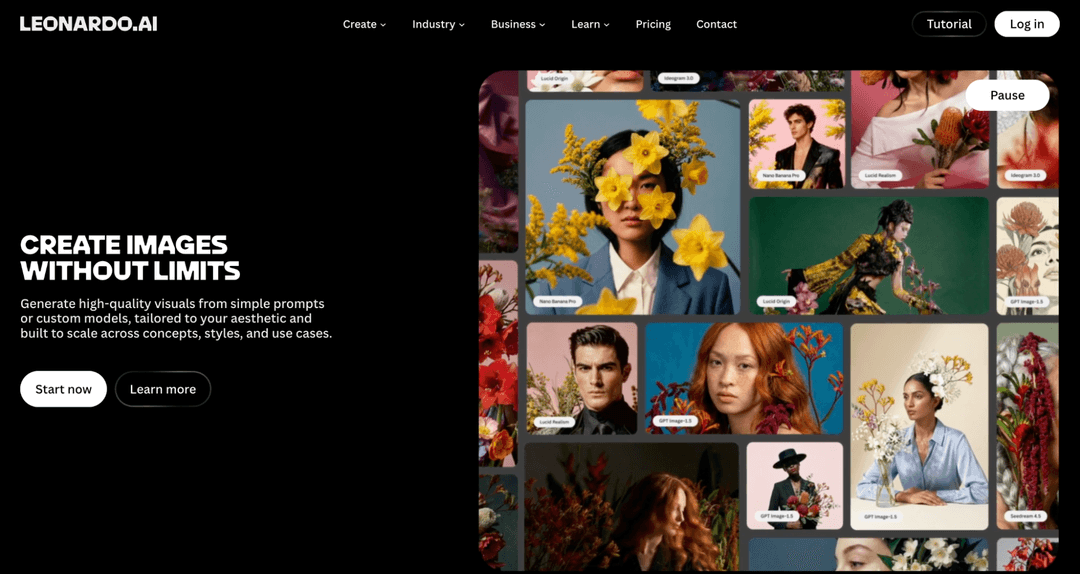
Leonardo AI carved out a niche in generating game assets and concept art — consistent characters, icon sets for interfaces, references for 3D modeling. Canva bought the platform in 2024, but the product continues to run independently and is developed by its own team.
Its strength is precise fine-tuning through custom-trained models: you upload references of your style, and the generator then sticks to that aesthetic across an entire series of images. For game studios and small teams, that's a way to get a consistent visual look without constant manual edits.
The free tier gives 150 generations a day in slow mode, and paid tiers start around $12 a month, running on a credit system — credits get spent faster than they seem to at first, so it's worth picking a tier based on your real workload.
Recraft
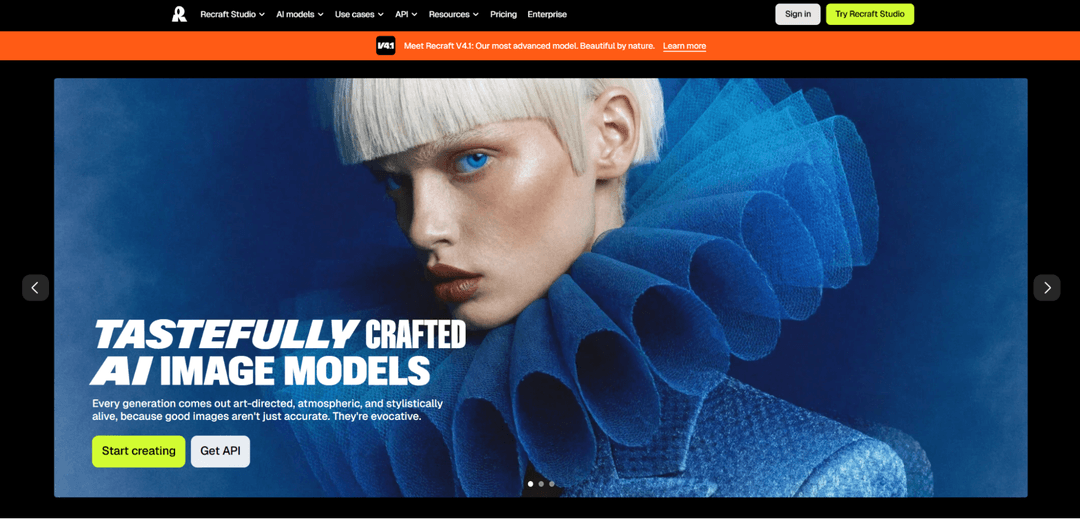
Recraft is a rare generator that produces not just a raster image but a genuine vector in SVG format. You can open a logo, icon, or illustration straight in Illustrator or Figma and refine it without manual tracing — this is what sets Recraft apart from the rest of the roundup.
It has a built-in vectorizer that turns an uploaded JPG or PNG into a clean SVG file, and brand kits that keep a consistent style across an entire series of generated images. The current V4 version is built specifically for design tasks rather than artistic generation on its own.
The free tier gives a limited number of generations a day, and paid tiers start around $12 a month. For pure photorealism, the model is weaker than niche leaders like FLUX, but for logos, icons, and vector graphics, it has virtually no alternative.
Stable Diffusion
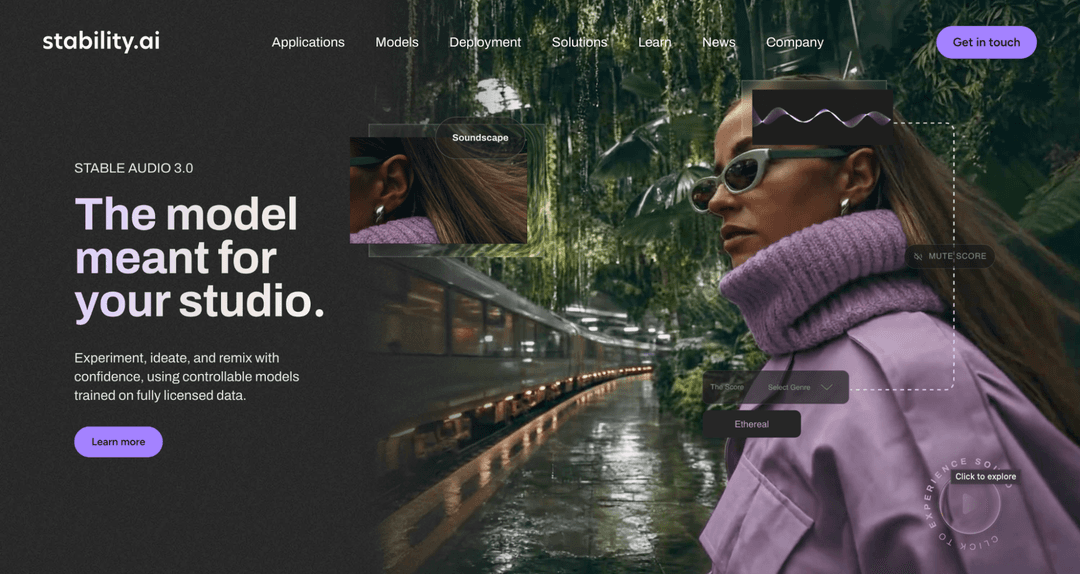
Stable Diffusion remains the foundation of the whole industry — its open weights, released in 2022, kicked off the mass wave of generative models, and it's still irreplaceable anywhere you need full control over the process. You can run it on your own hardware, train it on your own data, and embed it in your product with no cloud-service restrictions.
The center of open-model development has since shifted to Black Forest Labs and FLUX, but Stable Diffusion itself and the tool ecosystem built around it remain actively used by developers and researchers.
The base model is free and runs without a subscription for local deployment. The barrier to entry is higher than any cloud service in this roundup — you need a powerful GPU and the willingness to handle the setup — but the final cost per generation at high volume is minimal.
Canva AI
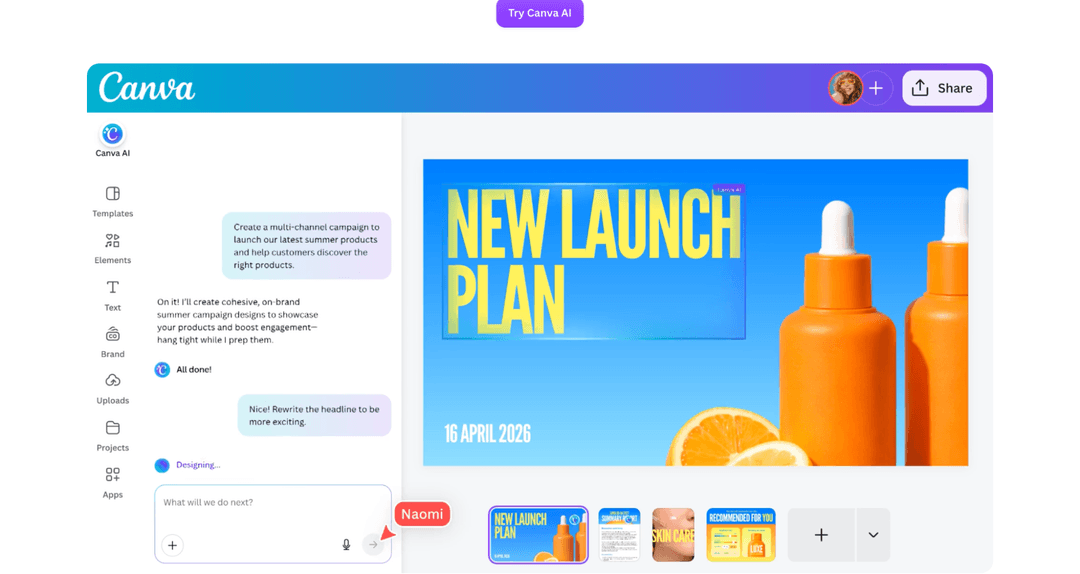
Canva AI is built directly into the Canva editor and solves not the abstract task of "drawing a picture" but a specific one — quickly putting together a finished layout for social media, a presentation, or marketing material. The Magic Media tool generates an image right inside an already-open project, with no switching between services.
The value here isn't peak generation quality but speed from idea to finished post. Generate an image, immediately add text, a logo, and brand elements — all in one editor window, with no exporting and importing between different tools.
Basic features are available on Canva's free tier, and expanded generation capabilities unlock on the paid Canva Pro subscription for about $13 a month. For artistic work with high quality demands, specialized generators fit better, while Canva AI wins wherever assembly speed on a finished piece matters most.
How to Use AI Images in Your Work
The right use depends on the task, and each one calls for a different set of models.
For advertising and marketing, you need photorealistic scenes or clean, legible text on a banner — FLUX, Ideogram, and Adobe Firefly win here, with guaranteed clean commercial-use rights.
For social media, speed matters more than peak quality — putting together a post with an image and text fastest happens in Canva AI, right inside a ready-made template.
For websites and blogs, general-purpose generators like ChatGPT or Gemini fit well — an article illustration doesn't need painstaking detail, and conversational editing speeds up fitting it to the format you need.
For presentations, the same logic as social media applies: speed matters more than artistic depth, and generators built into your working tool save time on exporting and importing files.
For product design and packaging, you need vector output and precise text on the image — Recraft, with native SVG generation, and Ideogram, with reliable lettering rendering, are unmatched here.
How to Pay for AI Models with Cryptocurrency
None of the models in this roundup accept cryptocurrency directly. Midjourney, Adobe Firefly, Leonardo AI, and the rest only work with bank cards, and there's no way to link a wallet holding USDT or bitcoin to a subscription on any of them. A crypto holder has to work around that — sell the coins on an exchange, wait for the fiat to land, and lose part of the amount to the rate and fees at every step of conversion.
The second problem is the sheer number of subscriptions needed at once. A designer or marketer rarely sticks to one generator — an artistic model like Midjourney gets paired with something for vector graphics, and then a service for social media or presentations. Every subscription needs a card that international acquiring will actually accept, and by the end of the month, several separate charges have piled up.
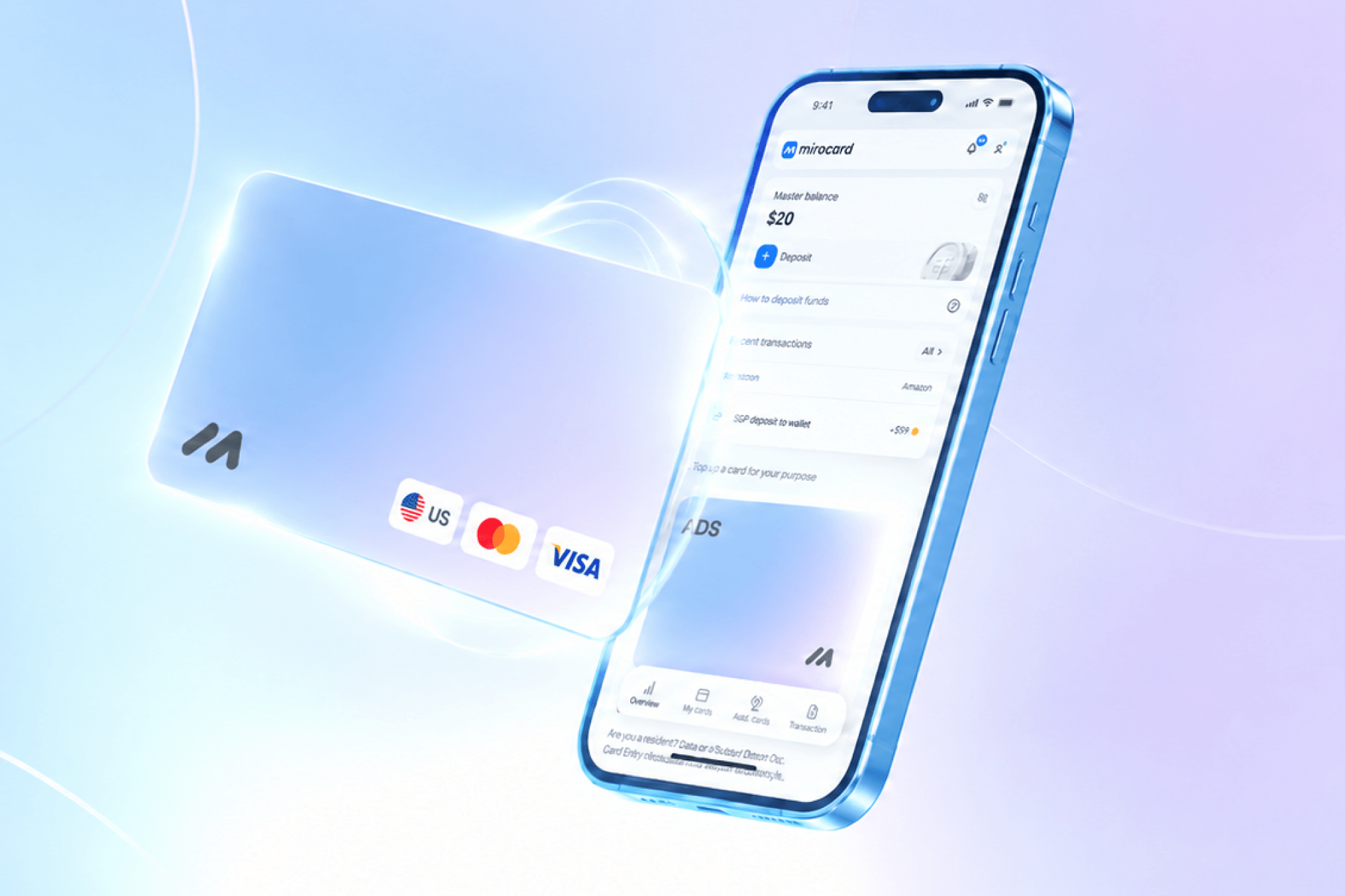
A crypto-funded virtual card solves both problems. Mirocard issues Visa and Mastercard cards that you top up straight from a crypto wallet, while services see an ordinary international card and charge the subscription normally. The subscription card is built for auto-renewal, so access to a tool doesn't cut out in the middle of a project. Issuing it costs $10, the top-up fee is 4%, and one card covers every generator in this roundup at once.
We've put together a detailed step-by-step guide to getting a Mirocard virtual card in a separate article at this link.
Conclusion
Choosing an AI image model comes down not just to image quality but to your specific task. Midjourney and FLUX fit best for artistic generation and brand content, ChatGPT and Gemini for fast conversational editing, Recraft for vector graphics and logos, and Adobe Firefly for guaranteed clean commercial rights.
Payment is a separate question. No service accepts cryptocurrency directly, and not everyone has access to an international card. A crypto-funded virtual card removes both obstacles at once: you pay from your wallet, the service sees an ordinary international card, and a single virtual card covers access to every tool in this roundup.