
21 Best AI Video Generators for Filmmaking and Social Media
#AI models
AI video tools stopped being a novelty this past year — people now use them for ad spots, film previz, and social content. The hard part is different. There are so many models now that picking the right one is harder than shooting the scene itself: one holds a character's face steady between shots, another nails the physics of water, a third delivers a finished clip with sound in twenty seconds.
We've grouped the tools by category — industry leaders, social-media generators, open models, and narrow tools like talking avatars. For each one, we cover its strength, its weak spot, and how to access it. At the end, we go over how to write a good prompt and how to pay for a subscription with cryptocurrency.
Key Criteria for Evaluating AI Video Tools
Not long ago, these models assembled a clip frame by frame, and sound had to be bolted on separately. Now the image, audio, and physics are generated together, in a single pass. It makes sense to compare generators on four things.
Consistency
Consistency shows how reliably a model remembers what your character looks like. The moment the camera swings to a different angle, a weak generator's face starts drifting mid-clip, and a whole series featuring one character falls apart.
To prevent that, strong models ask you to upload reference material, and some accept up to nine images and video clips at once. If you're shooting a campaign where the same character shows up in different settings, check this point first, and worry about how pretty the shot looks second.
Understanding Physics
Physics determines whether you believe the shot or not. The model needs to correctly handle gravity, reflections, collisions between objects, and the behavior of liquids and fabric.
Weak physics gives itself away instantly — water flows unnaturally, hair moves as a single solid chunk, limbs merge together during a fast motion. Strong models calculate the kinematics well enough that complex scenes don't need manual tracking in After Effects.
Control
Control determines whether you get what you actually pictured or a random result. This covers camera movement, locking the first and last frame, frame-by-frame editing, and the ability to fix specific parts of a finished clip.
Without control, the work turns into a lottery — you regenerate an entire scene to fix one detail and burn through requests for nothing. Models that let you edit individual objects save both time and budget.
Duration
The length of an unbroken scene is still a bottleneck. Most models handle 5–10 seconds reliably; beyond that, objects start falling apart and characters lose their identity.
Don't go by the advertised maximum — look at how many seconds a model can produce without degrading. Some services extend a clip by stitching the scene onward, but quality drops at the seams.
Industry Leaders
These models were trained on professional film and advertising footage, and it shows. They know how light behaves, how a camera moves in an operator's hands, and how objects fall. This is where people turn when a clip is headed for a wide audience.
Sora (OpenAI)

Sora no longer works. Video generation has disappeared from ChatGPT too, so a subscription there no longer unlocks the model.
There are two reasons behind the shutdown. The project wasn't paying for itself — downloads had fallen to nearly a third of their peak, and in-app purchase revenue came to about $2 million. The second reason was pressure from rights holders: a Japanese industry group that includes Studio Ghibli demanded the company stop using its content. Along with the service, a billion-dollar deal with Disney also fell through — one that would have brought more than 200 Marvel, Pixar, and Star Wars characters into Sora.
If you still have clips saved in your account, export them now — OpenAI advises not to wait, while export is still working. The work Sora used to handle is now better sent to Veo or Kling. The former is stronger for advertising thanks to synced sound, the latter is cheaper and holds up better on long scenes.
Veo (Google)
Veo 3.1 removes the need to handle sound separately — character dialogue, street noise, and background ambience are generated together with the picture in a single pass. Visually, the model is on par with Sora 2, and it handles landscapes and complex camera moves even better.
Production teams like this model for its predictability. You set a start and end frame, and Veo builds the transition between them, so storyboarding stops being guesswork. Output comes as eight seconds in 4K at 24 fps, and vertical format is supported without cropping the edges. There are three downsides — no free tier at all, longer render waits because of the sound processing, and the model reads Russian prompts worse than English ones.
Runway
Runway Gen-4 has long been a fixture in real studios and agencies. There's one reason — the character's face doesn't shift from shot to shot. Create a character in the first scene, and in the second they'll still be themselves, and without that, you can't put together a series or a short film.
That comes along with fine camera control and the ability to edit individual frames. The trade-off for that professional level is the usual one — the price sits above market, and the interface isn't something you'll figure out on the first try. Subscriptions start around $15.
Kling

Fifteen straight seconds in genuine 4K at 30 fps is what sets Kuaishou's Kling 3.0 apart from the field. Objects don't fall apart over that stretch, which is usually the fear with long generations. A nice bonus — the model understands cinematography terms, from bokeh to Dutch angle.
Its Multi-Shot mode deserves a separate mention. In a single request, you specify where the close-up goes, where the wide shot goes, and on which second the cut happens, and the model edits it together itself, with no cutting needed in an editor afterward. A character's appearance locks in through a reference — either several photos or a short video clip work. The gripes are the price of 4K generations and small artifacts on signs and license plates. The service does have a free tier.
Seedance
ByteDance's Seedance 2.0 comes closest to genuine production work. The model reliably holds spatial coherence and handles complex effects — a single render can take in up to nine images and three audio tracks, unwanted objects get removed from a shot cleanly, and object collisions are calculated with physical accuracy.
The camera is under control here too — you can set panning speed and how tightly the frame tracks a subject. It's especially useful that small details in a prompt don't get lost — say a cup sits to the left of a laptop, and it stays there. The weak spot shows up in the fast render mode — skin loses texture in close-ups, and the final frame needs an upscale.
Happy Horse
Alibaba's Happy Horse focuses less on generating from scratch and more on reworking footage you already have. Hand it your own footage and ask it to turn summer into winter or shift the shooting style — it breaks the scene into objects, lays new textures on top, and leaves the original motion untouched.
Its second selling point is speed. A short clip is ready in seconds, so it's convenient for running through creative variations quickly. It can also swap out specific objects in a video and adjust lip movement to match Russian speech. The architecture is young, though, so on complex action scenes with a dozen interacting objects it still trails the more established competitors.
Gemini Omni Flash
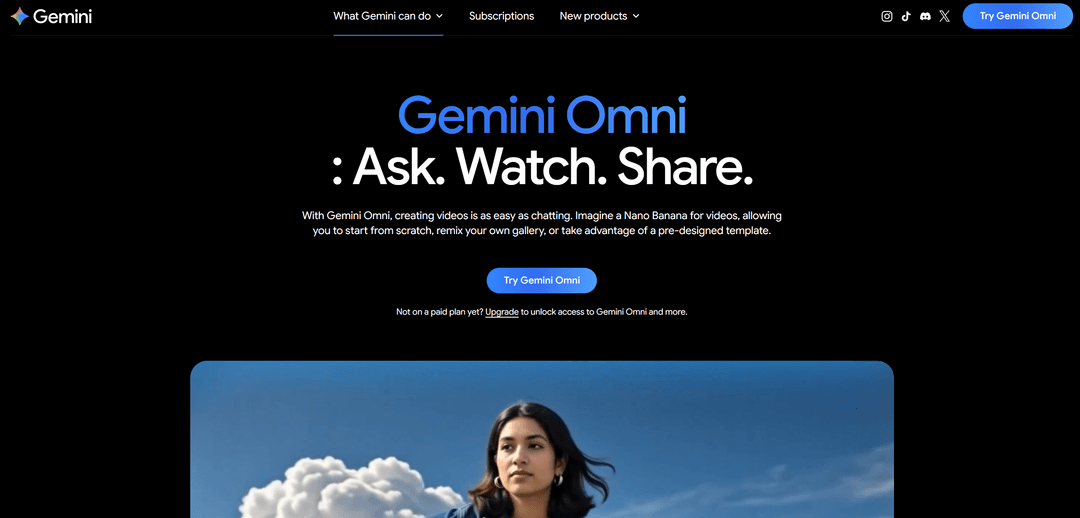
Gemini Omni Flash is Google's newest release, replacing Veo 3.1 inside Gemini. What sets it apart is editing through ordinary conversation. Once a clip is ready, you type "make the background evening" into the chat, and the model touches only the background, without disturbing the motion in the shot.
You don't have to rerun the whole scene for every small tweak, which saves both time and money. Clip length reaches ten seconds, resolution ranges from 1080p to 4K, and sound and dialogue are generated together with the character's lip movement. Style is set with five reference images. As for limits — everything lives in Google's cloud, and there's no way to export layers into Nuke or another editing suite.
AI Tools for Social Media Content
The rules here are different. A clip needs to come together fast, assemble with minimal fuss, and grab attention in the first second — polished cinematography is more of a liability than an asset. The services below are built exactly for that pace.
Pika (Pika Labs)
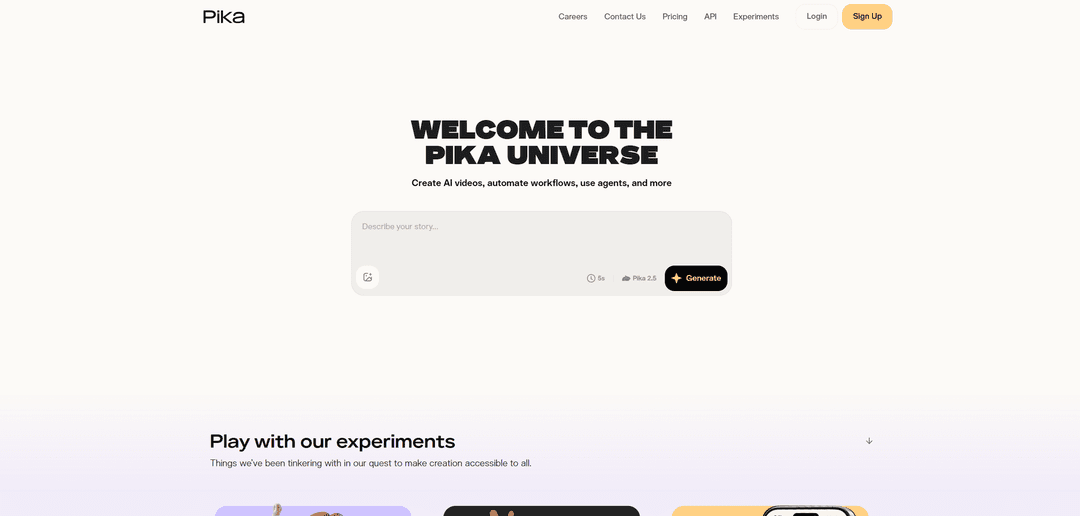
Pika 3.0 isn't chasing realism — it's chasing material physics and eye-catching distortions. An object in a shot can be melted, inflated into a balloon, or turned into a cake that instantly gets sliced — a set of effects like these is ready-made and switched on with a button.
Swapping objects works right in the middle of motion. Point at a jacket on a passerby, ask for knight's armor instead, and the metal picks up the right highlights and weight. Lip sync isn't limited to the mouth — eyebrows and cheekbones move too. What it can't do is text: writing in a moving shot dissolves into an unreadable mess. Paid access starts around $8 a month.
Hailuo
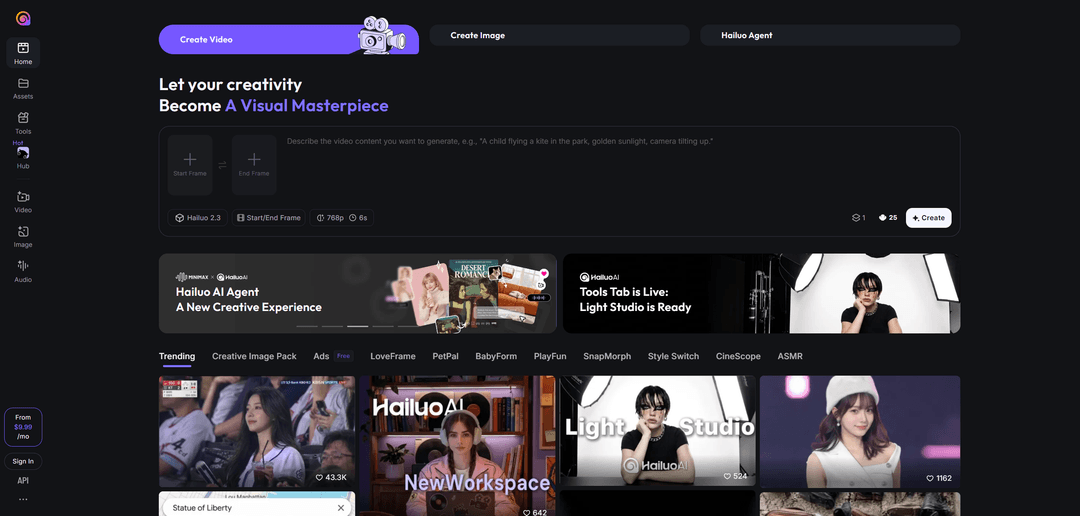
You don't expect this kind of physics at this price, but Hailuo has it. Water behaves like water, fabric behaves like fabric, hair doesn't turn into a single slab, and falling objects fall convincingly. Landscapes and elemental effects come out clean in short scenes.
People are harder for the service. A face drifts during motion, and if there are two or three people in frame, the scene falls apart. Camera control is thin — there's barely any of it. Still, it's a solid entry point into AI video — after signing up, you get free generations, and the paid tier costs around $10.
Luma Dream Machine
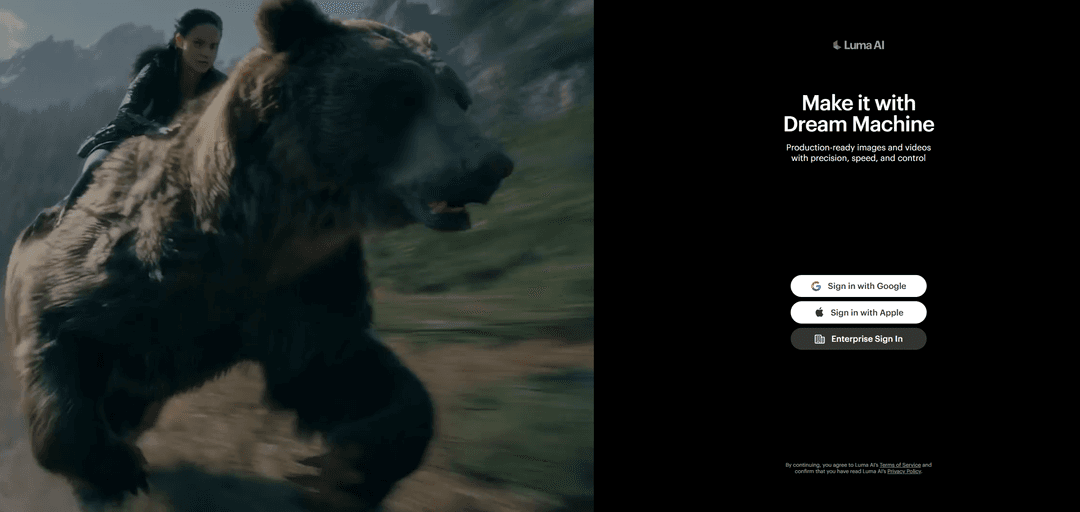
Light is what people come to Luma for. The model arranges light sources, highlights, and volumetric shadows more convincingly than most peers in its class, giving a shot mood, not just illumination. It puts together complex scenes fast, and it's especially good with abstract visuals, architecture, and product shots.
Live people, though, come out weaker in Luma — anatomy gets strange, and a character doesn't stay consistent between scenes. By the ten-to-fifteen-second mark, the image noticeably loses quality, so longer episodes are better handed off to another service.
Grok Imagine

xAI's Grok Imagine is built for people who don't want to wait in a render queue. Its fast mode produces six seconds of video in about twenty-five seconds, with sound calculated at the same time as the picture — ask for a car drifting on wet asphalt, and the tire screech and rain noise land in sync on their own.
You can queue up batches of generations and check several angles in parallel. The model holds a character's gaze steady, so eyes don't drift the way they do in weaker tools. Clip length reaches fifteen seconds, at 720p or 1080p. The service stumbles on busy scenes with many objects interacting with each other, and it doesn't offer many frame formats either.
Alternative Generators and New Open-Source Standards
This section covers tools for two situations — when you need to keep the whole process in-house, and when you want to try different models without signing up for each one separately.
Wan AI (Wan Video)
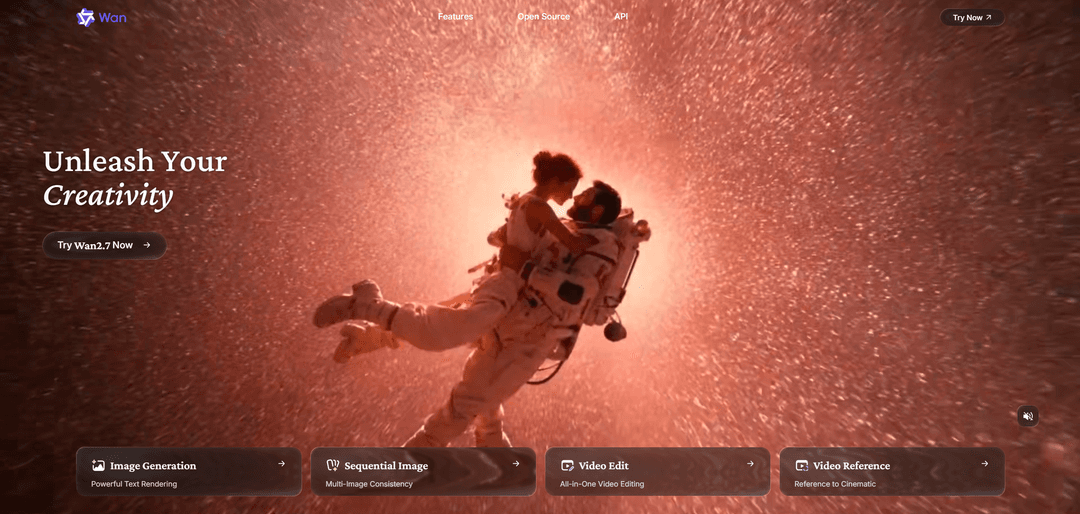
Alibaba's researchers released Wan 2.7 with open weights under the Apache 2.0 license. For a studio, that means the model can run on your own hardware, freeing you from cloud limits, and be fine-tuned on your brand guide through LoRA so the output is recognizably yours.
Technically, the model outputs 1080p footage up to fifteen seconds long and can fill in motion between two given frames without turning the transition into a mess. If a prompt lays out a chain of three or more actions, a mode kicks in where the model plans out the sequence first. The catch is a heavy one — running the 14-billion-parameter version in high resolution needs a server cluster; a home GPU won't manage it.
WaveSpeed AI
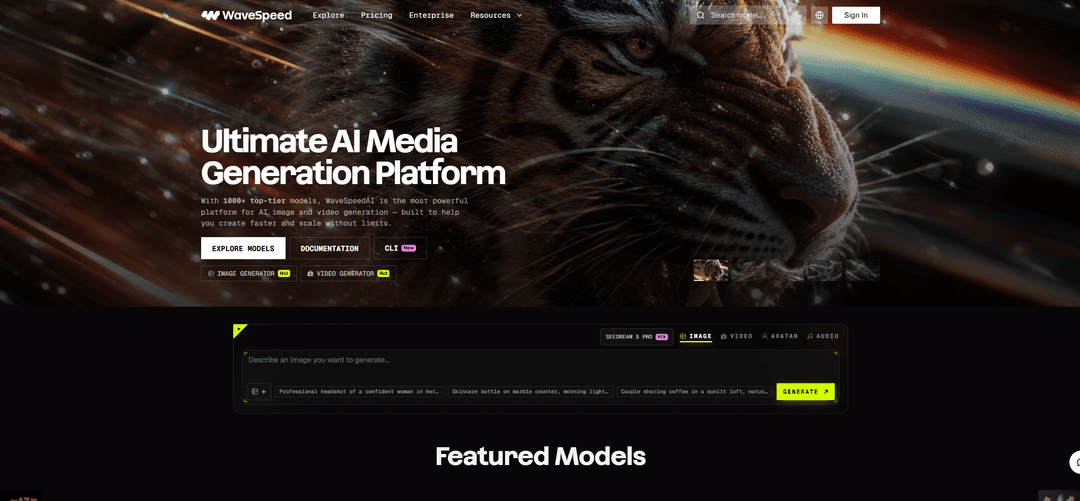
WaveSpeed AI doesn't generate anything itself — it's a layer that gives you access to hundreds of other AI models at once. The same request goes out to several engines, you see which result is best, and you skip signing up for five subscriptions or jumping between tabs.
LTX Studio

Lightricks' LTX Studio isn't just a prompt box anymore — it's a full editing workstation. Upload a script, and the platform breaks it into scenes and decides on its own where a close-up belongs and where a wide shot does, producing a finished storyboard. Its Elements module makes sure a character's face, clothing, and props stay consistent across dozens of episodes.
The most useful feature here is targeted revision. Don't like the color of a car in the background? The system repaints just that, leaving the scene's physics and timing untouched. Output comes in 4K at up to fifty frames per second with a wide dynamic range, leaving a colorist room to work. The one real obstacle is an interface packed with nodes and parameters, which is tough to pick up without video production experience.
Genmo AI and Pixverse
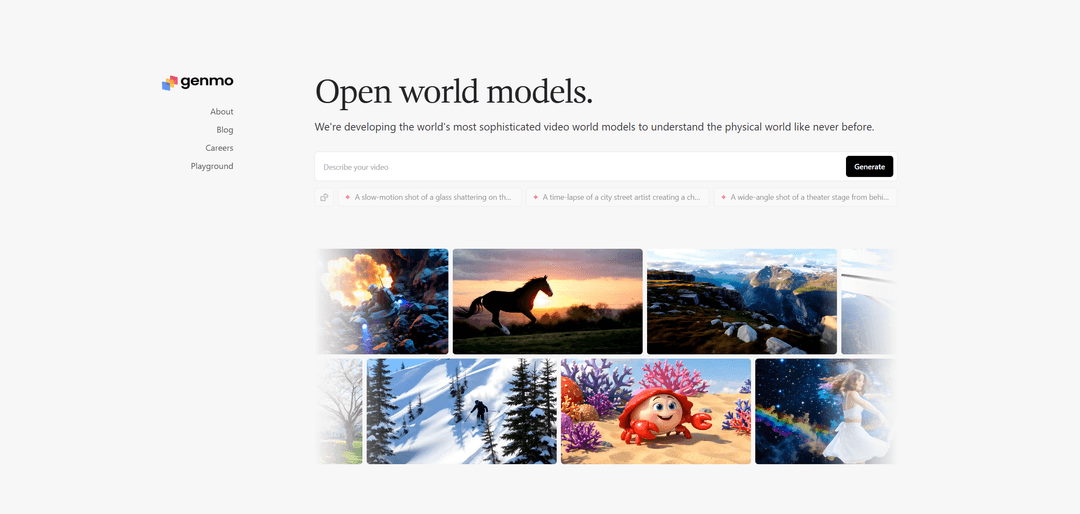
Genmo AI is handy when you want to quickly experiment with motion settings. It works from both text and images, lets you adjust how actively an object moves in the shot, and offers seven aspect ratios to choose from. The free tier lasts a long time, clips are short — up to six seconds — and the model understands English prompts more precisely than Russian ones. The paid tier costs around $10 a month.
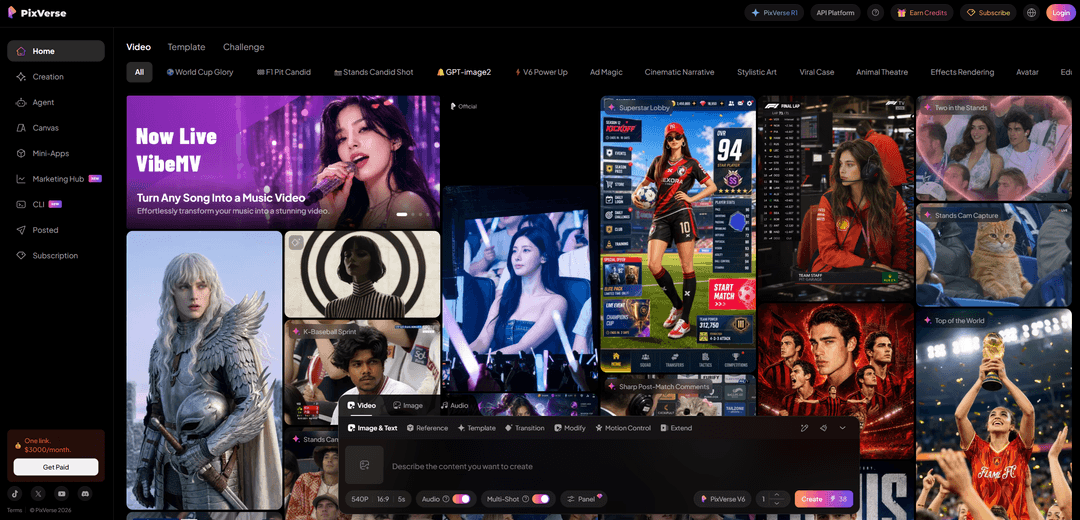
Pixverse wins on speed and price. A finished clip arrives in thirty seconds to a minute, length reaches fifteen seconds, and it offers first-and-last-frame locking, lip sync, and a set of templates for viral formats. A character stays recognizable across scenes, which makes the service good for serialized posting. It's not built for a long narrative or broadcast-quality output. There's a free tier, and paid ones start around $10.
Stable Video Diffusion
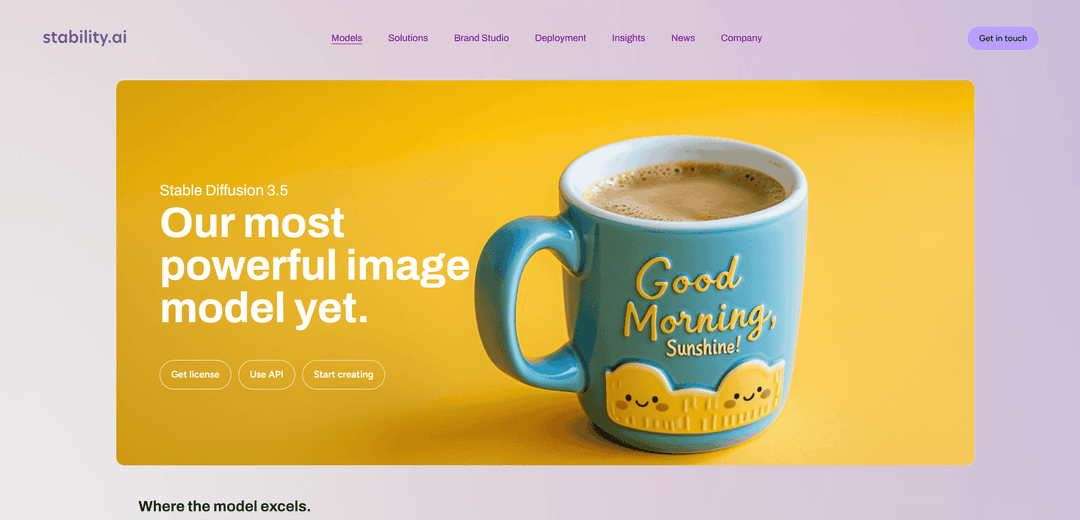
Stable Video Diffusion is an open model from the creators of Stable Diffusion. Its distinguishing feature is how it handles spatial detail. The model renders an object from the side, from above, and from below convincingly enough, which makes it useful for product demos.
The service follows a "frame first, then animation" approach — you pick one of several image variants, then set the camera's position and tilt. There are plenty of limits — prompts are English-only, clips are short, only one aspect ratio is available, and some features are still experimental.
Specialized AI Tools
These services solve one narrow task, but they do it better than the general-purpose generators.
Hedra
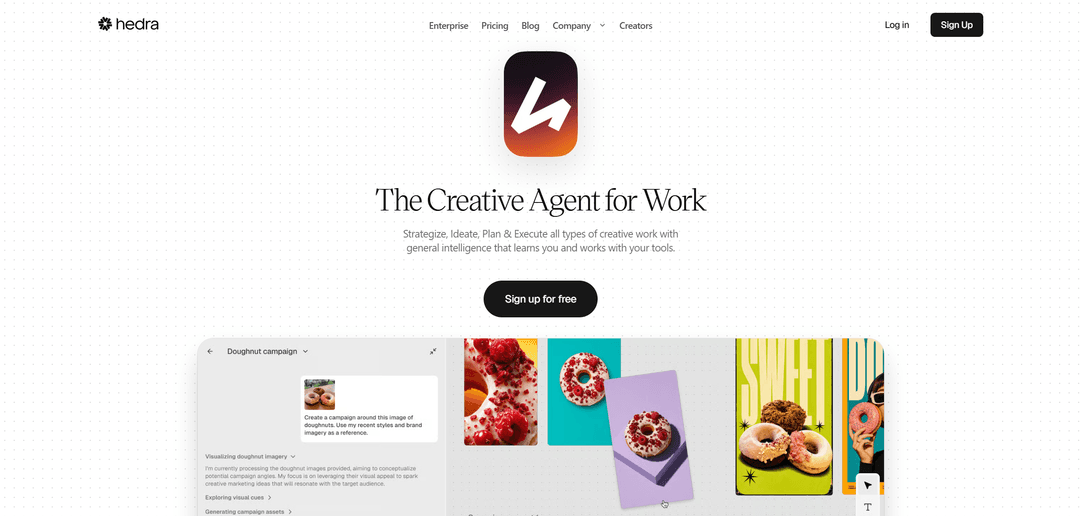
Hedra does exactly one thing, but it does it better than most competitors. The service brings a face in a still image to life and makes it talk. The source can be an ordinary photo of a person or an illustrated character, and the speech comes from either an audio file or typed text.
Lip sync here is among the most accurate on the market — the mouth moves naturally, and the face stays lively. That's exactly why it fits corporate presentations, online course lessons, and news anchor segments. Step outside a close-up talking head, though, and the model becomes useless.
HeyGen
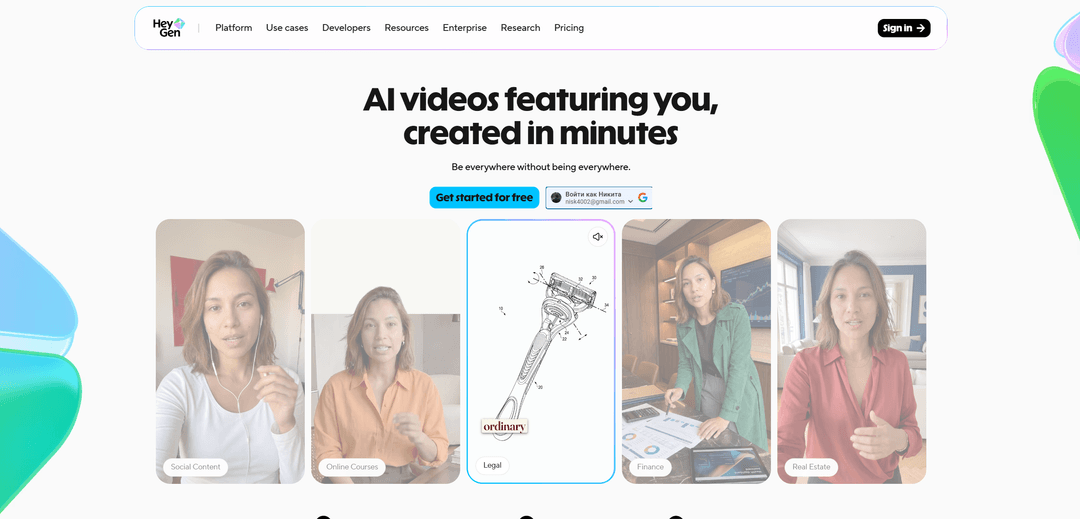
HeyGen offers a catalog of ready-made virtual presenters — hand one a script, and it produces a narrated clip. You can drop in logos, icons, stickers, and your own images, and the final file comes out clean, with no watermark laid over the footage.
Free access lets you pick a character from a decent list but cuts the runtime short. On the downside — the editor is thin, every edit saves as a separate project instead of updating the current one, and avatar facial expressions still give away their artificial origin. The subscription here costs noticeably more than others in this roundup.
Lumen5
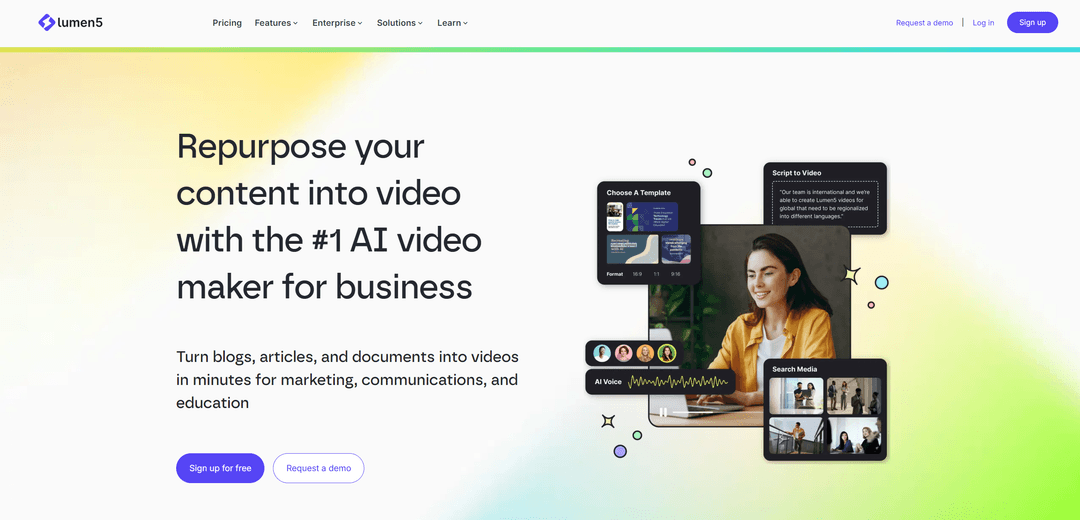
Lumen5 assembles a marketing video up to two minutes long from stock footage based on your description. The service writes the script from your prompt, picks the shots, and adds voiceover and subtitles, and it supports Russian both in the prompt and in the narration.
The tool fits situations where you need to visualize an idea quickly with no editing skills. It's worth understanding the limit — Lumen5 doesn't generate unique video; it assembles already-published stock footage, which doesn't always match the prompt precisely. The free tier gives five clips a month, and the paid tier starts around $19.
Fliki and Flexclip

Fliki turns a single line of description into a finished clip with narration, captions, and matching footage. The service handles scene transitions itself, so the result comes out as a connected story rather than a stack of stitched-together pieces. Projects stay in your account, so you can come back to edit them later. There are two limitations — templates are limited, and you're stuck working within the one you pick, and Fliki doesn't draw its own shots; it pulls them from stock libraries.
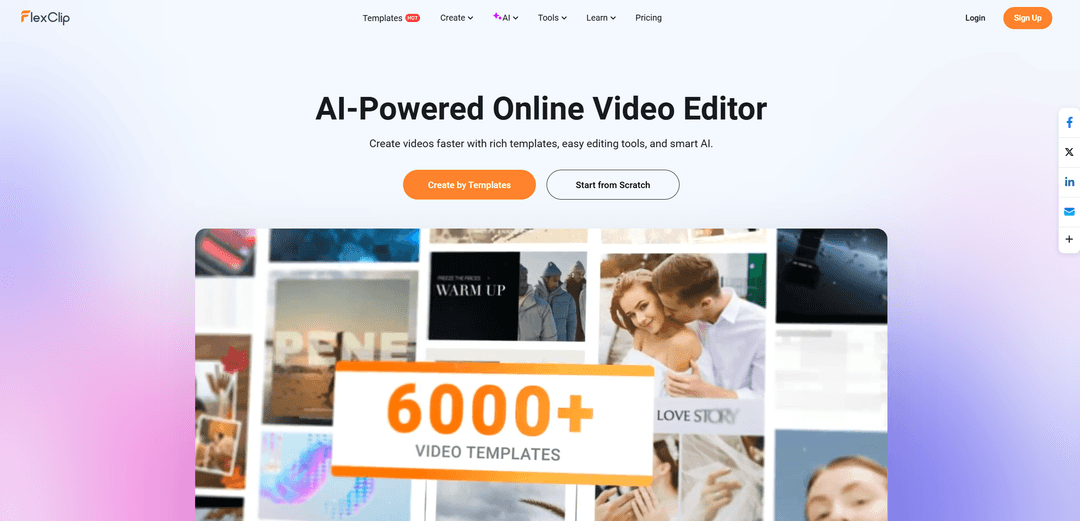
Flexclip leans closer to an editor with an AI assistant, aimed at marketers and social media managers. It offers two dozen themed template categories plus tools for text and logos. Runtime-wise, the free tier is generous, up to ten minutes, though with a watermark on the footage. Its main weakness shows up in sourcing material — the system searches stock footage by keyword without accounting for the clip's format, and there's no way to manually swap out a shot that doesn't fit.
Takeaways
There's no universal AI video model, and that's fine — every model covers its own niche. Match the tool to the task, not to an overall ranking.
One tip on generating: don't jump straight to the final render. Generate draft versions in low resolution first, lock in the result you like, and only then send the scene off for the final 4K pass. This cuts cloud rendering costs significantly.
How to Write a Good Prompt
Most failed generations come down to the prompt, not the model. Here are three rules that give predictable results.
Don't Overload It with Detail
Start simple. If you need a frog flying through the sky, just say that — extra objects, background elements, and set dressing only confuse the model, and the shot falls apart.
Build layered scenes in two steps. Generate the illustration first, then send it off for animation — that way you control the composition instead of hoping for luck.
The "Big to Small" Principle
Build the prompt top-down — start with the central subject, then its action, then the setting, camera, and light. The model pays the most attention to words at the start of a prompt, so put the critical action in the first phrase and push the background description to the end.
Technical parameters are better written in English, even if you're describing the creative part in Russian. Models understand cinematography terms and distinguish between lenses — 35mm gives a wide angle, while 85mm produces a nice background blur. Run a finished prompt through several times, refining the wording on free services.
Don't Overcomplicate It
Describe actions with short verbs. The model will understand "fly," but "soar through the sky, moving rapidly to the northwest" won't land, because it struggles to parse participles, gerunds, and nouns standing in for verbs.
Assign one action per episode. Ask a character to walk into a house, pour coffee, sit at the table, and fall asleep, and the model will blend all of it into a jumbled set of shots. Watch the logic of the description itself too — phrasing like "solid liquid metal" stumps the model, and the image falls apart after it.
How to Pay for AI Video Generators with Cryptocurrency
None of the services in this roundup accept cryptocurrency directly. Veo, Runway, Kling, and the rest only take bank cards, occasionally PayPal, and there's no way to link a wallet holding USDT or bitcoin to a subscription. For a crypto holder, that means an extra chain of steps — sell the coins on an exchange, cash out into regular money, wait for it to land, and lose something to the rate and fees at every stage.
The second problem is that video work rarely stops at one subscription. Ads call for Veo or Sora, social content for Pika or Hailuo, avatars for HeyGen, and by the end of the month you've racked up several payments across different services. Each one needs a card that international acquiring will actually accept.
A crypto-funded virtual card solves both problems. Mirocard issues Visa and Mastercard cards that you top up with crypto, while the service sees an ordinary international card and charges the subscription as usual. The card built for paying subscriptions fits recurring payments — it costs $10 to issue, and the top-up fee is 4%. One card covers every service in this roundup at once, and you can fund it from a wallet or exchange in a few minutes.
If you want to get a card, we've put together a detailed guide in a separate article.